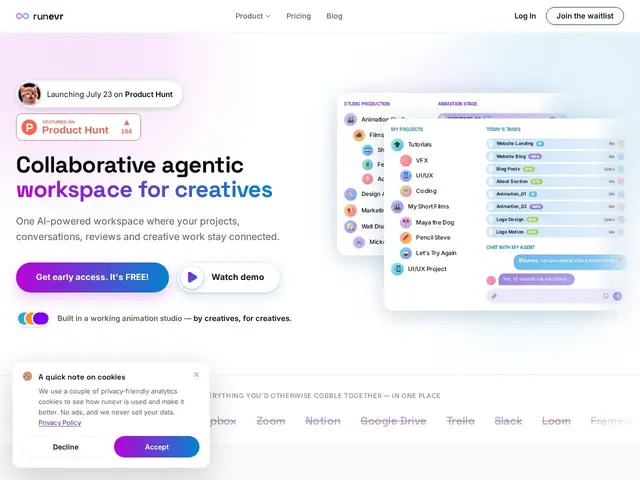
One shared workspace for creative teams — instead of bouncing between Slack, Google Drive, Frame.io and a project tracker, RunEvr puts chat, file review, screen recordings and even AI teammates in the same 'room' as the project itself.
runevr.com
54 tools found
One shared workspace for creative teams — instead of bouncing between Slack, Google Drive, Frame.io and a project tracker, RunEvr puts chat, file review, screen recordings and even AI teammates in the same 'room' as the project itself.
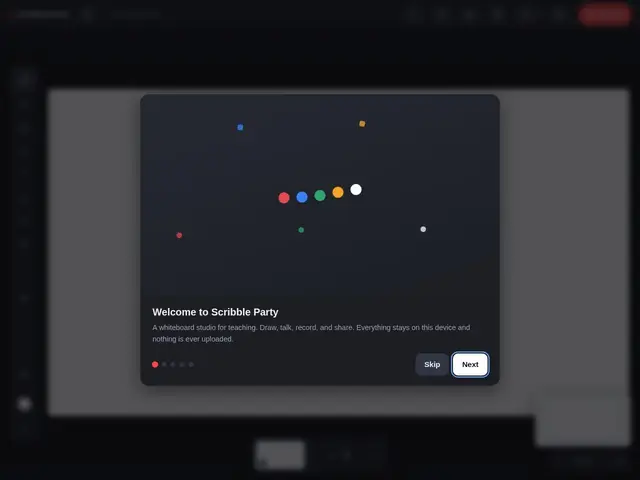
A whiteboard you can draw on and record yourself explaining something over, right in your browser — like filming a lesson on a real whiteboard, except nothing ever leaves your computer and there's no software to install.
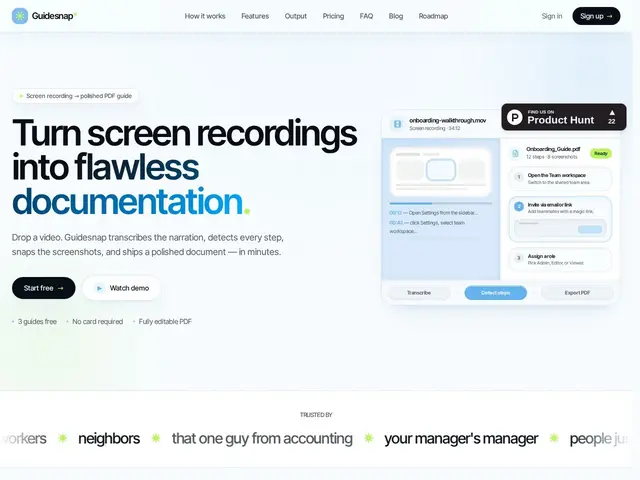
Record yourself doing a task on screen once, and it turns that recording into a polished step-by-step PDF guide automatically — no manually taking screenshots and writing captions.
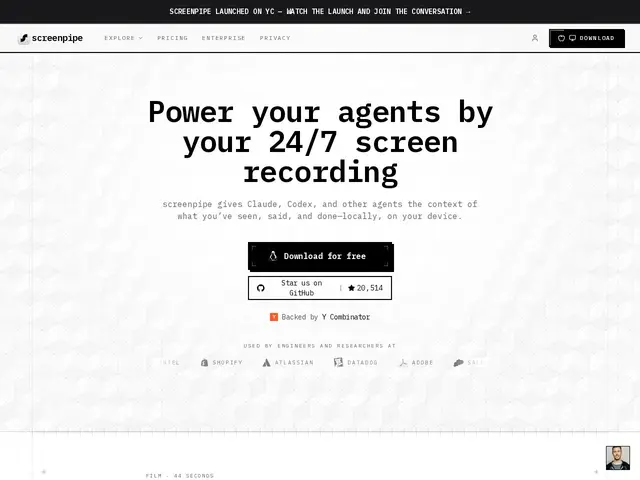
An open-source app that records your screen and audio locally, 24/7, then turns what you actually did into a searchable memory that AI agents can use — like giving an AI assistant a diary of your workday instead of it starting from zero every time.
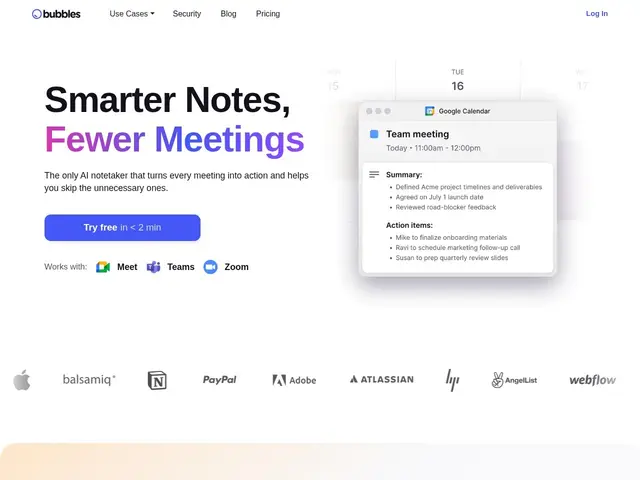
An AI notetaker that joins your calls, writes up the summary and action items, and lets teammates who missed the meeting leave a video comment on the exact moment they have a question about.
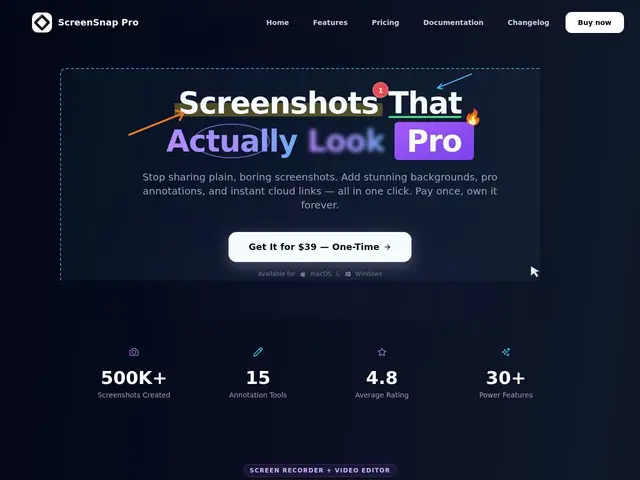
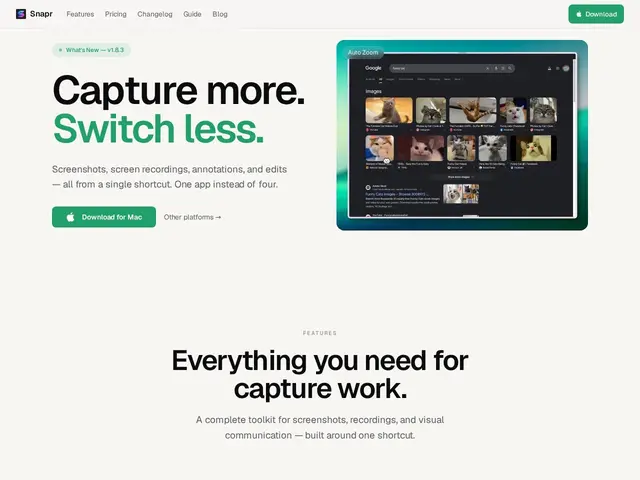
A screenshot and screen-recording app that adds polish — gradients, blur, annotations — automatically, so captures look professional without opening a separate editor.
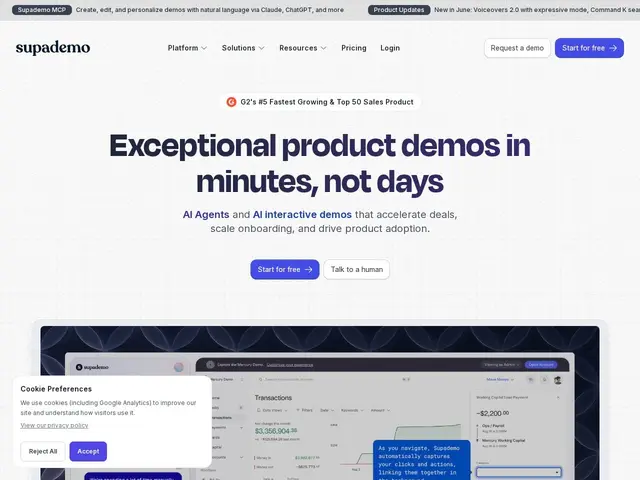
Turns a normal screen recording of your product into a clickable, step-by-step demo that a prospect can click through themselves, instead of watching a static video.
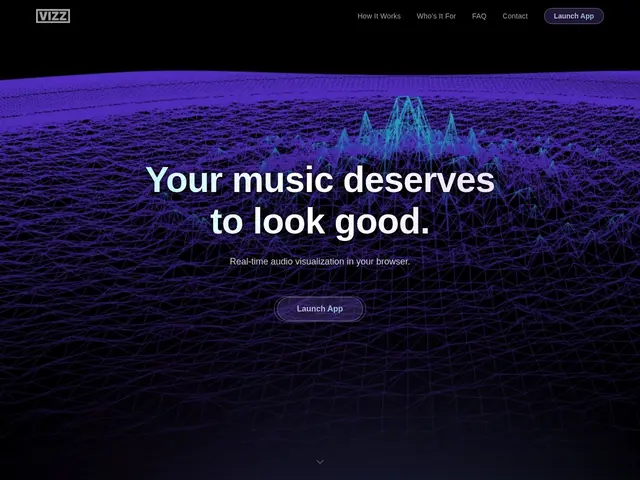
A free website that turns any music or sound — from your microphone, a file, or a streaming app — into moving visuals on screen, no software install needed, useful for livestreams or just watching your music come to life.
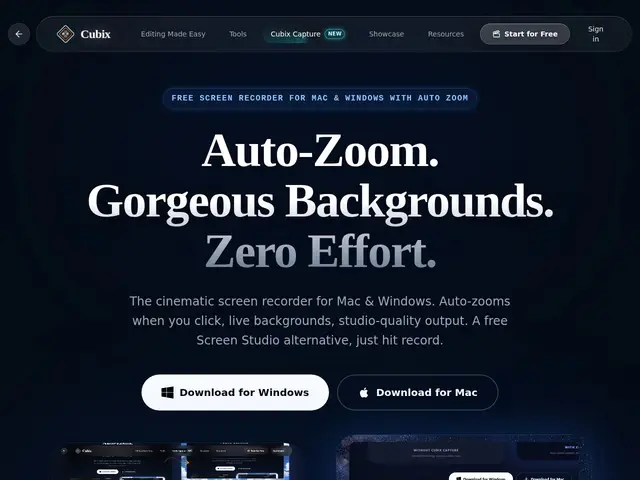
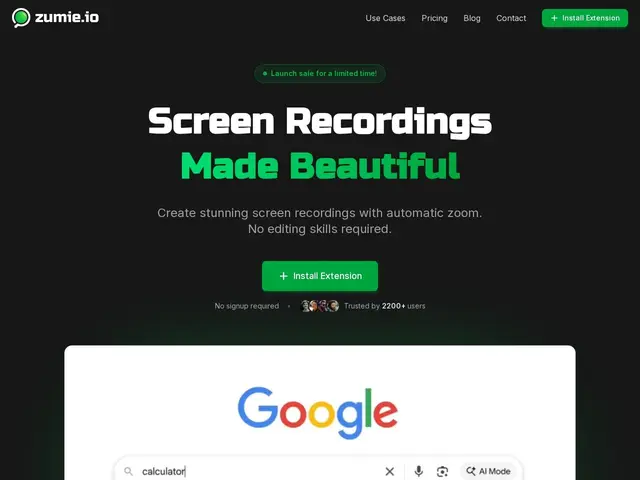
A free screen recorder for Mac and Windows with automatic zoom, live backgrounds, and studio-quality output requiring no post-production editing.
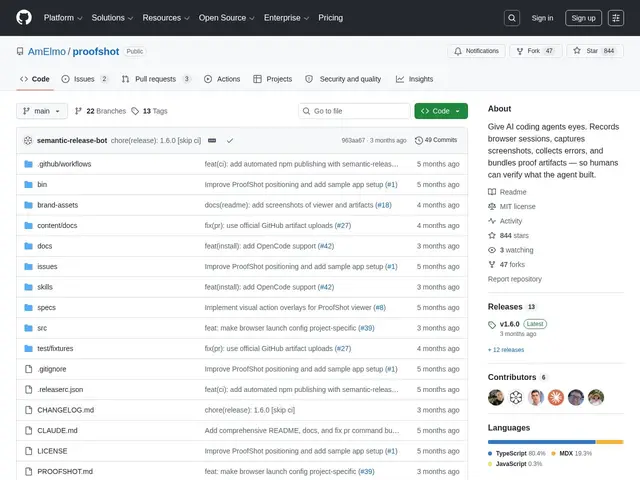
A tool that gives an AI coding assistant a pair of eyes: after it builds a feature, ProofShot opens a real browser, clicks through the feature, and hands you a video and screenshots proving it actually works.
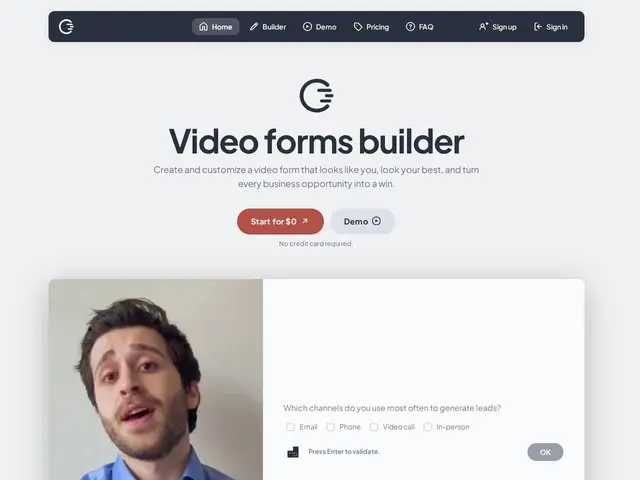
A way to replace a cold email or a boring form with a short video of yourself, for job applications, sales pitches, or freelance proposals — and it tells you afterward exactly who watched, how much of it, and whether they came back for a second look.
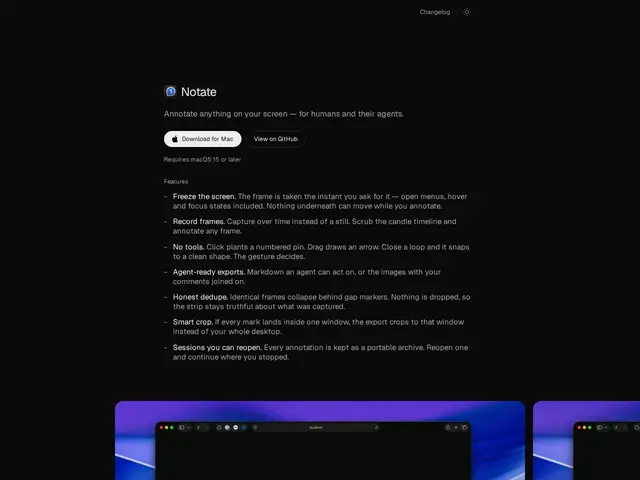
A free, open-source screen annotation tool built for pointing things out — frozen UI states, gesture-based markup, and exports agents can read too.
A Chrome extension that records your screen with automatic zoom on clicks, for polished demos and tutorials without editing — one-time payment, no subscription.
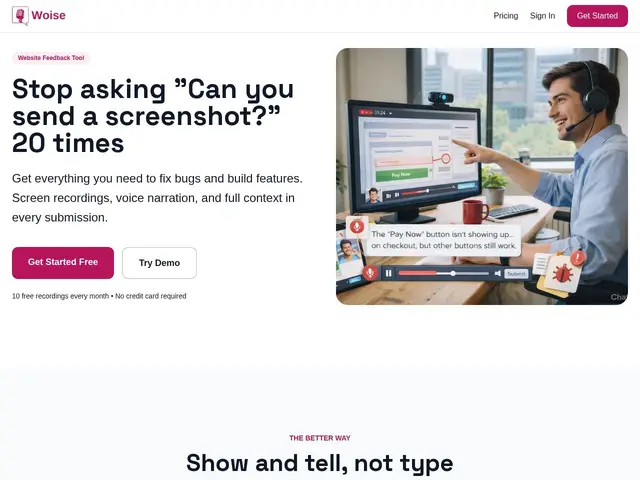
Lets your users show and tell you what's broken by recording their screen and talking through it, instead of trying to type out a bug report in a text box.
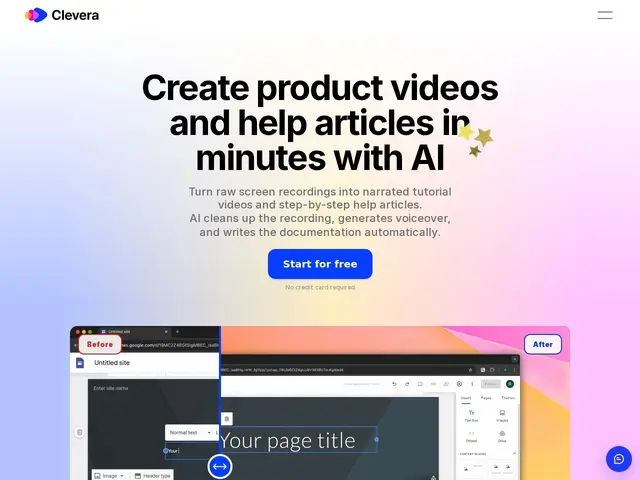
Record your screen once, and this tool turns that recording into a polished tutorial video with a real-sounding voiceover, plus a written step-by-step article — automatically, without you editing either one by hand.
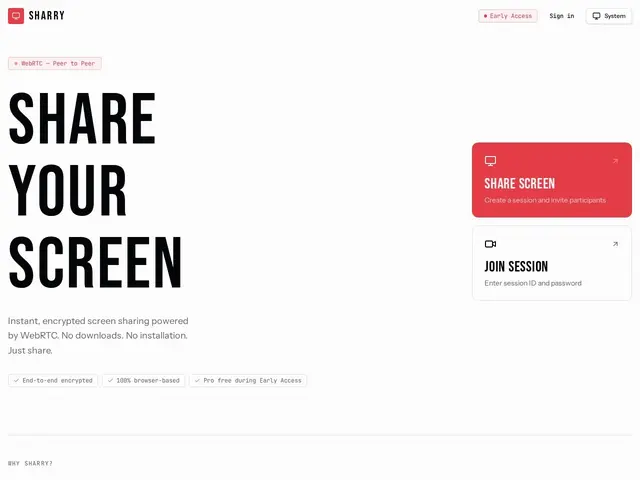
Screen sharing without installing anything — open a browser tab, send someone a session link, and they see your screen, encrypted end-to-end, until you close the tab.
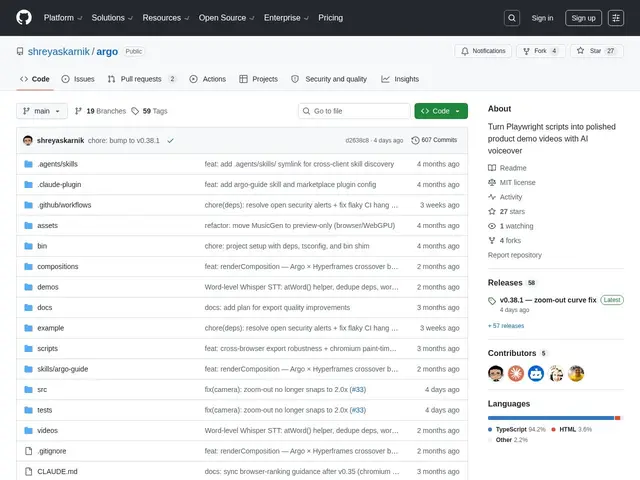
A free, open-source command-line tool that turns a Playwright browser-automation script into a polished product demo video, complete with AI narration.
A macOS/Windows screen capture, recording and video-editing app with 4K 60fps GPU-encoded recording, annotation tools and cinematic effects, free for core capture or $29.75 one-time for Pro.
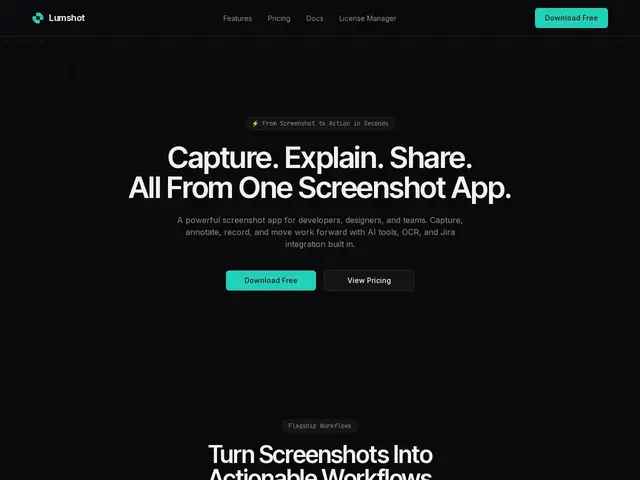
A Windows screenshot app with smart annotation, OCR text extraction and one-click AI paste into ChatGPT, Claude or Cursor, plus native Jira ticket creation, free or $29 one-time for the Pro tier.
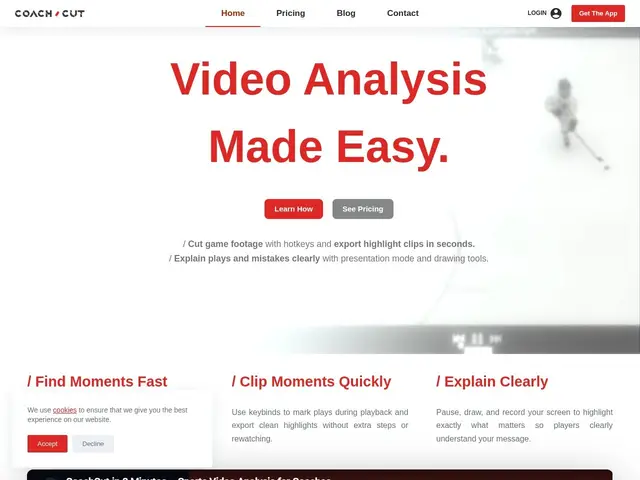
Lets a sports coach turn a full game recording into a handful of labeled, annotated highlight clips in minutes, using hotkeys instead of dragging a timeline.