Argo
A free, open-source command-line tool that turns a Playwright browser-automation script into a polished product demo video, complete with AI narration.
🔗 Visit Argo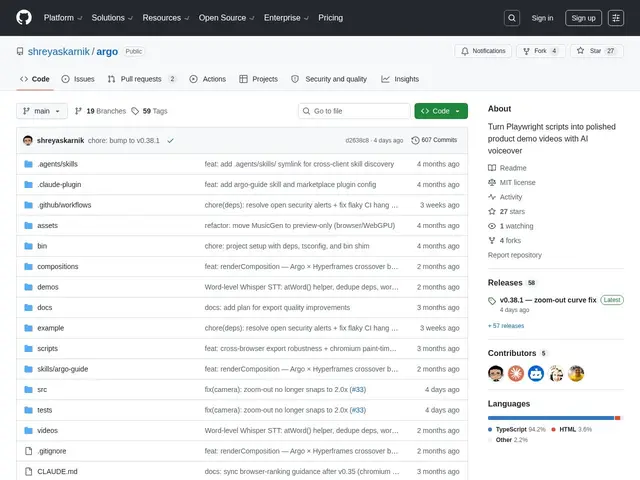
Description
Anyone who's had to re-record a product demo every time the UI changes knows how tedious it gets. Argo automates that by reusing something many dev teams already have: Playwright test scripts. Point it at one, and it drives the browser, captures the screens, and stitches together a finished demo video with an AI voiceover explaining what's happening — no screen recording or narration required.
It supports 12+ customizable overlay blocks for on-screen annotations, several scene transitions (fade, dissolve, wipe, shader effects), multiple export formats (16:9, 1:1, 9:16, GIF), and voice cloning via local MLX audio processing for Mac users. It's free and MIT-licensed, requires Node.js 18+ and ffmpeg to run, and includes a browser-based preview dashboard for reviewing the output before export.
💬 Our review
The short version: if your team already writes Playwright tests, this is a genuinely clever way to get a demo video almost for free — it's a young project with modest traction, so expect some rough edges rather than Loom-level polish.
Against Loom or Descript (manual screen recording, much larger user base, more editing depth) or Synthesia (AI avatars but no code-driven automation), Argo's specific niche is reusing existing test automation as the source of truth for demo content — genuinely useful if your product changes often and demos go stale fast. With only 27 GitHub stars, it's clearly early-stage: expect to debug some setup friction (Node.js and ffmpeg dependencies) and don't count on a large community for support. For a dev team already invested in Playwright, it's worth a try since it's free; for anyone without existing browser-automation scripts, the setup cost isn't worth it versus just recording a screen capture.
💰 Pricing
📊 Global score
🤖 AI-enriched data
Entièrement gratuit, licence MIT. Nécessite Node.js 18+ et ffmpeg installés localement.
Pros
Réutilise directement les scripts Playwright existants comme source de la démo
Entièrement gratuit et open source (MIT)
12+ blocs d'overlay et clonage vocal local via MLX
Cons
Projet jeune, traction GitHub modeste (27 étoiles)
Nécessite des dépendances système (Node.js, ffmpeg)
Cas d'usage niche : utile seulement si des scripts Playwright existent déjà