Cubix Capture
A free screen recorder for Mac and Windows with automatic zoom, live backgrounds, and studio-quality output requiring no post-production editing.
🔗 Visit Cubix Capture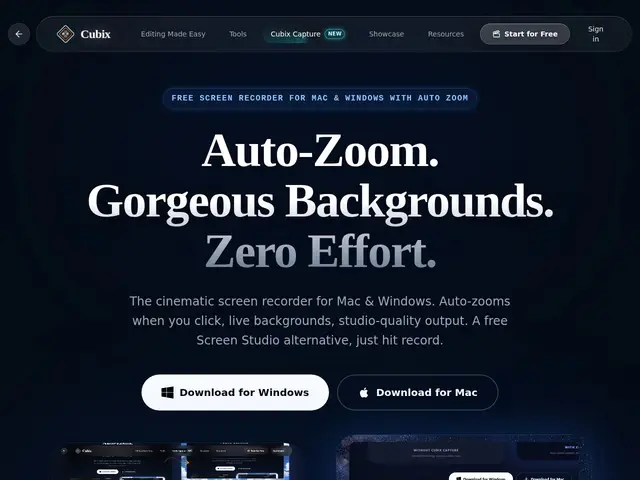
Description
Making a polished screen-recording video — the kind you see in product demos or tutorials — usually means recording once, then spending real time in an editor adding zoom-ins on the important parts and cleaning up a jumpy cursor. Cubix Capture does that zoom and cursor smoothing automatically while you record, so what comes out the other end is close to a finished video the moment you stop.
Cubix Capture records screen, audio, webcam and system sound simultaneously while applying automatic cinematic zoom on clicks, polished live/gradient/textured/solid backgrounds, and cursor smoothing — all without a timeline-editing step. It supports 60fps HD and 4K recording, instant cloud export with shareable links, clip splicing, sensitive-information blurring, and cursor customization. Exports are watermark-free from the Pro tier up, and it runs on both Intel/Apple Silicon Macs and Windows 10/11.
💬 Our review
The short version: Cubix Capture is the budget, cross-platform pick in this category — it replicates Screen Studio's signature automatic-zoom trick but also runs on Windows and undercuts it heavily on price.
Screen Studio is the category benchmark at $89 but is Mac-only; Cubix Capture matches the core pitch (automatic zoom, no manual editing needed) at a fraction of the cost, with a $49 lifetime option that's the standout value if the output quality matches your expectations. Camtasia and ScreenFlow are full manual timeline editors — more powerful and flexible, but they require you to actually sit down and edit, which is the exact step Cubix Capture is designed to skip. As a newer challenger to Screen Studio, it's worth testing the free 720p/2-minute tier first to confirm the automatic zoom quality holds up before paying.
💰 Pricing
📊 Global score
🤖 AI-enriched data
Starter (Free): 720p recording, up to 2 minutes. Creator $6.99/month (unlimited recordings, no watermark). Pro $14.99/month (4K@60fps, unlimited duration, all features, priority support). Lifetime $49 one-time (all Pro features plus future updates).
Pros
Automatic click-zoom and cursor smoothing eliminate manual editing
Works on both Mac (Intel + Apple Silicon) and Windows — Screen Studio is Mac-only
4K@60fps recording capability
One-time $49 lifetime purchase option
Instant cloud export with shareable links, no watermark on paid tiers
Cons
Free tier capped at 720p and 2-minute recordings
Positioned explicitly as a Screen Studio alternative — feature parity isn't guaranteed to be complete
Unlimited recording requires a subscription unless you buy the lifetime deal