Scribble Party
A whiteboard you can draw on and record yourself explaining something over, right in your browser — like filming a lesson on a real whiteboard, except nothing ever leaves your computer and there's no software to install.
🔗 Visit Scribble Party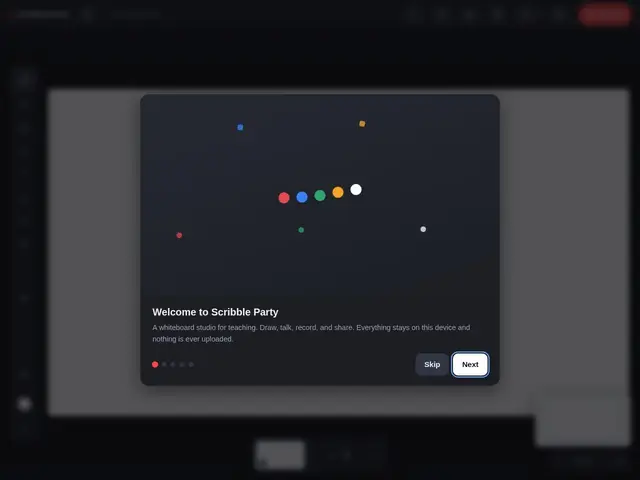
Description
Teachers and tutors who want to record a whiteboard-style lesson usually need either physical recording equipment or a paid screen-recording app plus a separate drawing tool. Scribble Party collapses that into one free, local browser tool.
Scribble Party is a browser-based whiteboard studio built for creating and recording lessons: draw on a digital whiteboard, record yourself explaining it with background removal so you can appear over your drawing, and export the result — all running locally in the browser as a progressive web app with offline capability, meaning nothing is ever uploaded to a server. It's aimed specifically at educators recording teaching content rather than general design or brainstorming use. Pricing isn't disclosed on the site.
💬 Our review
The short version: if you're a teacher or tutor who wants to record whiteboard-style explainer videos without buying software or worrying about where your recordings get uploaded, Scribble Party is a free, no-install way to do exactly that.
The local-first, nothing-uploaded design is the actual selling point versus Loom or Explain Everything, both of which route your recording through their servers by default. That privacy guarantee comes at the cost of features those tools have that Scribble Party doesn't appear to: cloud sync across devices, team sharing links, or real-time multi-user collaboration. For a solo educator recording a lesson on their own machine, that tradeoff is a non-issue; for a school wanting shared, cloud-backed lesson libraries, it's a real limitation worth checking before committing.
📊 Global score
🤖 AI-enriched data
Prix non affiché publiquement sur le site
Pros
100% local-first — rien n'est jamais envoyé sur un serveur, confidentialité maximale
Aucune installation requise, fonctionne directement dans le navigateur
Suppression d'arrière-plan intégrée pour apparaître par-dessus le tableau
PWA avec capacité hors-ligne
Cons
Prix non communiqué — incertitude sur le modèle économique
Portée volontairement étroite : pensé pour l'enseignement, pas pour la collaboration d'équipe générale
Pas de fonctionnalités collaboratives multi-utilisateurs en temps réel mentionnées
Marché de l'enregistrement pédagogique déjà couvert par Loom et Explain Everything