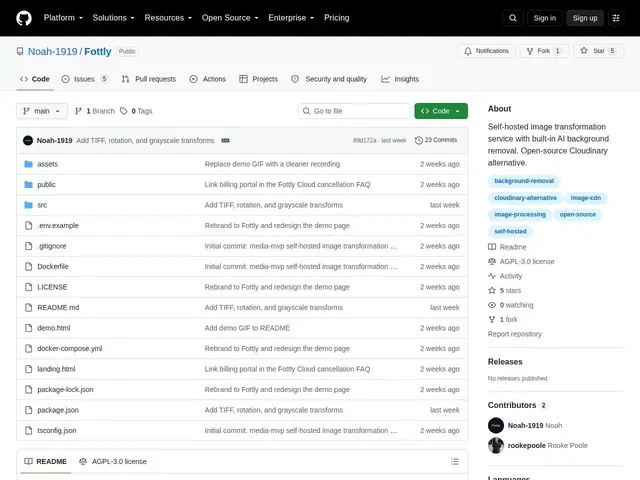
Self-hosted, open-source image processing API with AI background removal — a Cloudinary alternative you run yourself, with URL-based transformations and S3-compatible storage.
github.com
27 tools curated in this category — including Fottly, PNG Binder, Piqt
techFind on mySelectas all sites and tools related to image-editing. This selection of 27 resources is reviewed and maintained by the community. The most popular include Fottly, PNG Binder, Piqt. Each tool comes with a review, tags, comparisons and alternatives to help you make the best choice.
Self-hosted, open-source image processing API with AI background removal — a Cloudinary alternative you run yourself, with URL-based transformations and S3-compatible storage.
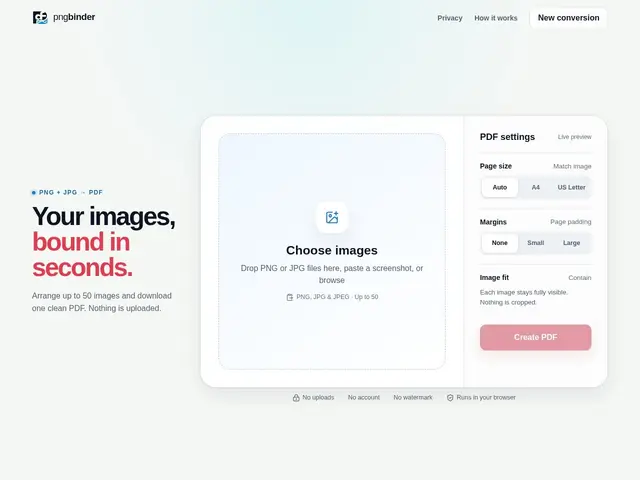
Browser-based tool that combines up to 50 PNG or JPG images into a single PDF document with local processing. No server uploads required, all conversion happens in your browser.
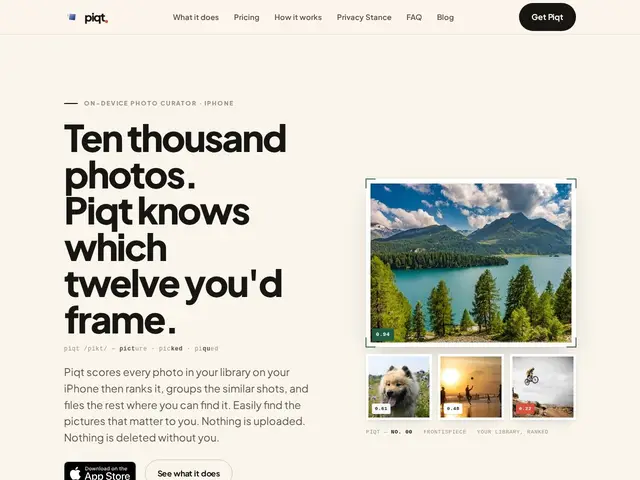
iPhone app that scores and organizes your photo library on-device, finding your best shots and duplicates locally.
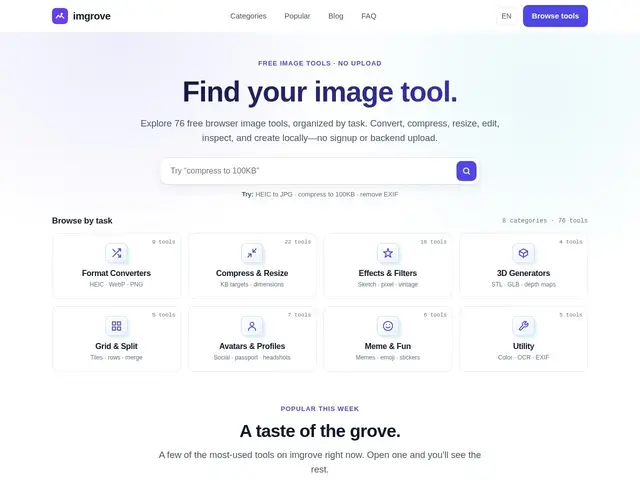
76 free browser-based image tools — convert, compress, resize, and edit images with nothing uploaded to a server.
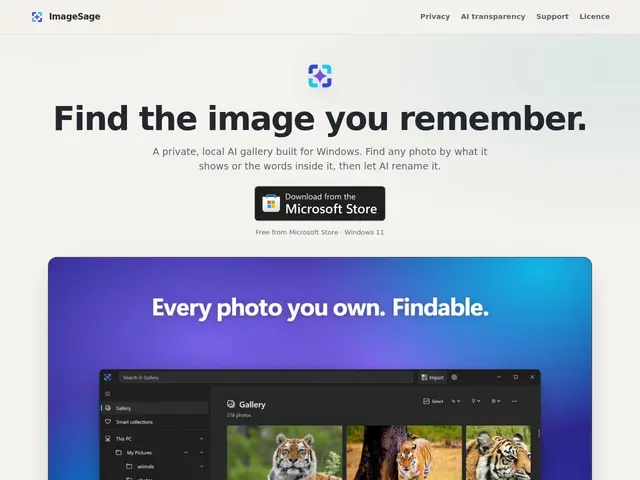
Windows app that finds and renames your screenshots and photos using on-device AI, with no cloud upload or account required.
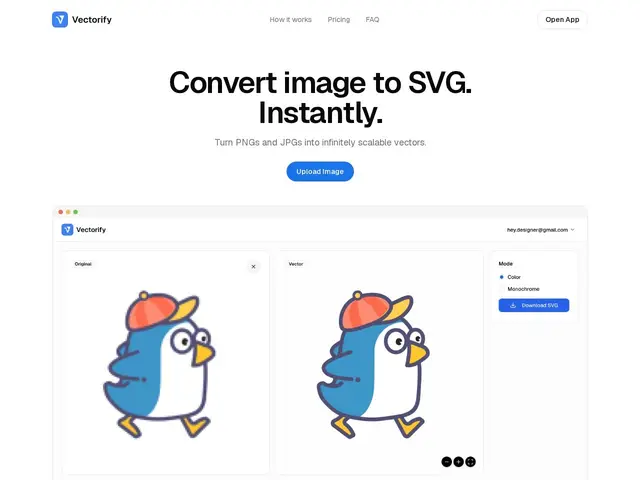
A pay-as-you-go tool that converts PNG/JPG/WEBP images into clean, editable SVG vector files in seconds, no manual tracing needed.
A browser-based image toolbox for converting, compressing, resizing and watermarking photos, including a mode that compresses to an exact target file size instead of a quality slider.
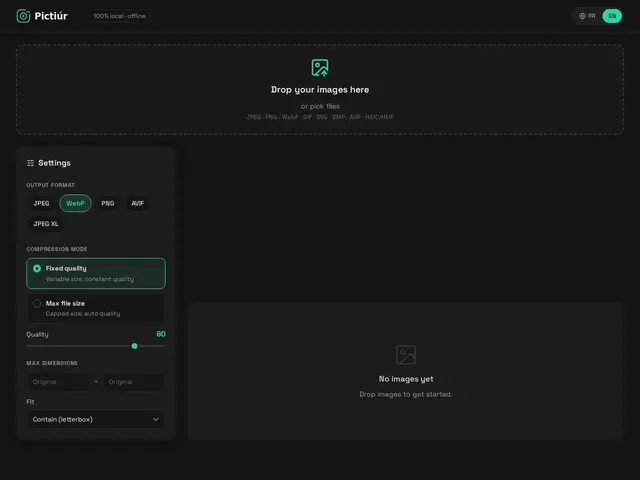
A free, browser-based tool that converts, resizes and compresses images in one pass, processing everything locally so nothing is ever uploaded.
AI video editor that lets you fix footage by describing the change in chat — remove a person, fix eye contact, adjust lighting — and applies it at the pixel level instead of regenerating the whole clip.
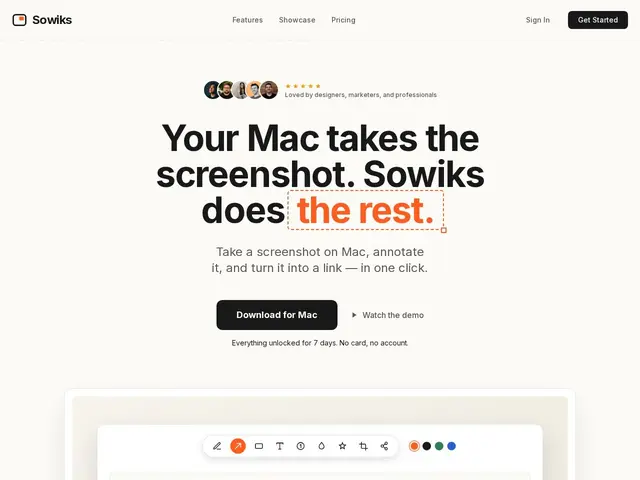
Mac screenshot app with 13 annotation tools, instant shareable links, and video/GIF recording capabilities.
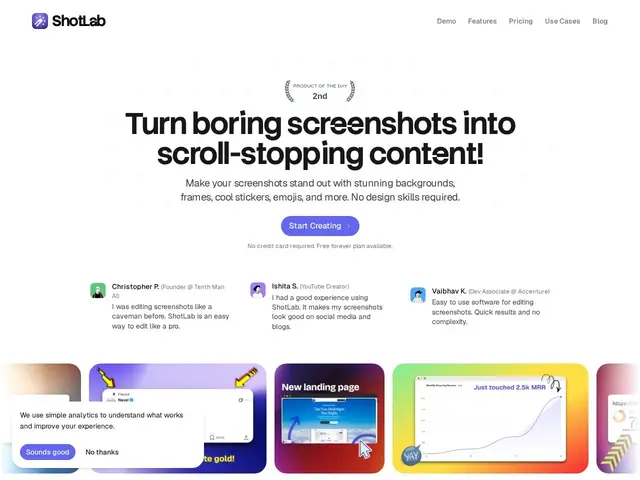
Browser-based screenshot editor that turns plain screenshots into polished visuals with backgrounds, frames, and platform-ready export sizes.
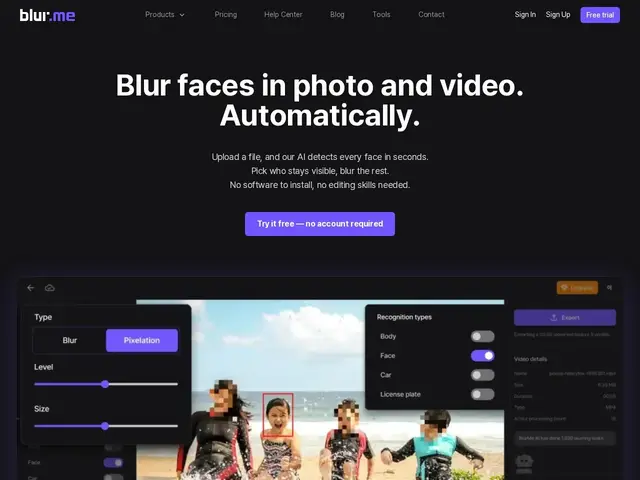
Automatically detects and blurs faces, license plates, and other sensitive objects in photos and videos, so you don't have to mask them frame by frame by hand.
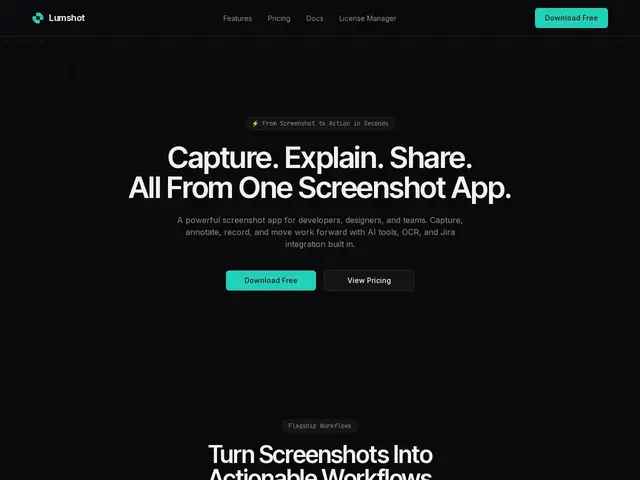
A Windows screenshot app with smart annotation, OCR text extraction and one-click AI paste into ChatGPT, Claude or Cursor, plus native Jira ticket creation, free or $29 one-time for the Pro tier.
Upload a photo of a car parked in your driveway and get back a version that looks like it was shot in a proper studio or a scenic backdrop, so a private seller or small dealer doesn't have to hire a photographer to make a listing look good.
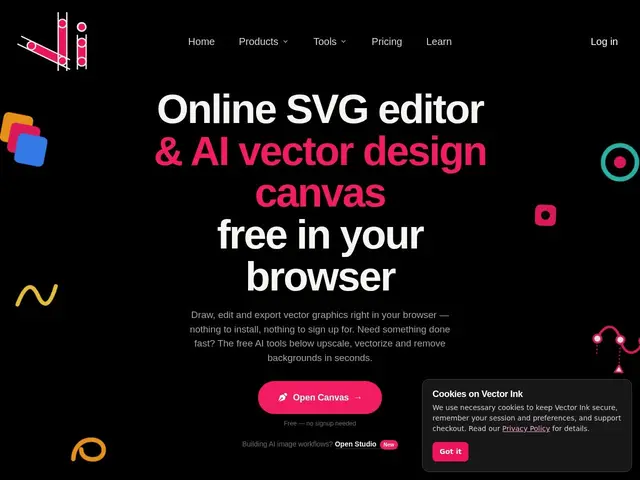
A vector drawing tool that runs entirely in your browser, so you can design a logo or clean up an SVG without installing anything.
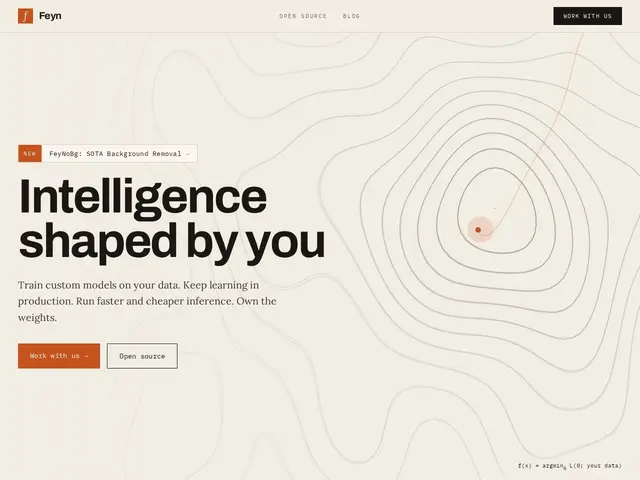
A free, open-source tool that cuts the background out of a photo automatically, keeping tricky edges like hair or fur clean instead of leaving a rough cutout.
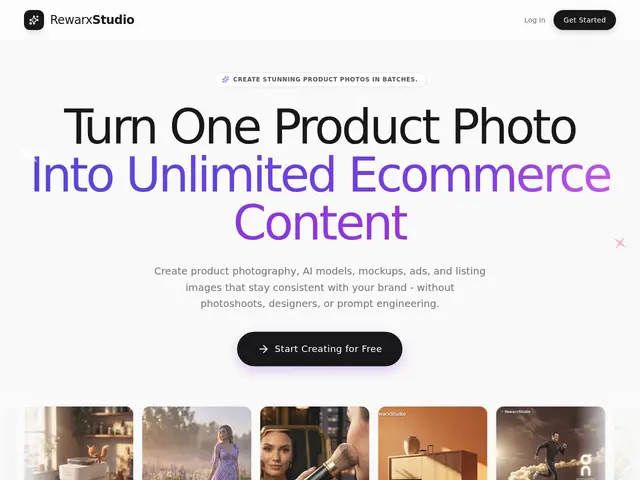
Upload one photo of a product you sell online, and this tool generates professional-looking shots — on a model, in a lifestyle scene, on a mockup — without booking a photographer or studio.
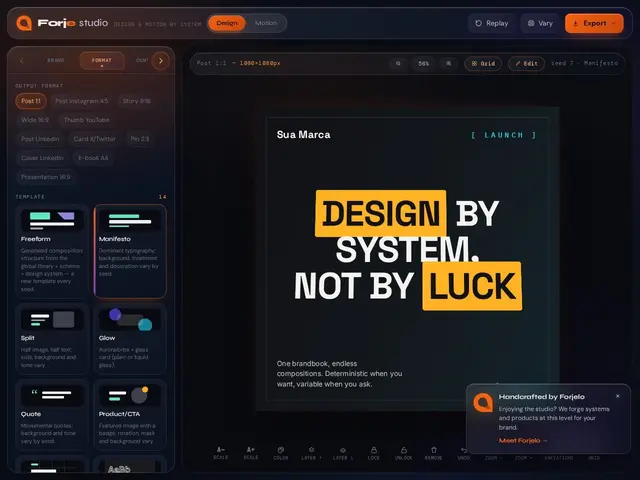
A design tool that lets you build one visual and export it as an image, a PDF, a PowerPoint slide, or a video — without redoing the work for each format.
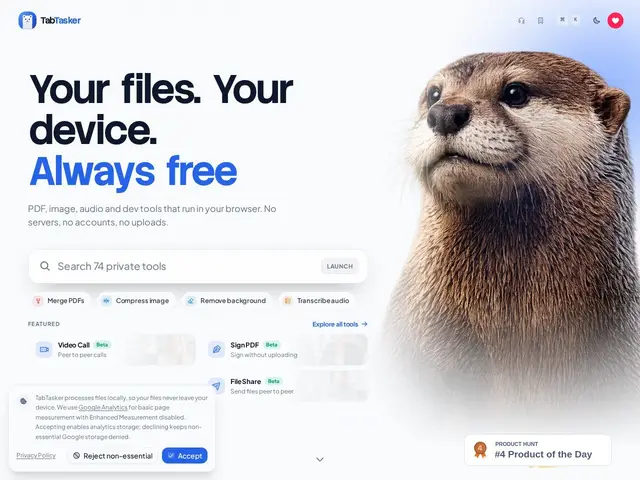
Most free online PDF or image converters make you upload your file to someone else's server, which is a bad idea if the file has anything sensitive in it. TabTasker is a toolbox of 50+ small utilities — merge a PDF, compress a photo, transcribe audio, for
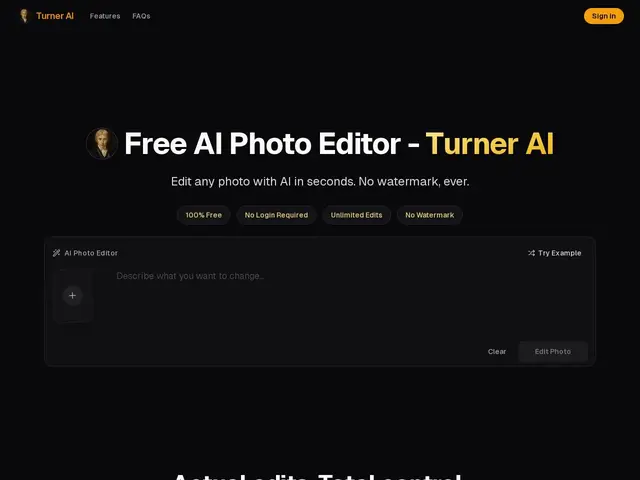
Edit a photo by just describing what you want changed — "remove the person in the background" or "make it look like golden hour" — instead of learning Photoshop layers and masks.