ShotLab
Browser-based screenshot editor that turns plain screenshots into polished visuals with backgrounds, frames, and platform-ready export sizes.
🔗 Visit ShotLab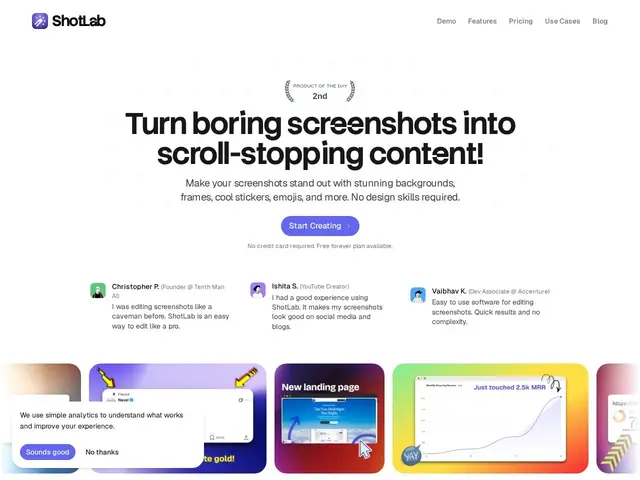
Description
A raw screenshot rarely looks good enough to post — it needs a background, some framing, maybe an arrow pointing at the important bit. Most people either skip that step or open a full design tool that's overkill for a 30-second job. ShotLab sits in between: quick enough for a daily habit, polished enough to actually look designed.
ShotLab is a browser-based screenshot editor for turning basic screenshots into polished visuals for social media, product launches, and documentation. It adds backgrounds, frames, stickers, text annotations, and arrows without requiring design skills, with real-time preview and platform-specific export presets sized for Product Hunt, X, Reddit, and Dribbble.
💬 Our review
The short version: ShotLab is a fast, no-skill-required way to make screenshots look presentable for a launch post or documentation, and at $15-39 lifetime it's cheap enough to just try.
Against CleanShot X or Shottr, which are desktop-native macOS tools with deeper capture features (scrolling capture, recording), ShotLab's advantage is being browser-based and platform-agnostic — you don't need a Mac, and the built-in export presets sized for Product Hunt, X, Reddit, and Dribbble save real time compared to manually resizing in a general editor like Pika or Canva. It's a narrower tool than any of those, though: no screen recording, no scrolling capture, just static screenshot dressing-up. The lifetime deal at $15 (limited slots via a promo code) versus $39 once slots run out is a good value either way compared to a subscription tool, but it's worth checking before assuming the cheaper price is still available. Best fit: indie hackers and marketers who need quick, good-looking screenshots for launch posts without opening a full design tool. Weaker fit: anyone needing screen recording or scrolling capture — ShotLab only edits static images.
💰 Pricing
📊 Global score
🤖 AI-enriched data
Palier gratuit disponible. Pro en lifetime : 15 $ (code LIFETIME15, places limitées), puis 39 $ une fois les places lifetime épuisées. Pro inclut captures illimitées, exports haute qualité, retrait du filigrane.
Pros
Rapide, aucune compétence design requise
Aperçu temps réel, annulation illimitée
Presets d'export par plateforme (PH, X, Reddit, Dribbble)
Développement actif
Cons
Offre lifetime probablement bientôt épuisée / prix pouvant changer
Navigateur uniquement, pas d'app desktop
Petite base d'utilisateurs vs outils établis