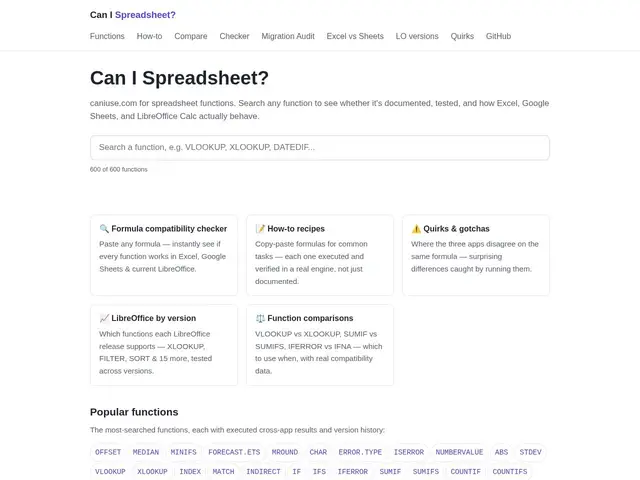
A caniuse.com-style compatibility checker for spreadsheet functions across Excel, Google Sheets, and LibreOffice Calc.
canispreadsheet.com
479 tools curated in this category — including Can I Spreadsheet?, Skywork, Purifai
📖 ReferenceFind on mySelectas all sites and tools related to productivity. This selection of 479 resources is reviewed and maintained by the community. The most popular include Can I Spreadsheet?, Skywork, Purifai. Each tool comes with a review, tags, comparisons and alternatives to help you make the best choice.
A caniuse.com-style compatibility checker for spreadsheet functions across Excel, Google Sheets, and LibreOffice Calc.
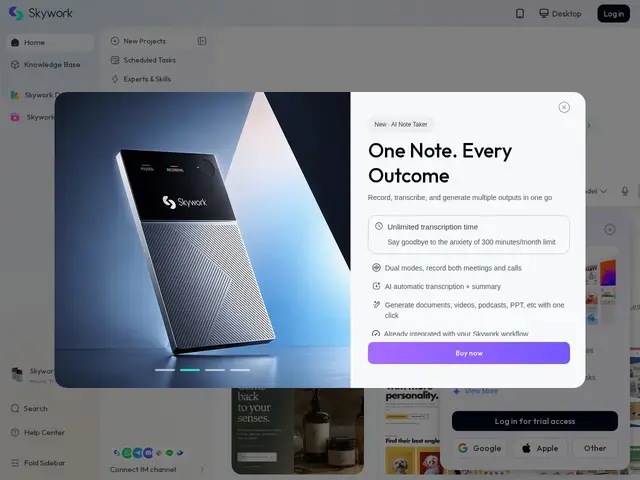
One AI workspace where you throw in a rough idea or a source file and get back a presentation, document, website, or piece of media, instead of switching between five separate AI apps.
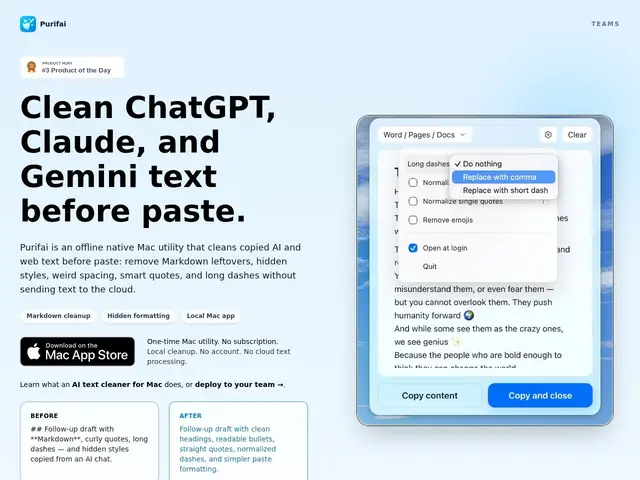
Cleans up the stray asterisks, curly quotes, and hidden formatting that ChatGPT or Claude leave behind, right before you paste text into Slack, Notion, or an email.
An AI workspace that remembers what you're working on across sessions and coordinates multiple AI agents to actually finish tasks, instead of starting from zero every time you open a chat.
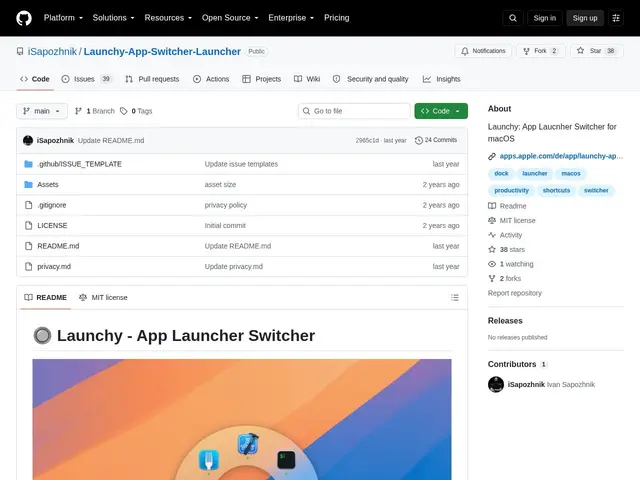
A free, open-source radial menu for your Mac that pops up a circle of your apps around your cursor, so switching apps is one click in the right direction instead of hunting through the Dock.
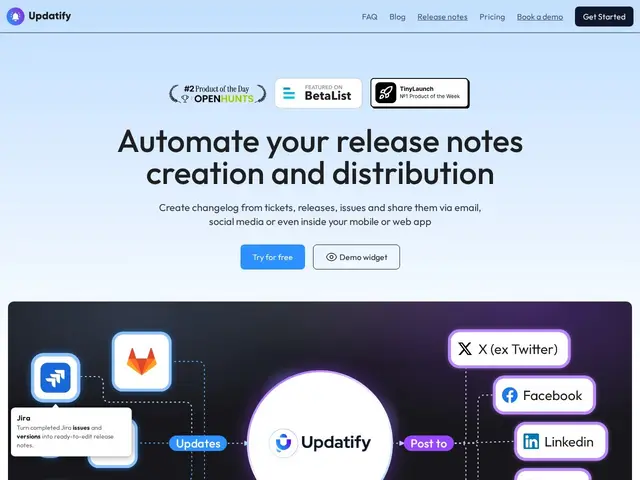
Turns your GitHub commits, Jira tickets or Linear issues into a polished, AI-written changelog and pushes it out by email, social media and an in-app widget automatically.
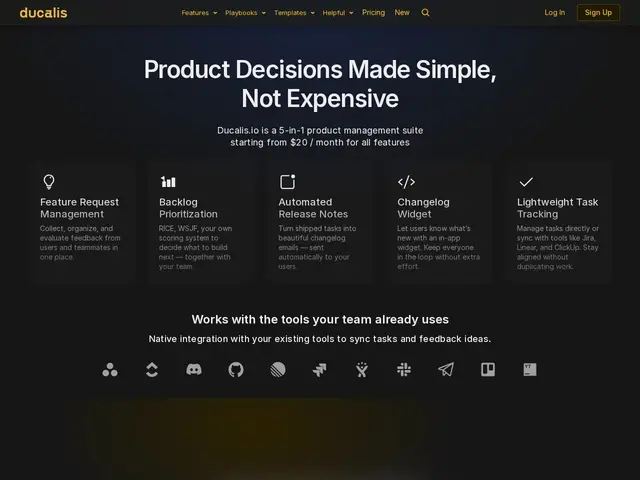
A product-management toolkit that helps teams decide what to build next using structured prioritization frameworks like RICE and WSJF, then auto-generates the release notes once it ships.
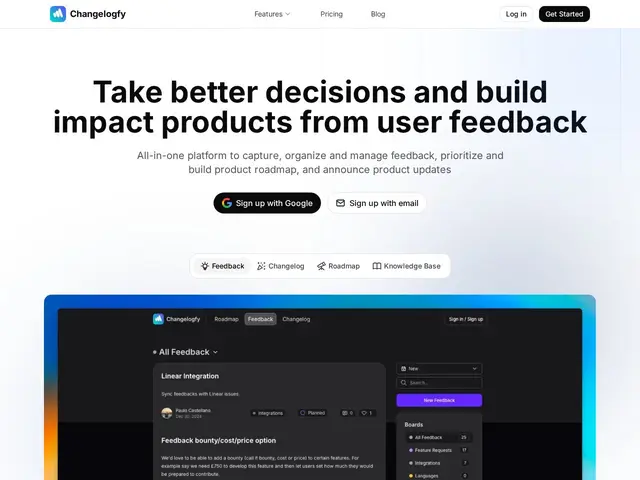
Bundles changelog publishing, a customer feedback/voting board, a public roadmap and a knowledge base into one suite, so product teams don't need three separate tools to talk to their users.
An AI tool that takes a one-line business idea and turns it into a scored viability report, market analysis, and investor-ready plan in about two minutes.
A personal AI assistant that actually remembers things between conversations — your preferences, ongoing projects, past decisions — and can take real actions like managing your calendar or email instead of just chatting and forgetting everything the momen
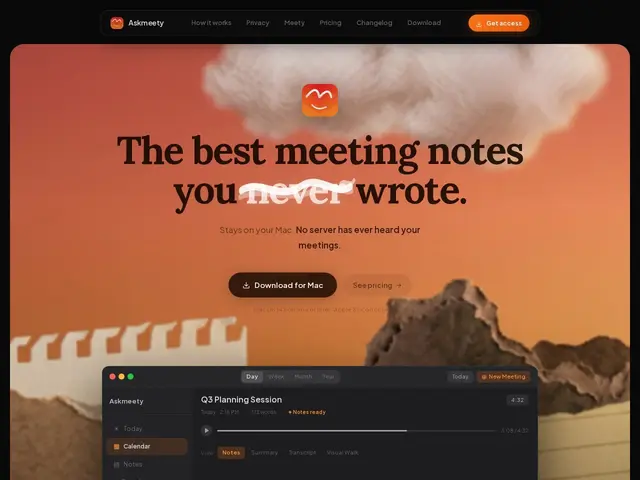
A Mac app that records and summarizes your meetings without ever sending the audio or transcript to a company's server — everything happens on your own computer, which matters if you discuss anything sensitive on calls.
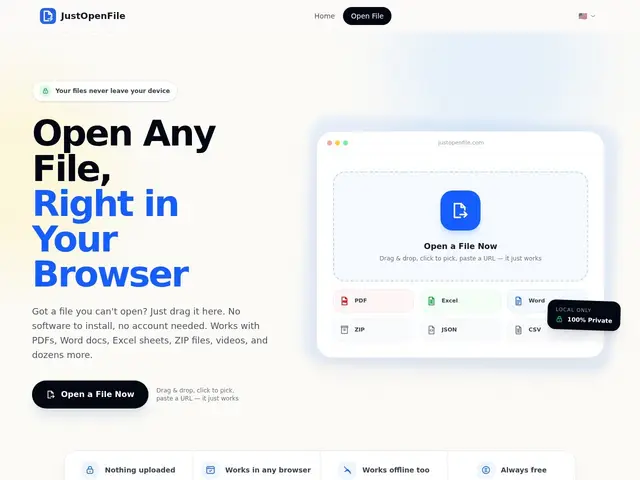
A free website that lets you preview a PDF, Word doc, spreadsheet, ZIP or image right in your browser tab, without installing anything or uploading your file to a server.
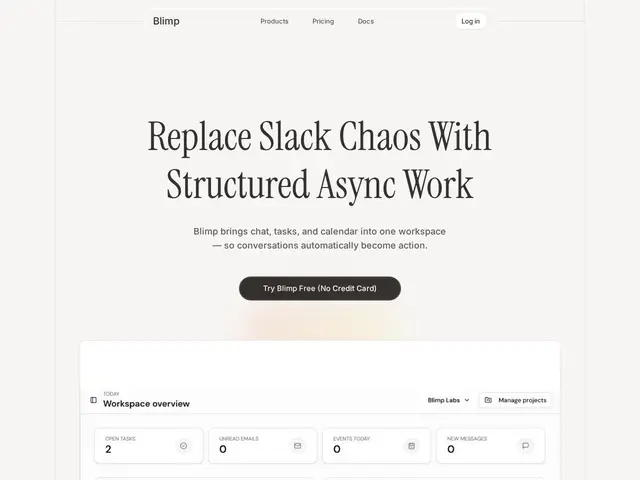
A single app that tries to replace the pile of separate tools a small team usually juggles — Slack for chat, a calendar app, an inbox, and a task board — by turning conversations directly into tasks and syncing everything against your schedule automatical
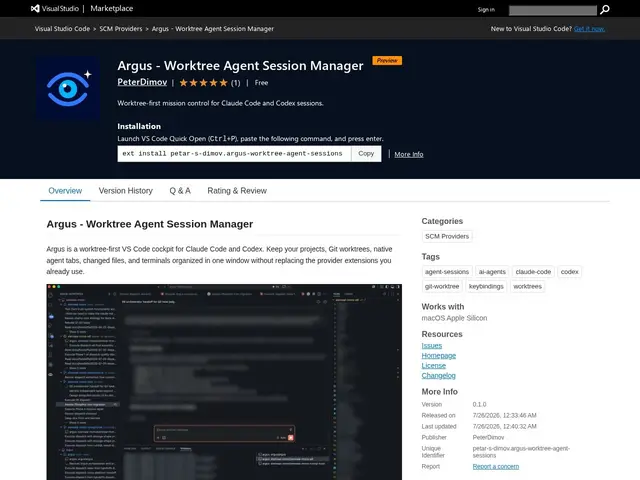
Organizes multiple Git worktrees and AI coding agent sessions (Claude Code, Codex) inside VS Code, so juggling several parallel branches doesn't turn into a mess of unlabeled terminal tabs.
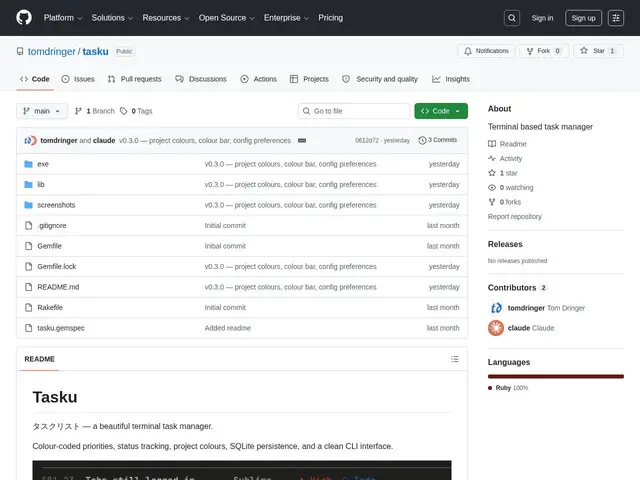
A to-do list you manage entirely from the terminal — with color-coded priorities and projects — for people who don't want to open a separate app to track tasks.
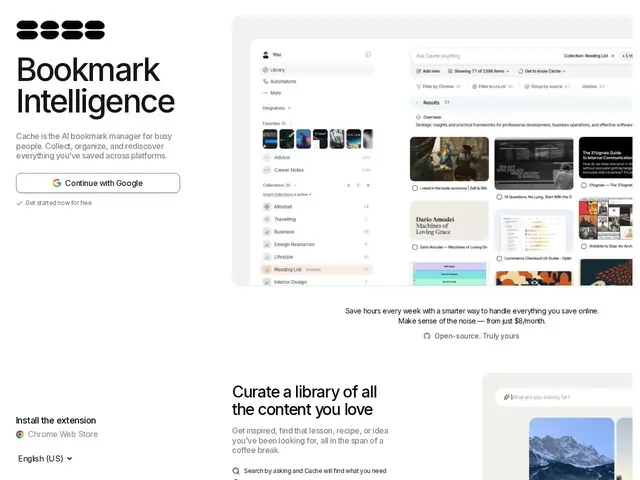
Pulls together everything you've saved — browser bookmarks, Instagram Saved posts, TikTok Favorites, YouTube Watch Later, GitHub Stars — into one searchable place instead of six different apps you never revisit.
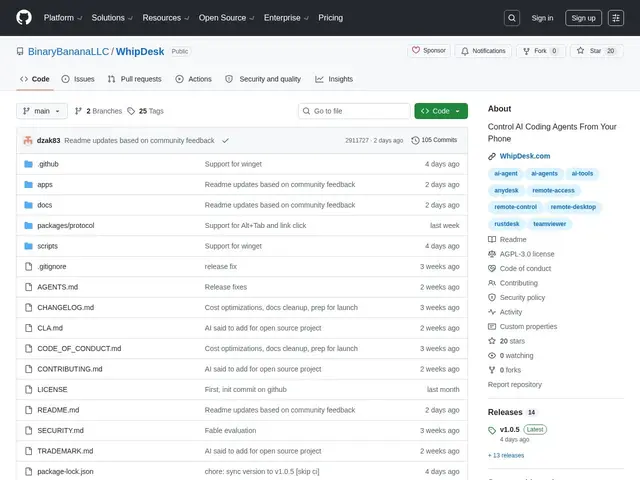
Lets you check on and control an AI coding assistant running on your computer from your phone, so a long task doesn't have to wait until you're back at your desk.
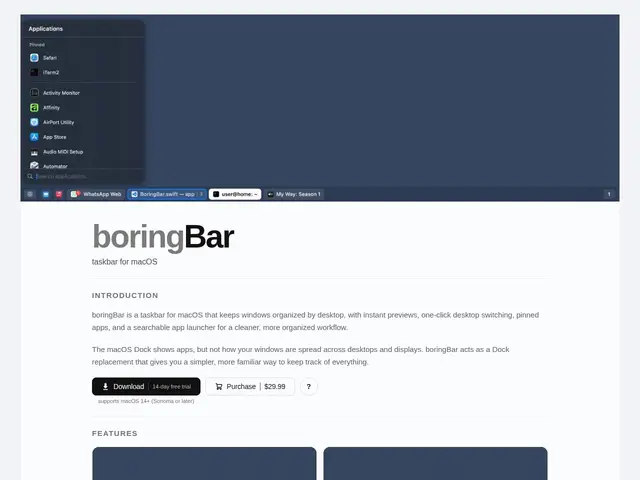
A macOS taskbar that shows your windows organized by desktop, with previews and a built-in app launcher.
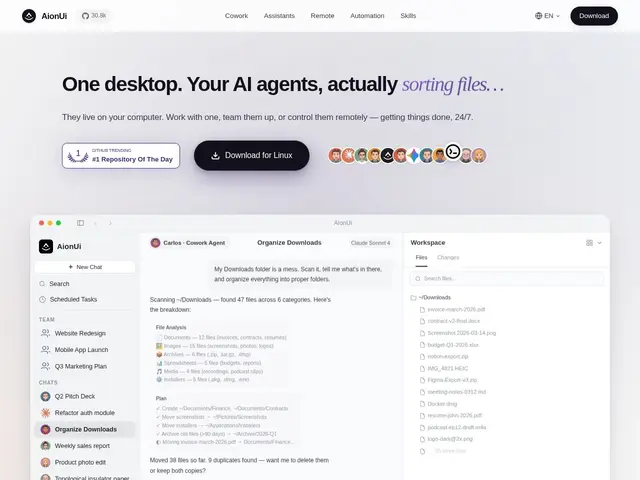
A free desktop app where an AI agent works alongside you on your own computer — reading files, browsing the web, writing documents, even making PowerPoint slides — instead of just chatting with you in a text box.
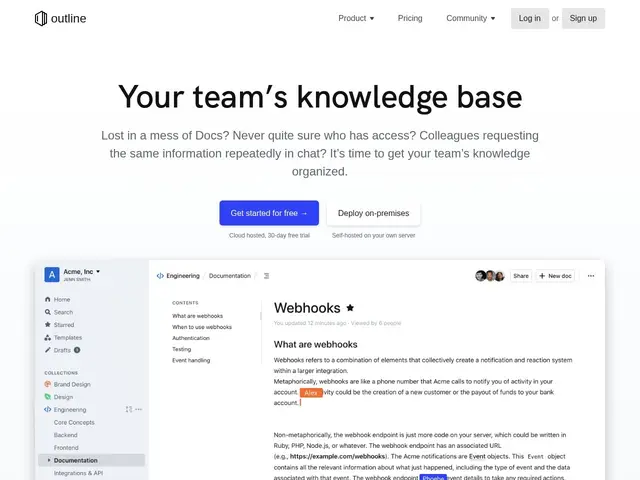
Fast team knowledge base: real-time markdown editor, AI search and Q&A, Slack integration — cloud or self-hosted (BSL).