Launchy — App Launcher Switcher
A free, open-source radial menu for your Mac that pops up a circle of your apps around your cursor, so switching apps is one click in the right direction instead of hunting through the Dock.
🔗 Visit Launchy — App Launcher Switcher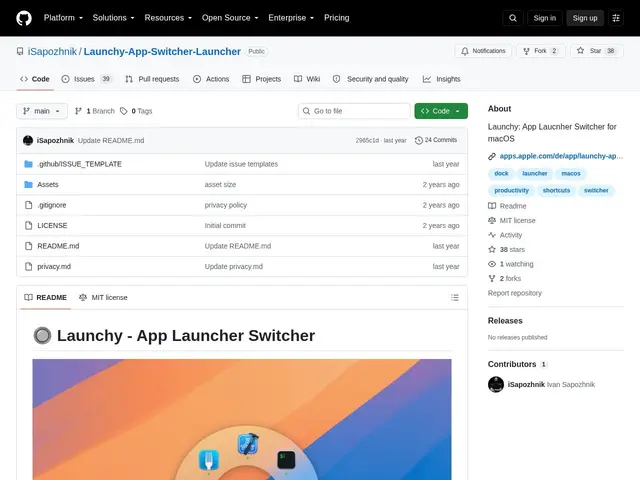
Description
The macOS Dock and CMD-Tab switcher both work, but neither is particularly fast when you have a lot of apps open or installed. Launchy replaces both with a radial menu: hit a shortcut, a circle of your chosen apps appears around your cursor, and you click or press a letter key to jump straight to the one you want.
It's fully open source under the MIT license, distributed free both on GitHub and the Mac App Store. Apps in the menu are custom-selected and configurable, with keyboard shortcuts and A-Z key navigation for keyboard-only use. You can hide and unhide applications from the menu, it lives in the menu bar, supports launch-at-login, syncs settings via iCloud, and supports drag-and-drop for adding apps.
💬 Our review
The short version: this is a small, free, well-scoped utility for a specific habit — if you switch between a fixed set of apps constantly throughout the day, a radial menu can genuinely be faster than either the Dock or CMD-Tab, especially with the A-Z keyboard navigation for people who prefer not to use the mouse.
Against the built-in CMD-Tab switcher, Launchy's radial menu lets you jump to a specific app in one motion instead of cycling through open windows sequentially, which matters more as your open-app count grows. Against a more comprehensive commercial launcher like Raycast or Alfred, which combine app switching with search, clipboard history, and extensions, Launchy is narrower by design — it does one thing (visual app switching) rather than trying to be a full productivity command center, and being free and open source, there's no reason not to try it if that narrower scope is all you need.
💰 Pricing
📊 Global score
🤖 AI-enriched data
Open source (licence MIT), également distribué gratuitement sur le Mac App Store
Pros
Gratuit et open source (MIT)
Navigation clavier A-Z pour switcher sans souris
Léger, fait une seule chose bien plutôt que de tout centraliser
Cons
Portée volontairement étroite, pas de recherche ni d'extensions comme Raycast/Alfred
macOS uniquement
Projet communautaire, pas de support commercial dédié