ImageSage
Windows app that finds and renames your screenshots and photos using on-device AI, with no cloud upload or account required.
🔗 Visit ImageSage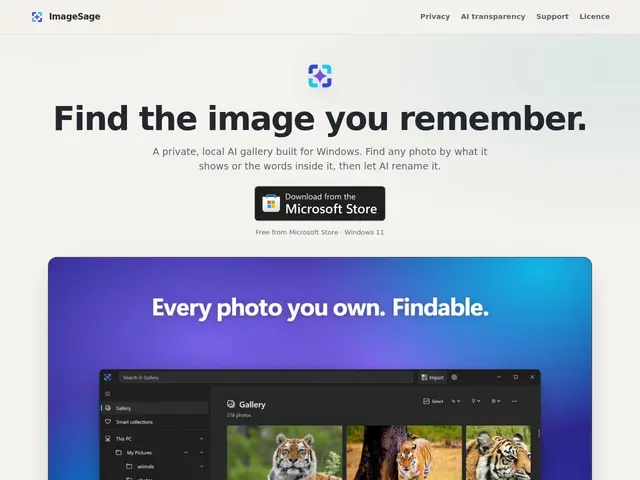
Description
If your Pictures or Screenshots folder has become an unsearchable dump of hundreds of files named "Screenshot 2026-08-12" with no idea what's actually in them, ImageSage is built to fix exactly that. It's a small Windows app that looks at each image, understands what's in it, and lets you find pictures by describing them in plain English — "the receipt from the hardware store" or "the chart with the blue bars" — instead of scrolling through a wall of thumbnails.
ImageSage is a free Windows desktop application (distributed via the Microsoft Store) for local, on-device photo and screenshot management. It combines OCR (to search by text visible inside an image) with a local AI vision model for natural-language visual search, and includes a "Magic Rename" feature that suggests descriptive filenames automatically. All processing runs locally on the device — no images are uploaded to a cloud service, and no account or registration is required. Standard file operations (move, copy, delete, rename) are available directly from the app.
💬 Our review
The short version: if you're a Windows user drowning in screenshots and don't want another app phoning your photos home to the cloud, ImageSage's local-only approach to visual search is a straightforward, free fix — as long as you're comfortable with a tool that doesn't yet have a public track record.
The obvious comparison is Windows' own File Explorer search (which can't understand image content) and cloud photo managers like Google Photos, which offer similarly smart search but only after uploading your images to Google's servers. ImageSage's pitch — real visual/OCR search that never leaves your machine — is a meaningful privacy advantage for anyone dealing with sensitive screenshots (banking, work documents, personal photos). The tradeoffs: it's Windows-only, has no visible community or long update history yet, and as a young solo project there's no guarantee of continued development. Worth it if you're specifically bothered by an unsearchable local screenshot folder and want to keep everything offline; skip it if you already pay for and use Google Photos or iCloud Photos across devices, since their search quality is more mature even with the privacy tradeoff. <!-- ai-generated -->
💰 Pricing
📊 Global score
🤖 AI-enriched data
Gratuit sur le Microsoft Store, aucune offre payante
Pros
recherche visuelle en langage naturel, 100% locale
reconnaissance de texte OCR intégrée
renommage automatique intelligent des fichiers (Magic Rename)
aucun compte ni upload cloud requis
gratuit sans limite annoncée
Cons
Windows uniquement, pas de version Mac/Linux
projet jeune sans historique public de mises à jour
pas de synchronisation multi-appareils (tout reste local par design)