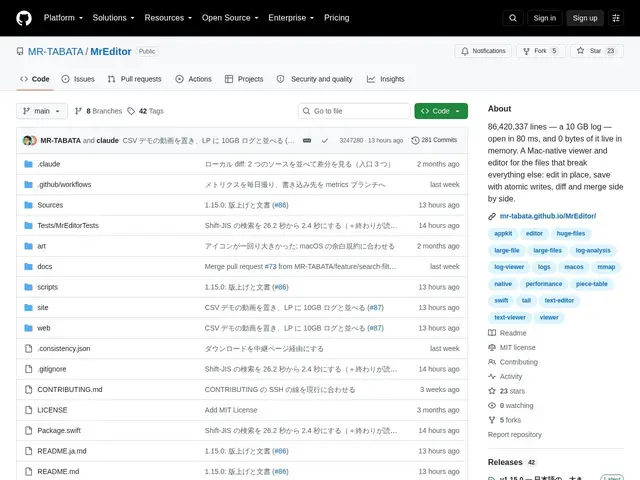
Free macOS editor that opens multi-gigabyte logs and CSVs almost instantly, with live grep, tail -f, diffing, and remote SSH file access.
github.com
125 tools found
Free macOS editor that opens multi-gigabyte logs and CSVs almost instantly, with live grep, tail -f, diffing, and remote SSH file access.
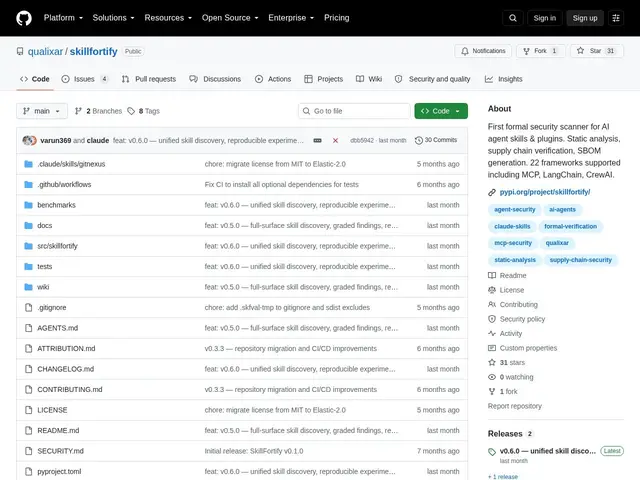
A security scanner that formally verifies AI agent "skills" (tools/plugins) across 22 frameworks for supply-chain risks before you trust them.
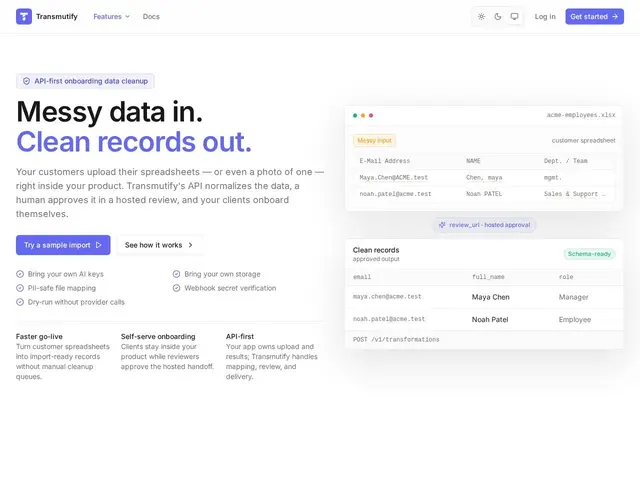
A tool that turns messy customer spreadsheets, CSVs, and even photos of data into clean, schema-matched records, with a human review step before anything gets used.
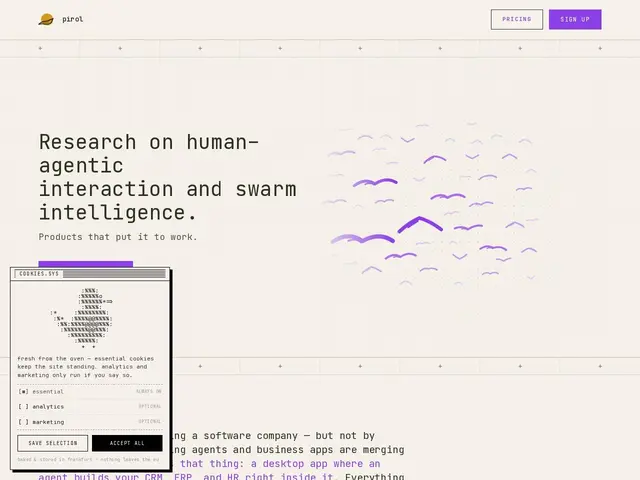
A desktop and CLI app where an AI agent builds your CRM, ERP or HR system as local plugins, using your own API keys, with nothing leaving your machine.
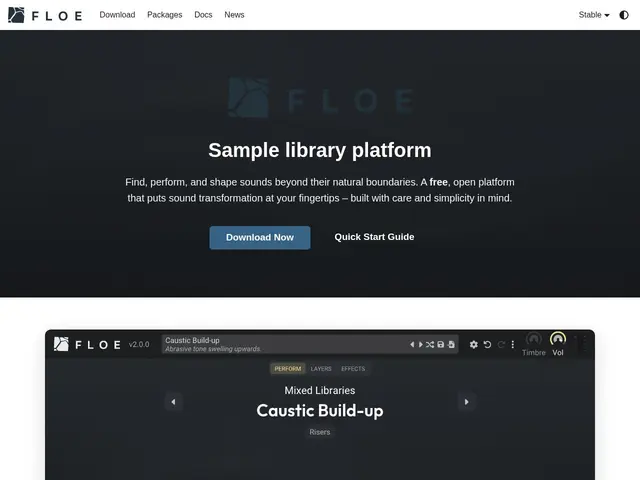
Free, open-source audio plugin for sample-based and granular synthesis, with a unified sound browser, layered effects, and MIDI support, working as a CLAP, VST3, or AU plugin in most major DAWs.
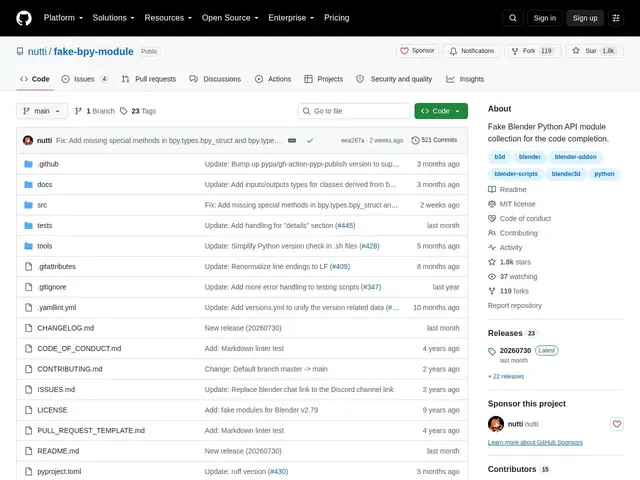
Free, open-source stub modules that give Blender Python scripts proper autocomplete in IDEs like PyCharm and VS Code.
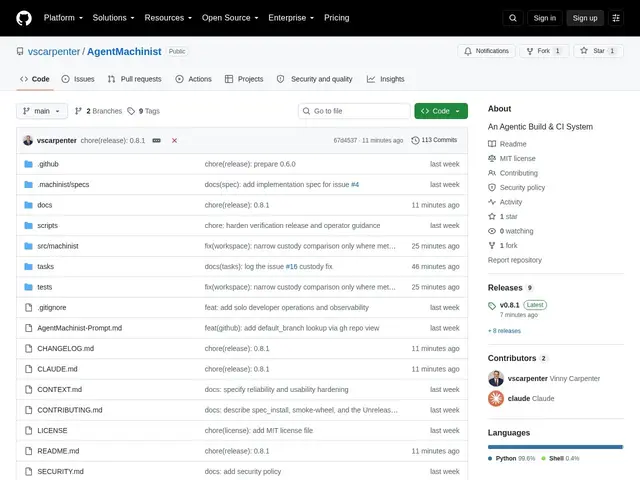
A local-first CLI that turns a GitHub issue into a reviewed, tested pull request through a spec-approval pipeline.
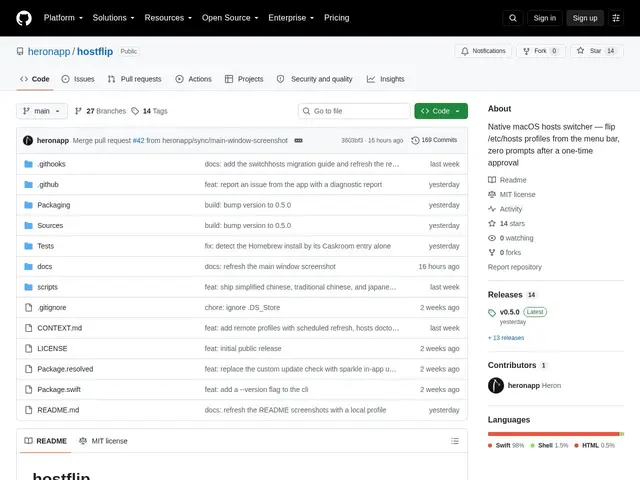
A macOS menu bar app that lets developers switch between different /etc/hosts configurations with one click, without repeated password prompts.
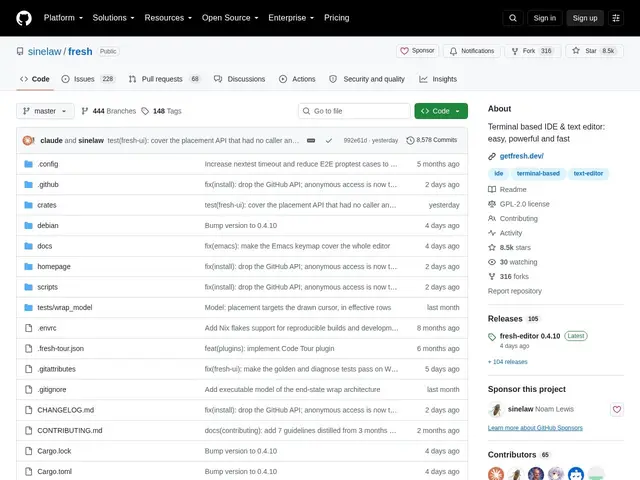
A free, open-source text editor that runs entirely in your terminal but feels like VS Code — split panes, multi-cursor editing, a command palette, and language smarts — no configuration file required.
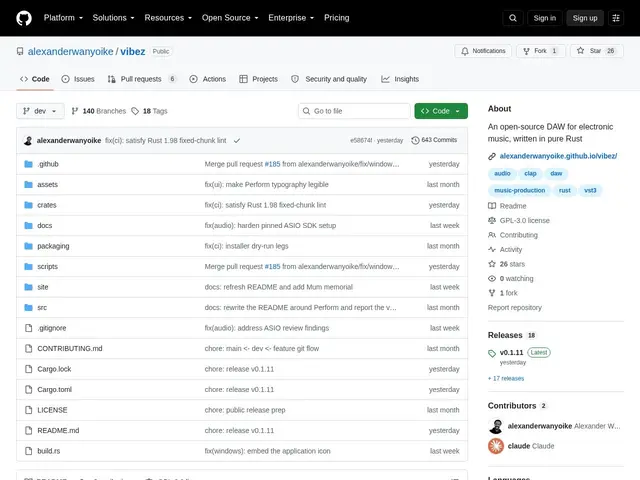
Open-source Rust DAW for electronic music production, with live loop launching, a linear arranger, and VST3/CLAP plugin hosting.
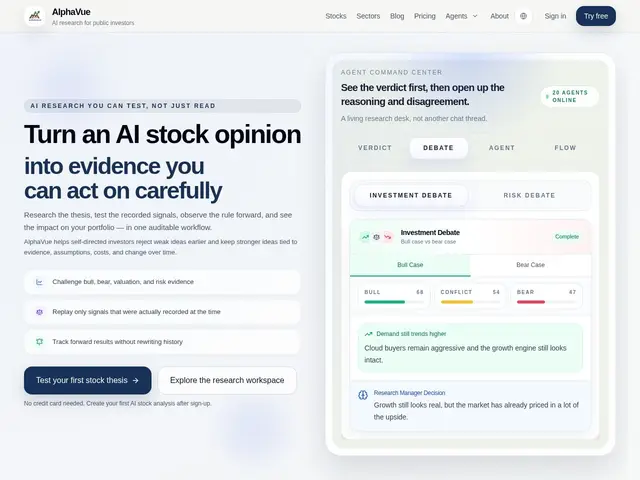
AI stock research platform with 20+ agents debating bull vs. bear cases, backtesting, and traceable evidence for self-directed investors.
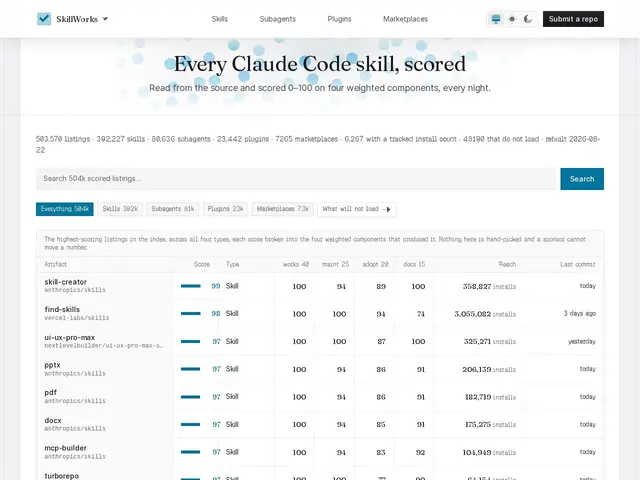
SkillWorks is a free index that automatically tests thousands of Claude Code skills, subagents, and plugins every night and scores whether they actually still work.
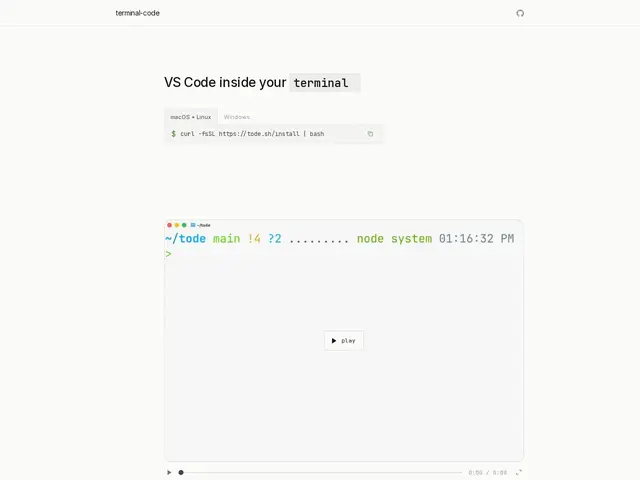
terminal-code brings VS Code's editing experience directly into your terminal, combining code-server with a terminal-based browser so you never have to leave the command line.
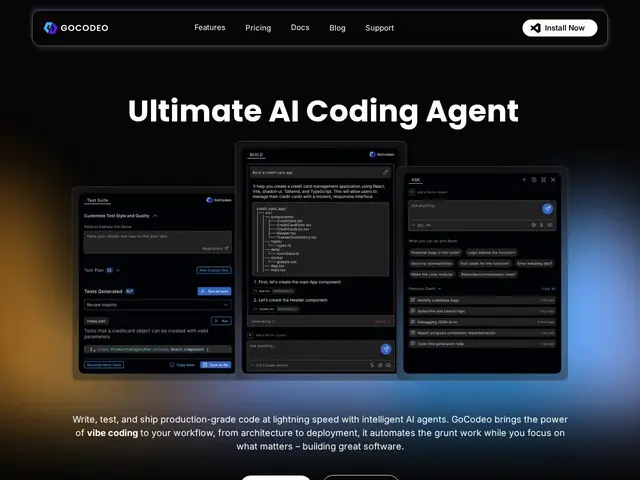
GoCodeo is a VS Code extension that acts as an AI coding agent, generating code, tests, and deployments across 25+ frameworks.
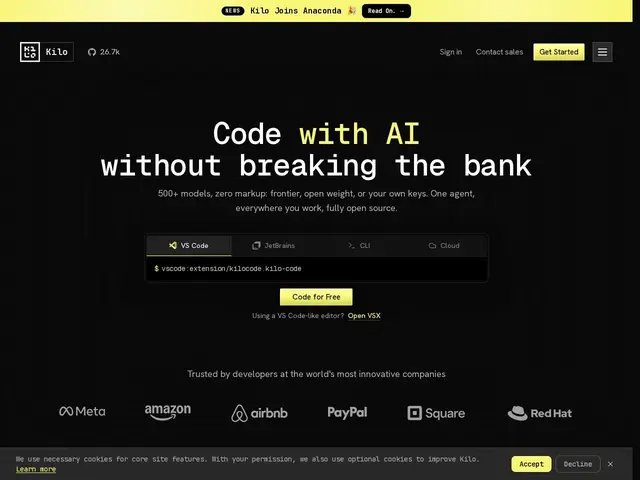
An open-source AI coding agent you can drop into VS Code, JetBrains, your terminal or the cloud, that lets you plug in any of 500+ AI models at the provider's own price — no markup added on top.
A VS Code plugin that turns a Figma design or a screenshot into frontend code that actually looks like the rest of your codebase, instead of a fresh throwaway component.
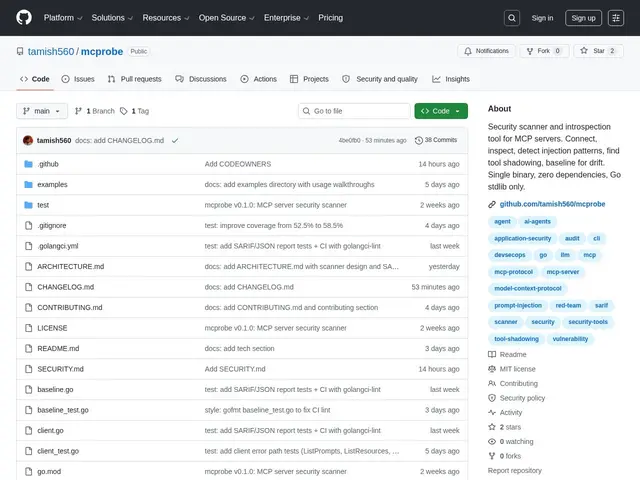
A free command-line scanner that checks MCP servers — the plugins AI agents connect to — for hidden dangers like prompt injection or path traversal before you let an AI agent talk to them.
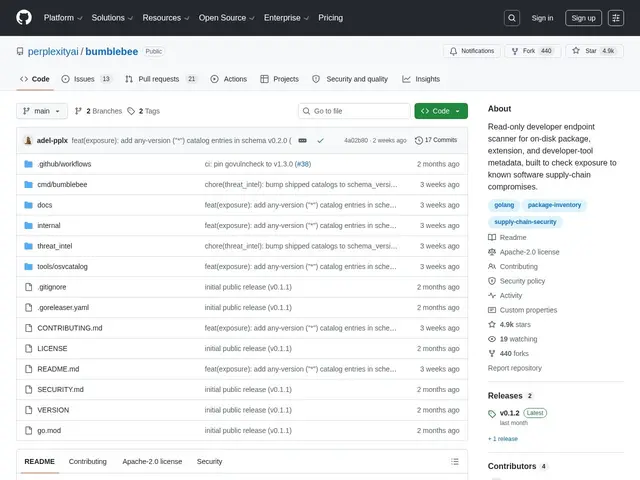
Your laptop probably has hundreds of npm packages, PyPI libraries, VS Code extensions and MCP servers installed — Bumblebee is a free scanner from Perplexity that checks all of them at once against known supply-chain threats, without running or modifying
Continue is the open-source engine you can drop into VS Code or JetBrains to get AI code suggestions and edits without being locked into one company's black-box coding assistant — you choose which AI model powers it.
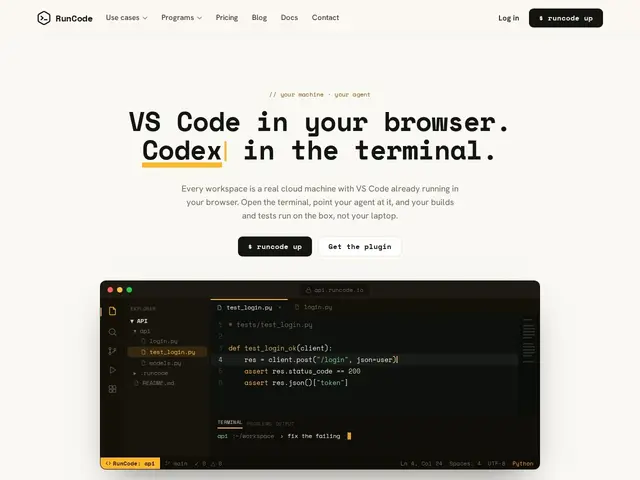
A full VS Code setup that runs in your browser on a real cloud machine — no local install, and you can share the running workspace with a teammate the way you'd share a Google Doc, watching each other type in real time.