terminal-code
terminal-code brings VS Code's editing experience directly into your terminal, combining code-server with a terminal-based browser so you never have to leave the command line.
🔗 Visit terminal-code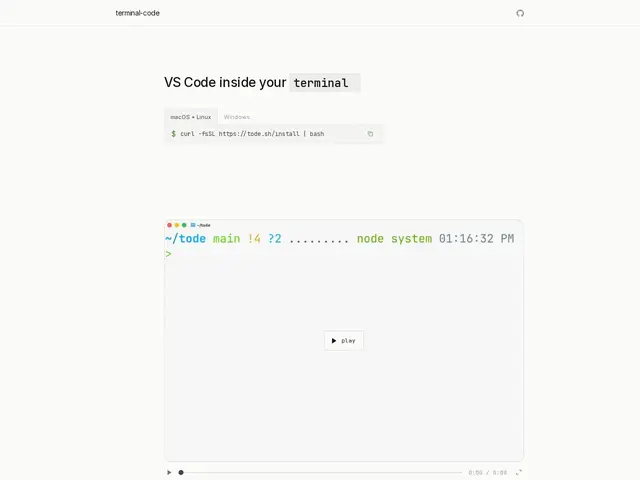
Description
If you spend your day SSH'd into remote servers or living in tmux, switching to a graphical VS Code window to edit a file breaks your flow — you either need a GUI environment forwarded over the network, or you fall back to a plainer terminal editor and lose VS Code's features. terminal-code solves that by running VS Code's actual engine (via code-server) but displaying it through a terminal-based browser, so you get real VS Code editing, extensions, and UI without ever opening a graphical window.
It's built for developers who prefer terminal-first workflows across macOS, Linux, and Windows, and it works over remote SSH connections, so you can edit files on a remote server exactly as if VS Code were running locally. It includes split-pane integration, a source control panel, file comparison, and the ability to import your existing settings, keybindings, and snippets from compatible editors, so switching over doesn't mean starting your editor configuration from scratch. It also resolves common terminal keyboard-shortcut conflicts automatically and supports auto-upgrading itself. It's open source under the MIT license and free to use.
💬 Our review
The short version: if you already live in the terminal — SSH sessions, tmux, remote servers without a desktop environment — terminal-code lets you keep real VS Code functionality without giving up that workflow, which is a genuinely useful niche that plain terminal editors like Vim or Nano don't fill on their own. It being free, open source, and MIT-licensed removes any real barrier to trying it.
The honest limitation is that it's still a relatively new, community-built project rather than an official Microsoft product, so long-term maintenance and compatibility with future VS Code releases depend on the maintainers keeping pace. If you're comfortable with Vim or Neovim already, the value proposition is smaller since those editors are terminal-native by design rather than a terminal wrapper around a browser-based editor; terminal-code's real audience is VS Code users who want to keep their exact extensions and settings while working entirely inside a terminal, particularly over SSH.
💰 Pricing
📊 Global score
🤖 AI-enriched data
Gratuit et open-source sous licence MIT
Pros
Fonctionnalités VS Code réelles (extensions, UI) directement dans le terminal
Support SSH distant natif
Import des réglages, keybindings et snippets existants
Gratuit et open-source (MIT)
Cons
Projet communautaire récent, pas un produit officiel Microsoft
Moins pertinent si vous êtes déjà à l'aise avec Vim/Neovim natif
Dépend du rythme de maintenance des mainteneurs pour rester compatible avec VS Code