Hostflip
A macOS menu bar app that lets developers switch between different /etc/hosts configurations with one click, without repeated password prompts.
🔗 Visit Hostflip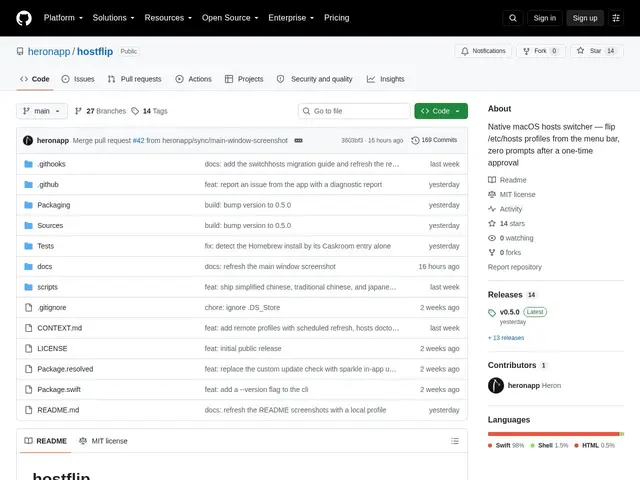
Description
Developers who juggle multiple projects — a staging environment here, a local Docker setup there — often end up manually editing /etc/hosts and typing their Mac password every single time. Hostflip turns that chore into a single click from the menu bar, remembering your different hosts setups as named profiles you can flip between instantly.
Hostflip is a native macOS menu bar utility for managing and switching between multiple /etc/hosts profiles. It detects edits made outside the app and preserves a baseline "Base Hosts" configuration with automatic backups, so switching profiles never silently wipes out entries you added by hand. Profiles can be grouped as mutually exclusive (only one active at a time) or stacked as standalone additions, and a single one-time daemon approval eliminates the need to enter your password on every switch. It also ships a CLI, a diagnostic "hostflip doctor" command, and a one-click migration path from SwitchHosts.
💬 Our review
The short version: Hostflip is a small, focused utility that's genuinely useful if you switch hosts files often on a Mac and are tired of typing your password every time — but it's an extremely young, low-adoption project you're trusting with system-level config.
At 14 GitHub stars and requiring macOS 14+ on Apple Silicon only (no Intel support planned), Hostflip is clearly early-stage compared to established alternatives like SwitchHosts or Gas Mask, which have longer track records and broader platform support. Its main technical edge — external edit detection plus baseline preservation — solves a real annoyance with older hosts switchers that can clobber manual changes. If you're on an Intel Mac or want something with a longer history, stick with SwitchHosts; if you're on Apple Silicon and want the smoothest one-click experience, Hostflip is worth trying since it's free and open source anyway.
💰 Pricing
📊 Global score
🤖 AI-enriched data
Gratuit, licence MIT, aucun palier payant.
Pros
Détection des modifications externes (n'écrase pas vos changements manuels)
Un seul clic pour changer de profil, sans re-saisir le mot de passe
Sauvegardes automatiques de la config de base
Migration en un clic depuis SwitchHosts
Cons
Projet très jeune (14 stars GitHub)
Apple Silicon uniquement, pas de support Intel prévu
macOS 14+ requis
Communauté et documentation encore limitées