Design, UI/UX & Prototyping

76 tools

design Design, UI/UX & Prototyping76 tools curated by the community. Most popular: Brilliant, Cogram Studio, Text Logo. Each tool comes with a review, tags and alternatives to help you choose.

❓ Frequently asked questions about Design, UI/UX & Prototyping

What is Design, UI/UX & Prototyping?

Design, UI/UX & Prototyping groups 76 tools curated by the mySelectas community. Most popular: Brilliant.

What are the best free Design, UI/UX & Prototyping tools?

mySelectas lists several free options in this category. See in particular: Brilliant, Cogram Studio, Text Logo.

What is the best alternative to Brilliant?

Discover alternatives to Brilliant on mySelectas. See all alternatives →

76 tools
BrilliantNew
Design, UI/UX & Prototyping🌐 EN

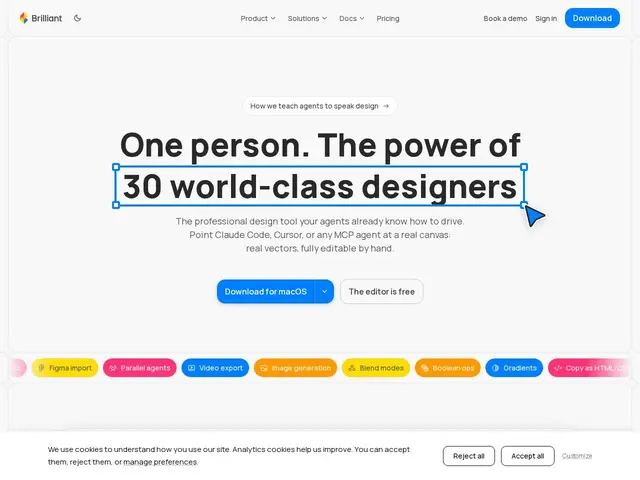
A professional design tool built for collaboration between human designers and AI agents, featuring real vector editing on a canvas that agents can directly manipulate. It exports to React, HTML, SVG, PDF, and video with built-in AI chat and design system

#prototyping#ai-agents#design-system#collaboration#react
brilliant.design
📄 Full details →
💬 Review

The short version: Brilliant's Blueprint format — a plain-text representation of the design that an AI can parse and edit directly — is a genuinely different approach from "AI generates an image, human rebuilds it," and it's the part worth paying attention to. Against Figma, the dominant incumbent, Brilliant's differentiator is native AI-agent editing of real vector objects plus direct code export (React, HTML/CSS) rather than exporting flat assets for a developer to reimplement; against Framer, which also targets code-adjacent design, Brilliant leans harder into the AI-collaboration angle wi…

👥 Target audience

Designers produit, design engineers, chefs de produit et responsables design system voulant collaborer avec des agents IA directement sur le canvas.

🌍 Target countries

Marché anglophone, équipes design internationales

🗣️ Available languages
EN
🔄 Alternatives
FigmaFramerPenpot
🔗 Visit Brilliant
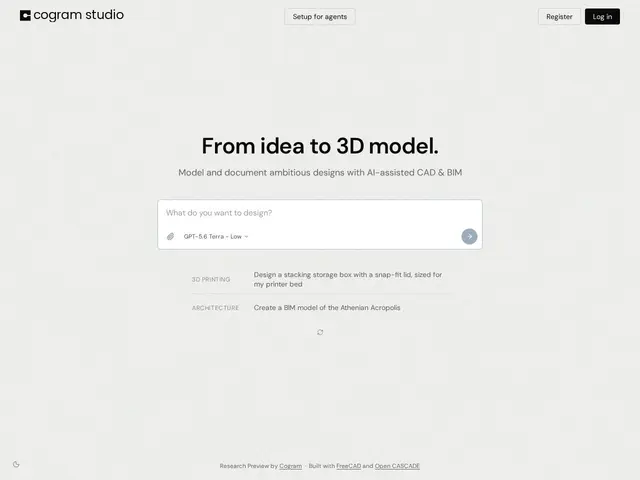
Cogram StudioNew
Design, UI/UX & Prototyping🌐 EN

AI-native platform automating administrative and documentation tasks for architecture, engineering, and construction professionals.

#saas#ai#design#collaboration#productivity
studio.cogram.com
📄 Full details →
💬 Review

The short version: Cogram Studio is worth a look if your AEC firm is drowning in meeting minutes, field reports and RFI paperwork and you want AI to draft the first pass instead of a junior staffer doing it by hand. Its differentiator against general project-management tools like Procore or Fieldwire is that it's purpose-built for the specific documentation grind of architecture and construction — meeting minutes, voice-to-text field reports, RFIs — rather than being a general task tracker with AI bolted on. The SOC 2 Type II compliance and "no training on your data" stance matter for firms w…

👥 Target audience

Architectes, ingénieurs, consultants et entreprises de construction générale ou spécialisée

🌍 Target countries

États-Unis et marché anglophone du secteur AEC

🗣️ Available languages
EN
🔄 Alternatives
ProcoreAutodesk RevitFieldwire
🔗 Visit Cogram Studio
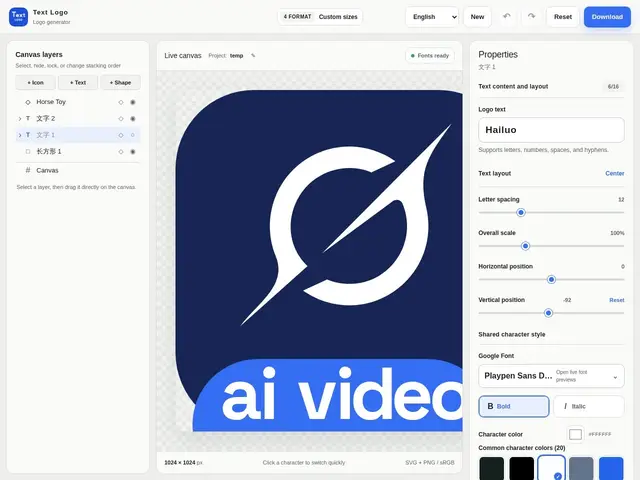
Text LogoNew
Design, UI/UX & Prototyping🌐 EN

Free browser-based logo and wordmark generator with a 1,900+ Google Fonts library, layer editing, and SVG/PNG export, no design software needed.

#ui-assets#web-app#free#design
textlogo.app
📄 Full details →
💬 Review

The short version: Text Logo is a genuinely useful, no-friction tool for knocking out a decent text-based logo in minutes, but it's a narrow tool — don't expect icon generation, brand kits, or the polish of a dedicated design suite. Against Canva or Looka, which combine logo templates with broader brand-kit and mockup features (and typically gate exports behind a paywall), Text Logo's pitch is simplicity: open the browser, pick a font from a 1,900+ library, adjust size and spacing, and export SVG or PNG immediately. That makes it a solid pick for a placeholder logo, an indie project, or a qui…

👥 Target audience

Petites entreprises, entrepreneurs et créateurs de contenu voulant un logo texte rapide sans logiciel de design

🌍 Target countries

International

🗣️ Available languages
ENZH
🔄 Alternatives
CanvaLookaWordmark.itHatchful (Shopify)
🔗 Visit Text Logo
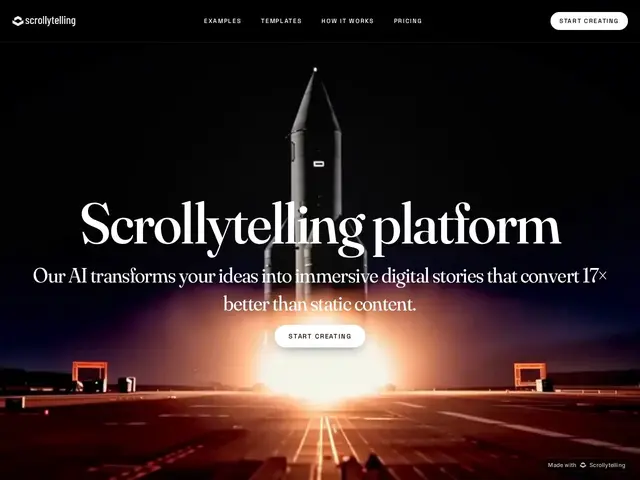
ScrollytellingNew
Design, UI/UX & Prototyping🌐 EN

No-code AI tool that turns ideas, blog posts, or PDFs into interactive, scroll-driven web stories for marketing, pitches, and reports.

#design#landing-pages#no-code#ai
scrollytelling.ai
📄 Full details →
💬 Review

The short version: Scrollytelling is a solid pick if you specifically want the scroll-driven, cinematic storytelling format — it's a narrower, more visual alternative to a generic landing-page builder, not a replacement for one. Against a general no-code website builder like Framer or Webflow, Scrollytelling trades general-purpose flexibility for a format specialty: everything is built around scroll-triggered animation and narrative pacing, which those tools can approximate but don't optimize for by default. Against just exporting a PDF or a slide deck, the value is the claimed engagement lif…

👥 Target audience

Marketeurs, fondateurs, agences voulant des pages ou pitchs plus engageants qu'un PDF ou une page statique

🌍 Target countries

International

🗣️ Available languages
EN
🔄 Alternatives
FramerWebflowexport PDF/slide deck classique
🔗 Visit Scrollytelling
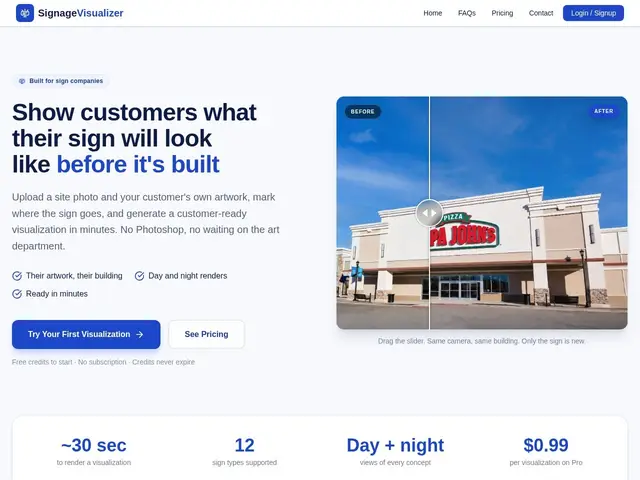
SignageVisualizerNew
Design, UI/UX & Prototyping🌐 EN

AI tool that lets sign-making companies show customers a realistic mockup of a new sign on their actual building before it's built.

#ai-automation#design#3d-modeling#web-app#saas
signagevisualizer.com
📄 Full details →
💬 Review

The short version: if your sign shop still mocks up proposals by hand in Photoshop, SignageVisualizer turns a 30-60 minute design task into a few minutes of upload-and-click, which pays for itself the first time it wins you a job you'd otherwise have lost to a competitor with a faster turnaround. There's no direct, purpose-built competitor doing exactly this for the sign industry — most shops either use general mockup tools like Canva or Adobe Firefly (flexible but not perspective-aware or sign-type-aware) or eat the cost of a designer's time. SignageVisualizer's advantage is that it's built …

👥 Target audience

Entreprises de fabrication et pose d'enseignes (sign companies)

🌍 Target countries

International

🗣️ Available languages
EN
🔄 Alternatives
CanvaAdobe Fireflymockup manuel Photoshop
🔗 Visit SignageVisualizer
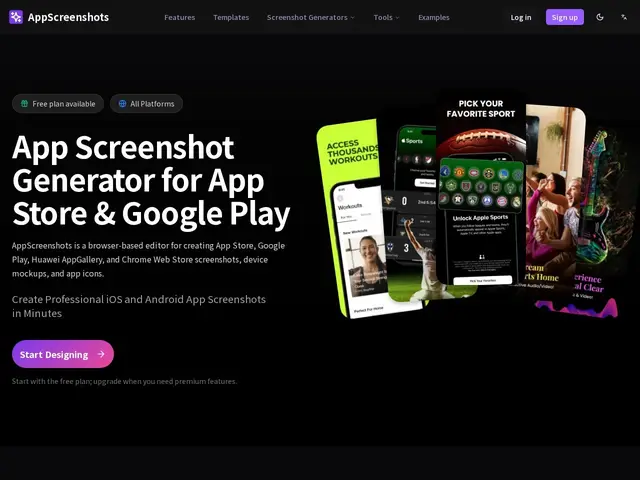
AppScreenshotsNew
Design, UI/UX & Prototyping🌐 EN

An AI-powered browser editor that turns raw app screenshots into polished, store-ready marketing images for the App Store, Google Play, Chrome Web Store, and Huawei AppGallery.

#design#mobile-app#ui-assets#ai#image-generation
appscreenshots.net
📄 Full details →
💬 Review

The short version: if you need decent-looking app store screenshots fast and don't want to pay a designer, AppScreenshots gets you there in an afternoon, though the free tier is stingy enough that you'll likely hit the paywall quickly. The free plan caps out at 2 projects and a single lifetime AI workflow, which is really just enough to try the product, not to run an actual launch. From there it's $99/year for unlimited projects and 30 AI workflows per cycle, or $199 once for unlimited projects but only 5 AI workflows a month — the Lifetime plan trades ongoing AI generation for a flat cost, s…

👥 Target audience

Indie app developers, growth leads, and small teams preparing app store listings

🌍 Target countries

Global

🗣️ Available languages
ENGLISH
🔄 Alternatives
AppLaunchpadFastlane frameitPreviewed
🔗 Visit AppScreenshots
Lawh.ai
Design, UI/UX & Prototyping🌐 EN

An AI design generator that outputs real, layered files (editable text, exportable to Photoshop/Illustrator) instead of a flat image.

#freemium#image-generation#design#ai#ui-assets
lawh.ai
📄 Full details →
💬 Review

The short version: Lawh.ai's actual pitch isn't 'AI makes pretty pictures' — plenty of tools do that — it's that the output stays a real, editable file afterwards, which is the part most AI design generators quietly skip. Against a flat-image generator like Midjourney or DALL-E, Lawh.ai's layered PSD/AI export is a genuine practical edge for anyone who needs to tweak copy or swap a logo after generation — that's normal work for marketers and social teams, and flat images make it painful. Against Canva's AI features, Lawh.ai is narrower (it doesn't try to be a full design suite with scheduling…

👥 Target audience

Designers, marketeurs et createurs de contenu qui doivent pouvoir reediter leurs visuels apres generation

🌍 Target countries

Worldwide

🗣️ Available languages
EN
🔄 Alternatives
Canva (IA)MidjourneyDALL-EAdobe Firefly
🔗 Visit Lawh.ai
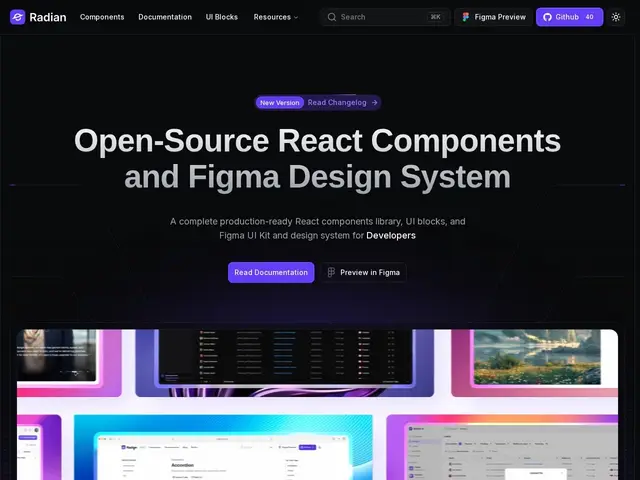
Radian UI
Design, UI/UX & Prototyping🌐 EN

A free, open-source React component library bundled with a matching Figma design system.

#ui-ux#react#design-system#frontend#open-source
radianui.com
📄 Full details →
💬 Review

The short version: a solid, no-cost option if your stack is React + Tailwind and you want production-ready components with a matching Figma kit, without paying for a premium UI library. It's entering a genuinely crowded field — shadcn/ui, Tailwind UI, Chakra UI, and MUI are all well-established alternatives with larger communities and longer track records. Radian UI's edge is bundling the Figma design system directly with the code, which shadcn/ui (code-only, no official Figma kit) and paid options like Tailwind UI don't offer for free. Whether it's worth adopting over a more established libr…

👥 Target audience

Designers et développeurs sur stack React/Tailwind cherchant à accélérer leur travail d'interface

🌍 Target countries

Worldwide

🗣️ Available languages
EN
🔄 Alternatives
shadcn/uiTailwind UIChakra UIMUI
🔗 Visit Radian UI
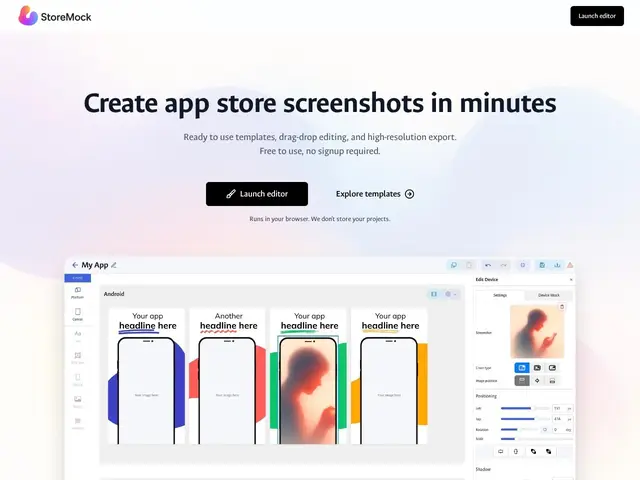
StoreMock
Design, UI/UX & Prototyping🌐 EN

A free browser-based tool that turns your app screenshots into polished app-store-ready mockups in a few clicks, no login required.

#ui-assets#free#web-app#design
storemock.com
📄 Full details →
💬 Review

The short version: if you just need clean app store screenshots without paying for a mockup subscription or opening a design tool, StoreMock does the job in minutes and costs nothing. Compared to paid mockup generators like AppMockUp or Shotsnapp, StoreMock trades away cloud storage, team collaboration, and advanced customization for simplicity and privacy — everything stays local in your browser. That's a reasonable trade for a solo developer shipping a handful of listing screenshots, but teams managing many app variants or needing brand-consistent templates across a portfolio will likely ou…

👥 Target audience

Développeurs indépendants et petites équipes préparant des captures pour l'App Store / Google Play

🌍 Target countries

Worldwide

🗣️ Available languages
EN
🔄 Alternatives
AppMockUpShotsnapp
🔗 Visit StoreMock
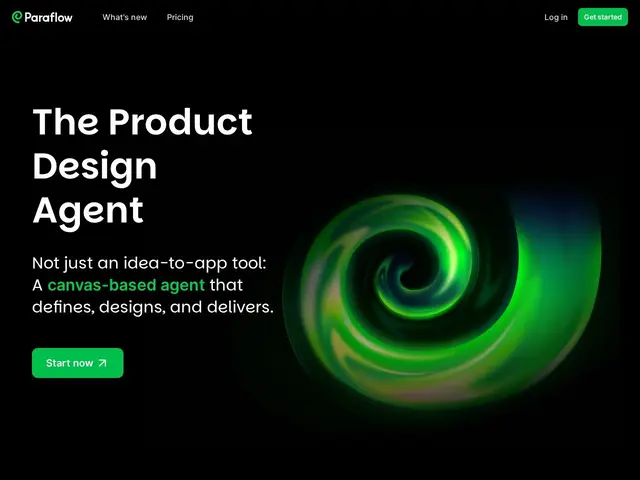
Paraflow
Design, UI/UX & Prototyping🌐 EN

An AI tool that helps turn a rough product idea into a structured spec and visual mockup, like having a product manager and a designer working the problem with you on one canvas.

#prototyping#ai-agents#ui-ux#saas#design
paraflow.com
📄 Full details →
💬 Review

The short version: if you're a solo founder or small team that needs to go from "I have an idea" to a structured spec plus mockup fast, Paraflow's free tier is cheap enough to try, but the credit system and thin public information make it hard to fully judge before you're in. Paraflow's pitch — an AI product manager and an AI designer collaborating with you on one canvas — puts it up against both AI design tools like Uizard or Galileo AI and full assistant-driven builders like v0 that skip straight to working code. Paraflow's angle is staying earlier in the funnel: it's about the spec and str…

👥 Target audience

Fondateurs solo et petites équipes produit qui veulent structurer une idée en spec + maquette avant de briefer des développeurs

🌍 Target countries

International (marché anglophone)

🗣️ Available languages
EN
🔄 Alternatives
UizardGalileo AIv0
🔗 Visit Paraflow
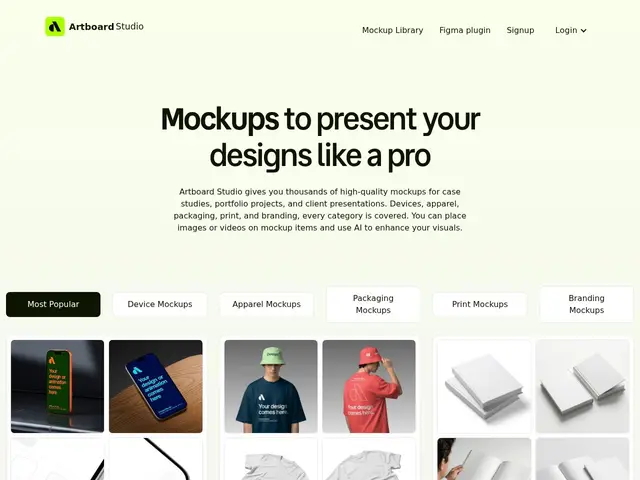
Artboard Studio
Design, UI/UX & Prototyping🌐 EN

A browser tool that drops your design onto a realistic mockup — a laptop screen, a t-shirt, a coffee cup — so you can show it off without owning Photoshop or a studio setup.

#design#ui-assets#web-app#freemium#portfolio
artboard.studio
📄 Full details →
💬 Review

The short version: if you need polished, realistic product mockups for a portfolio or client presentation and don't want to fight Photoshop layer masks, Artboard Studio's 5,000+ ready-made scenes and Figma plugin make this a fast, affordable shortcut. Against the traditional workflow — buying individual mockup PSDs and editing them in Photoshop — Artboard Studio's advantage is speed and accessibility: no software, no layer-masking skills, just drag your design in and export. Compared to competitors like Smartmockups or Placeit, its library size (5,000+) and native Figma/Adobe Express plugins …

👥 Target audience

Designers freelance et agences créant des portfolios, études de cas et présentations client

🌍 Target countries

International

🗣️ Available languages
EN
🔄 Alternatives
Photoshop (mockups manuels)SmartmockupsPlaceit
🔗 Visit Artboard Studio
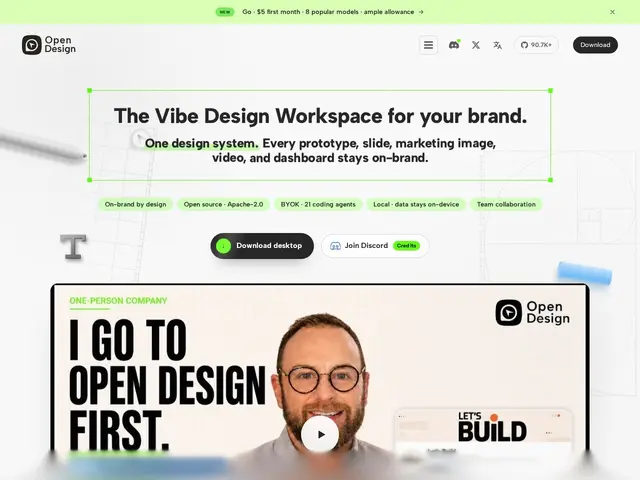
OpenDesign
Design, UI/UX & Prototyping🌐 EN

A free, open-source design app that lets your existing AI coding agent — Claude Code, Cursor, Codex and 20+ others — generate prototypes, websites, slides and dashboards directly on your own machine, using your own API keys instead of a locked-in design S

#open-source#ai#design#prototyping
open-design.ai
📄 Full details →
💬 Review

The short version: if you already pay for Claude Code, Cursor, or another coding agent, OpenDesign is a free way to point that same AI at design work — prototypes, decks, dashboards — instead of paying for a separate AI design SaaS on top. Compared to a hosted AI design tool like a closed-source 'Claude Design'-style product, OpenDesign's pitch is ownership and cost: no subscription markup, your files never leave your machine, and you're not locked into one AI vendor's roadmap — swap coding agents as the landscape shifts. Against Figma or Penpot, the comparison is different in kind: those are…

👥 Target audience

Solo builders, designers, ingénieurs, product managers et équipes marketing qui utilisent déjà un agent de code IA et veulent l'étendre au design

🌍 Target countries

Worldwide

🗣️ Available languages
EN
🔄 Alternatives
FigmaPenpot
🔗 Visit OpenDesign
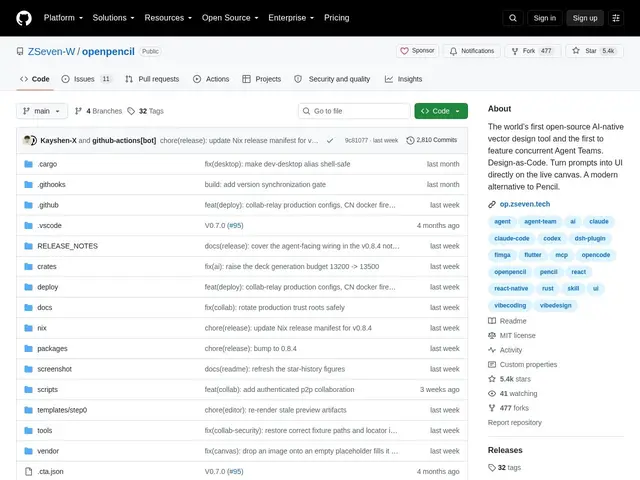
OpenPencil
Design, UI/UX & Prototyping🌐 EN

A free, open-source design tool where you describe what you want in plain English and a team of AI agents draws it for you on a Figma-like canvas — and exports the result as real code.

#design#ui-ux#open-source#prototyping
github.com
📄 Full details →
💬 Review

The short version: OpenPencil is worth trying if you want to go from a text description straight to an editable design and then to shippable code, in one open-source, self-hostable tool — that specific combination is still rare. The differentiator versus Figma is the AI-native generation layer plus the direct code export: Figma is an excellent manual design tool with plugins bolted on for AI and code export, while OpenPencil is built around prompt-to-design and design-to-code as first-class workflows, with Git-based version control for designs (three-way merge) that treats a design file more …

👥 Target audience

Designers, développeurs et équipes voulant générer des interfaces par IA puis exporter en code réel

🌍 Target countries

Worldwide

🗣️ Available languages
EN
🔄 Alternatives
FigmaPenpot
🔗 Visit OpenPencil
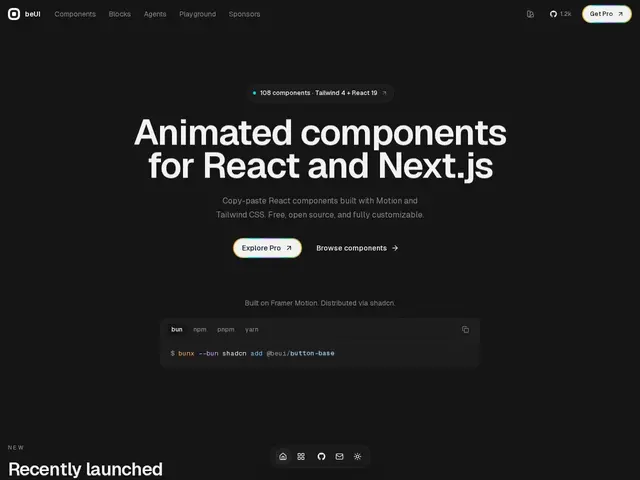
beUI
Design, UI/UX & Prototyping🌐 EN

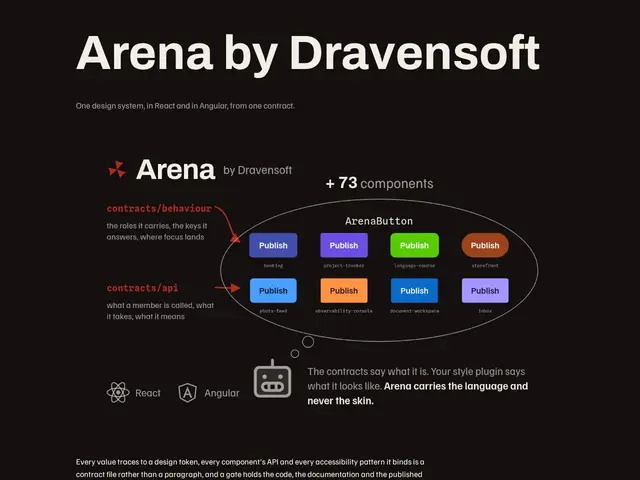
A free, open-source library of 109 animated UI components for React and Next.js, built with Motion and Tailwind CSS, distributed as copy-paste source via the shadcn CLI.
#open-source#frontend#design-system#freemium#react
beui.dev
📄 Full details →
💬 Review

The short version: beUI is a solid, current pick if you want your React/Next.js app to look and feel more polished without writing animation code yourself — 109 ready-made animated components is a genuinely large library, and the shadcn-style copy-paste distribution means you're not locked into a dependency you don't control. Its closest comparison point is the broader shadcn-ecosystem of component add-ons (Aceternity UI, Magic UI, and similar Motion+Tailwind libraries) rather than base shadcn/ui itself, which ships mostly unstyled primitives. beUI's edge is component count and the specific i…

👥 Target audience

Développeurs React/Next.js voulant des composants animés prêts à l'emploi sans écrire l'animation eux-mêmes

🌍 Target countries

Worldwide

🗣️ Available languages
EN
🔄 Alternatives
shadcn/uiAceternity UIMagic UI
🔗 Visit beUI
Jelly UI
Design, UI/UX & Prototyping🌐 EN

A free, open-source Web Components library that gives ordinary HTML form controls a soft, squishy physics-based feel, with zero dependencies and real accessibility support.

#frontend#open-source#free#design-system#ui-assets
github.com
📄 Full details →
💬 Review

The short version: Jelly UI is a genuinely novel idea — soft, physical-feeling form controls — executed with real engineering discipline (zero dependencies, real accessibility work, real tests), but it's a young, small project competing against nothing directly, which is itself worth noting. Most UI libraries differentiate on visual style or component count; Jelly UI differentiates on interaction feel, which is a much rarer and harder thing to get right — the soft-body physics has to stay performant and not fight the browser's native form behavior, and by wrapping real HTML controls rather th…

👥 Target audience

Développeurs et designers web voulant une interface tactile et distinctive, sans sacrifier l'accessibilité

🌍 Target countries

Worldwide

🗣️ Available languages
EN
🔄 Alternatives
shadcn/uibeUI
🔗 Visit Jelly UI
Voxxly
Design, UI/UX & Prototyping🌐 EN

No-code website builder for low-poly 3D websites, with drag-and-drop editing and a free tier to start.

#freemium#no-code#web-development#design#app-builder
voxxly.app
📄 Full details →
💬 Review

The short version: Voxxly's 3D-first angle is a genuine visual differentiator in a website-builder market saturated with near-identical flat templates, but that same novelty makes it a niche tool, not a general-purpose builder. Against Wix, Squarespace, or Webflow, Voxxly can't compete on template breadth, e-commerce depth, or ecosystem maturity — those platforms have years of plugins, SEO tooling, and integrations Voxxly doesn't have yet. What Voxxly offers instead is a specific aesthetic: a low-poly 3D scene as the visual hook for a portfolio or landing page, which can genuinely stand out f…

👥 Target audience

Freelances, créateurs de portfolio, petites entreprises et marketeurs cherchant une présence web visuellement distinctive

🌍 Target countries

International

🗣️ Available languages
EN
🔄 Alternatives
WixSquarespaceWebflow
🔗 Visit Voxxly
TypeHue
Design, UI/UX & Prototyping🌐 EN

An offline desktop app for Mac and Windows combining font management, color palettes, and WCAG contrast checks in one workspace.

#privacy#desktop-app#ui-ux#design#paid
typehue.vercel.app
📄 Full details →
💬 Review

The short version: TypeHue is a solid pick if you want font management and color palette tools bundled into one offline app, and you'd rather pay a flat $29 once than add another subscription to your stack. Compared to FontBase, which is free and cross-platform but sticks to font browsing alone, TypeHue adds built-in WCAG contrast checking and multi-format variable export (CSS, Tailwind, SCSS, JSON) that FontBase simply doesn't do. Against RightFont, a longtime Mac-only font manager sold on a recurring license, TypeHue's one-time $29 fee with a 7-day trial is an easier sell for freelancers an…

👥 Target audience

Designers et professionnels créatifs cherchant des outils de typographie et palettes de couleurs hors ligne

🌍 Target countries

International (marché anglophone)

🗣️ Available languages
EN
🔄 Alternatives
FontBaseRightFontCoolors
🔗 Visit TypeHue
OverlayQA
Design, UI/UX & Prototyping🌐 EN

Design QA tool that flags visual and accessibility bugs by capturing UI elements with full CSS and technical context before they reach production.

#testing#paid#design#feedback#ui-ux
overlayqa.com
📄 Full details →
💬 Review

The short version: if your design QA process today is screenshots pasted into Slack with 'can you fix this?', OverlayQA's main selling point is that every capture already carries the CSS values and technical context a developer needs, which cuts out a full round of back-and-forth. Its direct competitors are older, more general-purpose feedback tools like BugHerd, Usersnap, and Markup.io, which let you annotate a live page but don't extract the underlying CSS or run automated design-system drift detection — that's OverlayQA's actual differentiator, alongside its two-way sync into Jira/Linear/N…

👥 Target audience

Équipes produit, design et développement avec un design system établi

🌍 Target countries

International

🗣️ Available languages
EN
🔄 Alternatives
BugHerdUsersnapMarkup.ioFeedbucket
🔗 Visit OverlayQA
Kosmik
Design, UI/UX & Prototyping🌐 EN

AI-powered visual workspace that auto-organizes inspiration, research, and media into an infinite canvas for mood boards and creative research.

#user-research#whiteboard#ai#collaboration#freemium
kosmik.app
📄 Full details →
💬 Review

The short version: against Milanote and Miro, which are essentially blank infinite canvases you organize by hand, Kosmik's differentiator is that it does a chunk of the organizing itself — auto-tagging what you drop in and actively suggesting related content instead of leaving you to search elsewhere and paste it in. Milanote remains a strong, simpler choice if you just want a clean moodboard with manual control and don't need AI content discovery; Miro is the better pick if your real need is broader whiteboarding and team workshops rather than visual research specifically. Kosmik's built-in …

👥 Target audience

Designers, chercheurs et créateurs de contenu gérant beaucoup de références visuelles

🌍 Target countries

International

🗣️ Available languages
EN
🔄 Alternatives
MilanoteMiroPinterest
🔗 Visit Kosmik
Huemint
Design, UI/UX & Prototyping🌐 EN

AI-powered color palette generator that uses machine learning to create coordinated color schemes for brands, websites, and graphics.

#design#free#ui-assets#ai
huemint.com
📄 Full details →
💬 Review

The short version: Huemint's pitch versus something like Coolors or Adobe Color is that its palettes come from a model trained on spatial color relationships, so you get a full scheme (not just a color-wheel harmony rule) and can preview it on an actual layout rather than swatches alone. Coolors remains faster for quick, no-frills palette locking and has a bigger community/export ecosystem; Adobe Color has the edge if you're already inside the Adobe suite. Huemint's differentiator is real but narrow — the layout preview and ML generation are genuinely useful for deciding whether a palette hol…

👥 Target audience

Designers, marketeurs et développeurs cherchant une direction couleur rapide

🌍 Target countries

International

🗣️ Available languages
EN
🔄 Alternatives
CoolorsAdobe ColorKhroma
🔗 Visit Huemint
Loading...