OpenPencil
A free, open-source design tool where you describe what you want in plain English and a team of AI agents draws it for you on a Figma-like canvas — and exports the result as real code.
🔗 Visit OpenPencil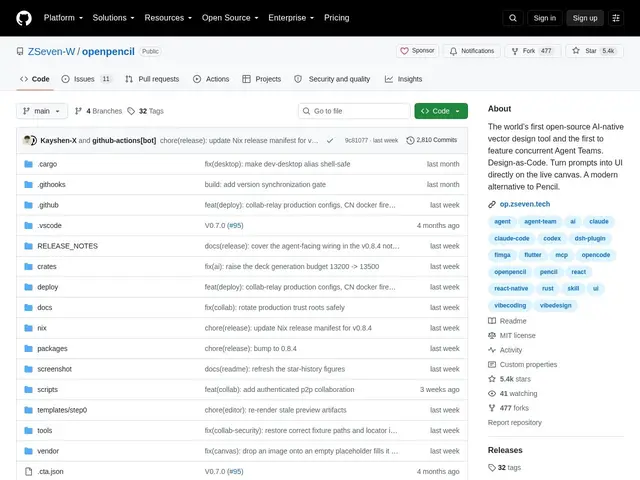
Description
Turning a design idea into an actual interface usually means either learning a design tool well enough to build it by hand, or hiring someone who already knows one. OpenPencil offers a third path: describe what you want in a prompt, and AI agents generate it directly on a vector design canvas, which you can then refine and export straight to code.
OpenPencil is an open-source (MIT) AI-native design tool built in Rust. Its core feature is prompt-to-canvas generation with real-time streaming — you watch the design being built — powered by "concurrent Agent Teams" that can work on a design collaboratively, and support for multiple AI models (Claude, GPT-4o, Gemini, DeepSeek). Beyond generation, it behaves like a real design tool: native desktop apps for macOS/Windows/Linux plus a web version, an MCP server for integration with AI coding agents, Git integration with three-way merge for design version control, and code export to React, HTML, Vue, Flutter and SwiftUI. It supports 15 languages and has passed 5,600 GitHub stars since launching in February 2026.
💬 Our review
The short version: OpenPencil is worth trying if you want to go from a text description straight to an editable design and then to shippable code, in one open-source, self-hostable tool — that specific combination is still rare.
The differentiator versus Figma is the AI-native generation layer plus the direct code export: Figma is an excellent manual design tool with plugins bolted on for AI and code export, while OpenPencil is built around prompt-to-design and design-to-code as first-class workflows, with Git-based version control for designs (three-way merge) that treats a design file more like source code than a static artifact. Its multi-model support (Claude, GPT-4o, Gemini, DeepSeek) also means you're not locked into one AI vendor for generation quality.
The honest limits: at roughly 5,600 stars and launched in early 2026, it's meaningfully younger than Figma's decade-plus ecosystem of plugins, templates, and community know-how, and AI-generated designs still typically need a human pass for polish and consistency. The desktop app is also a substantial ~55MB Rust binary, and code export quality across five different frameworks will vary by target. For a developer or small team comfortable working from AI-generated starting points and wanting an open, self-hosted design tool with real code output, it's a genuinely interesting option; for a design team needing a mature plugin ecosystem and pixel-perfect manual control, Figma remains the safer choice today.
💰 Pricing
📊 Global score
🤖 AI-enriched data
Outil open-source (MIT), entièrement gratuit ; dons/sponsoring optionnels au projet.
Pros
Génération de design par prompt en temps réel, avec équipes d'agents IA concurrents
Export direct vers du code (React, HTML, Vue, Flutter, SwiftUI)
Multi-modèles IA (Claude, GPT-4o, Gemini, DeepSeek) — pas de dépendance à un seul fournisseur
Gratuit, open-source (MIT), intégration Git avec fusion à trois voies
Cons
Écosystème de plugins/templates bien plus jeune que Figma
Les designs générés par IA nécessitent souvent une passe humaine de finition
Qualité d'export variable selon le framework cible parmi les cinq proposés