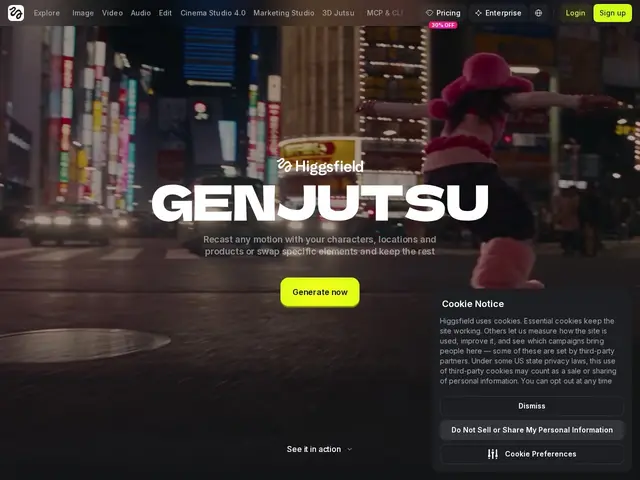
AI video tool that transfers motion from one clip to a new cast, or swaps a character/object, while keeping the rest of the shot intact
higgsfield.ai
26 tools curated in this category — including Higgsfield Genjutsu, Caption & Cut, AIDemo.Video
techFind on mySelectas all sites and tools related to motion-design. This selection of 26 resources is reviewed and maintained by the community. The most popular include Higgsfield Genjutsu, Caption & Cut, AIDemo.Video. Each tool comes with a review, tags, comparisons and alternatives to help you make the best choice.
AI video tool that transfers motion from one clip to a new cast, or swaps a character/object, while keeping the rest of the shot intact
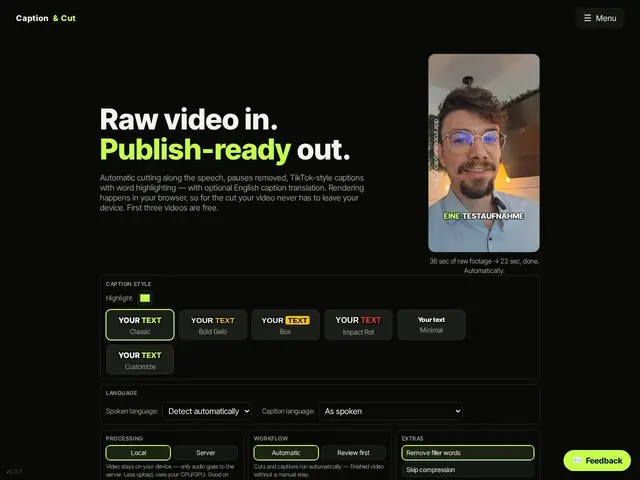
Web app that automatically cuts pauses and adds TikTok-style captions to short-form videos
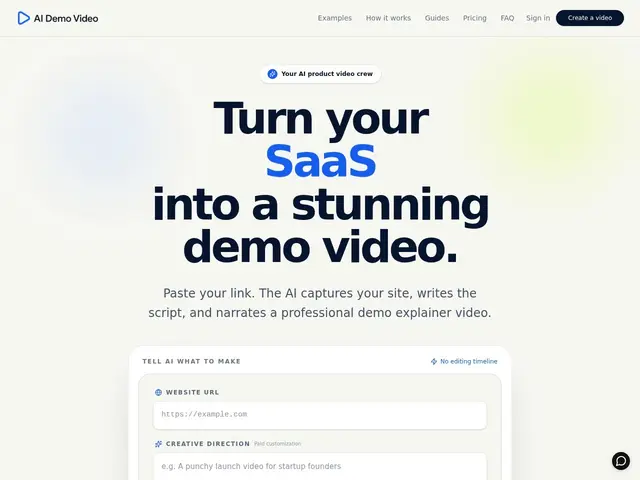
Turns any website URL into a finished demo video with an AI-written script and voiceover
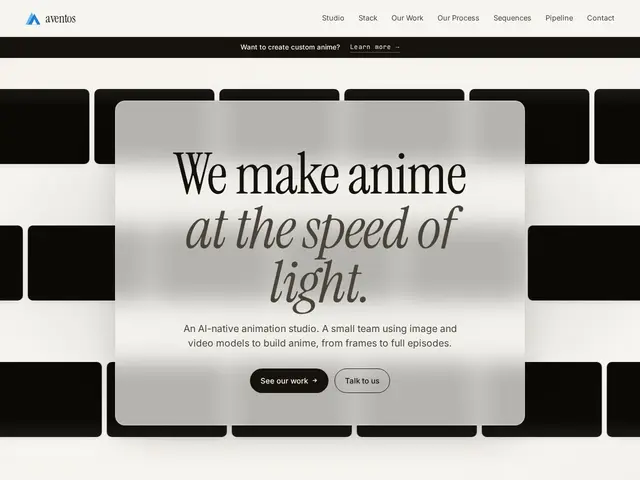
AI-native animation studio that produces broadcast-quality anime episodes by combining generative AI models with human creative direction and professional compositing.
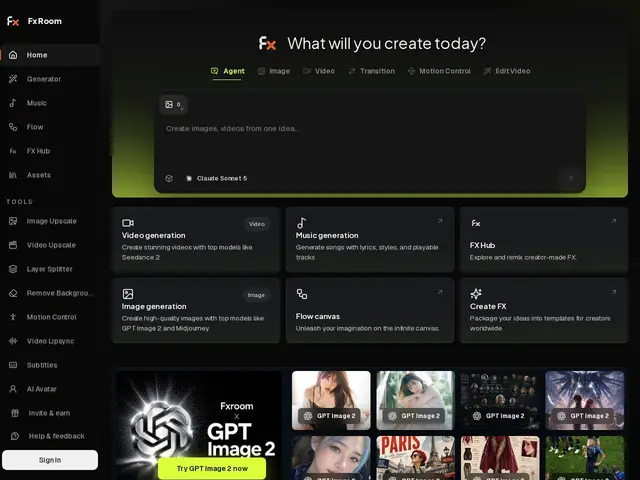
AI creative studio for generating and remixing images, videos, and music with creator-designed effects and monetization capabilities.
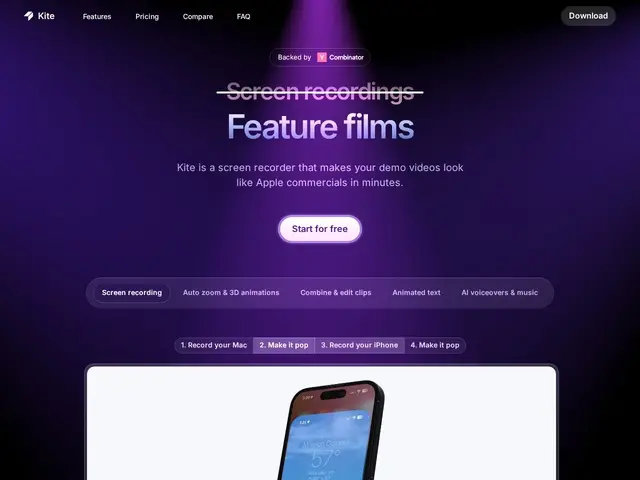
A screen recorder that turns a plain capture of your app into a polished product demo video with 3D device mockups, animated callouts, and AI-generated voiceover.
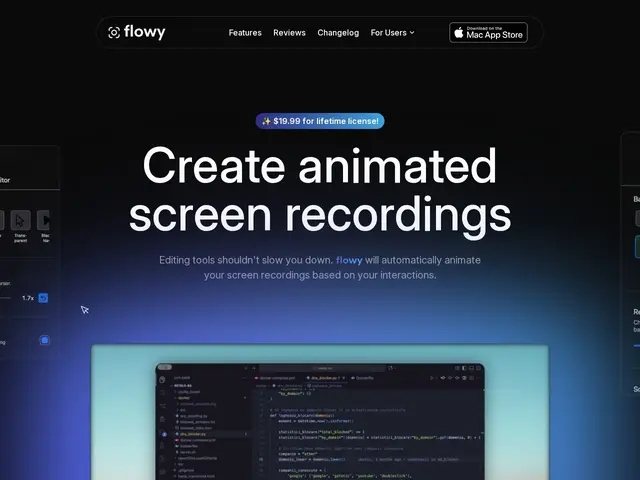
A macOS screen recorder that automatically adds cursor-driven zooms and animations, then lets you edit the result without leaving the app.
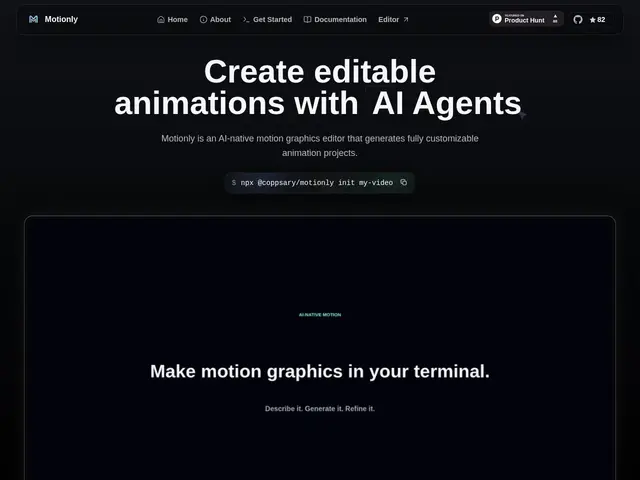
An open-source, AI-native motion graphics editor that generates animation projects from a prompt.
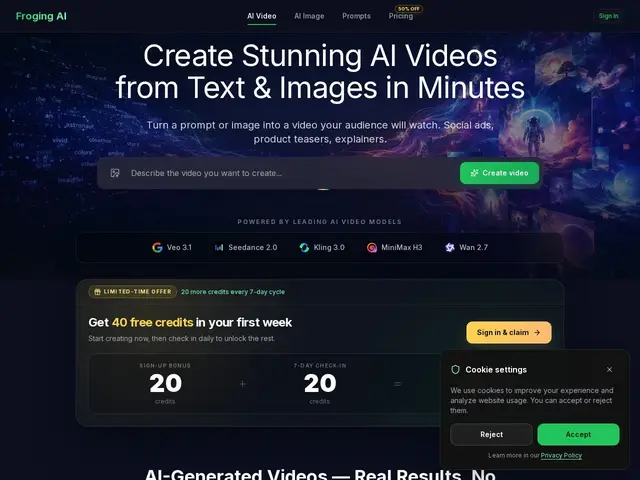
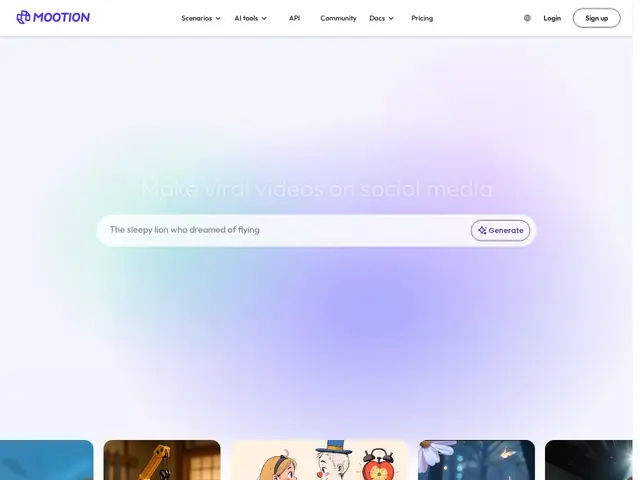
An AI platform that turns a written description or a photo into a short video, letting you pick from five different AI video models to find the result you like best.
An AI video generator that turns a text prompt, image or script into a full-length video with synced motion, voice, music and sound effects — no free tier, paid from the start.
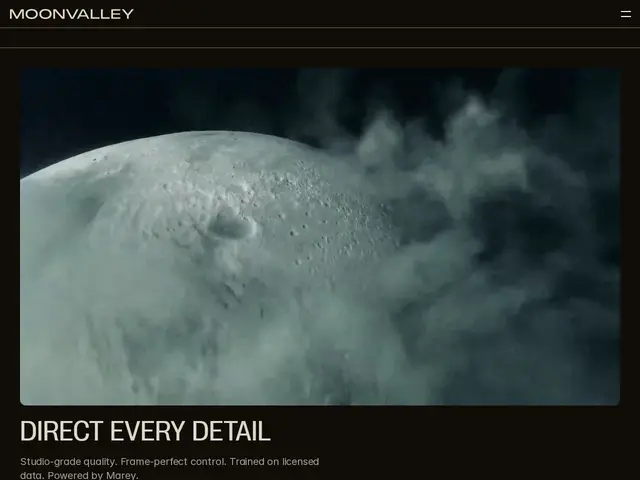
An AI video generator built for professional filmmakers — turn an image or text prompt into a cinematic clip with real camera-move and lighting controls, trained only on licensed footage.
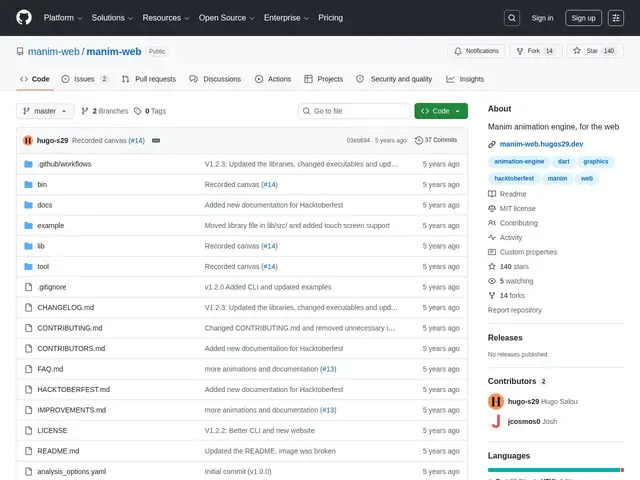
A free, open-source way to make the kind of clean math and science animations popularized by the YouTube channel 3Blue1Brown, directly in a web browser — no Python installation required.
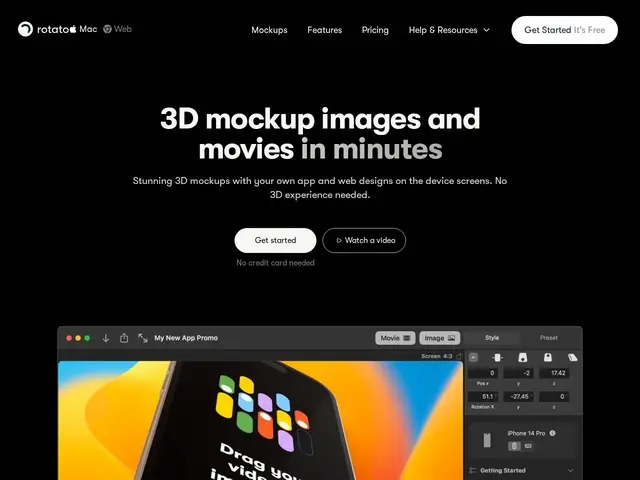
Turns a flat app screenshot into a slick 3D product video without touching any 3D software.
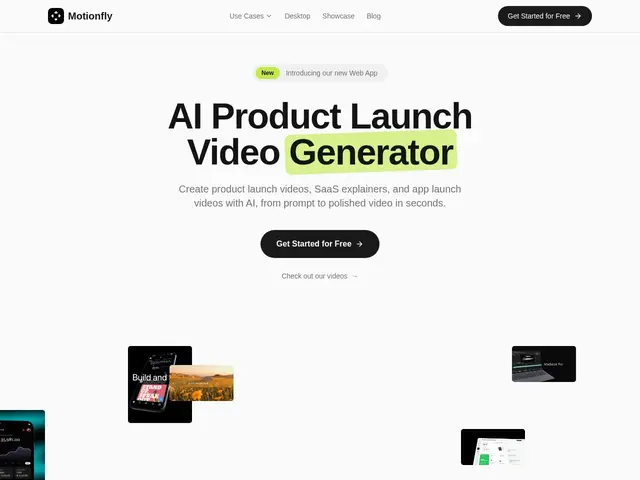
Turns a short text description of your product into a finished launch video — mockups, voiceover and music included — without touching a timeline editor.
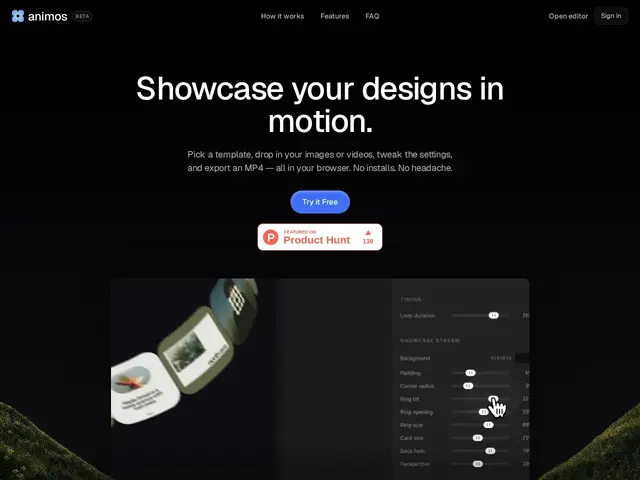
Free browser-based motion design tool with 30+ templates for animating portfolio work in 4K without After Effects or design software.
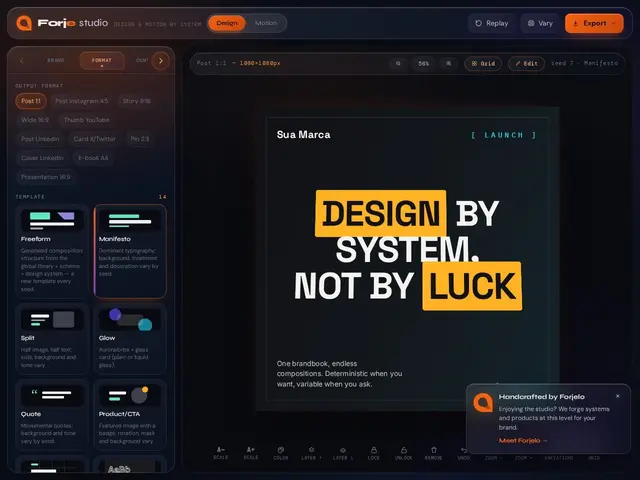
A design tool that lets you build one visual and export it as an image, a PDF, a PowerPoint slide, or a video — without redoing the work for each format.
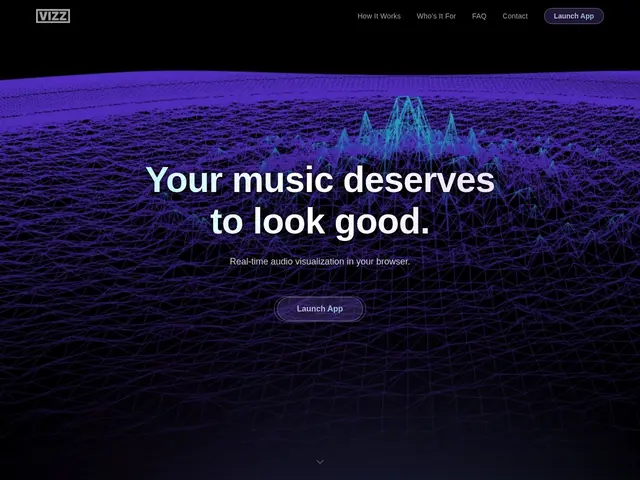
A free website that turns any music or sound — from your microphone, a file, or a streaming app — into moving visuals on screen, no software install needed, useful for livestreams or just watching your music come to life.
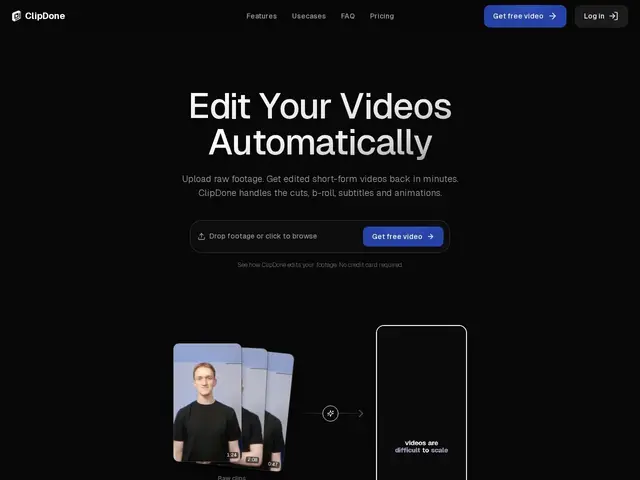
You upload a raw, unedited video, and ClipDone hands back a finished, publish-ready short clip — cutting out the silences and awkward pauses, adding captions, dropping in relevant B-roll, and applying motion graphics automatically, the tasks a video edito
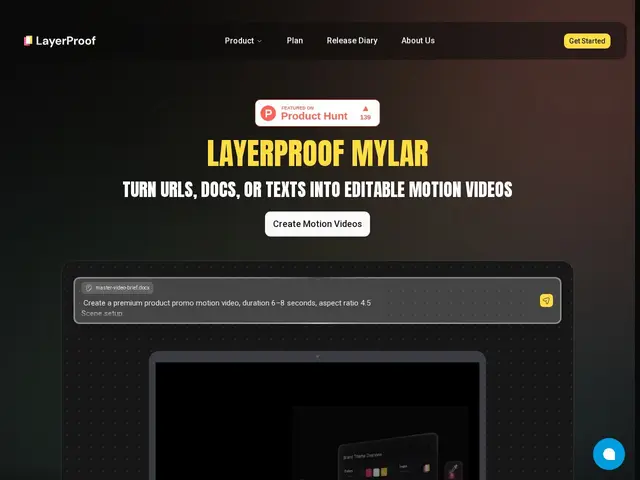
Paste your product's landing page URL into Mylar and it writes a script, builds scenes and records narration to produce a launch video — the kind of thing that normally means hiring a motion designer for a week.
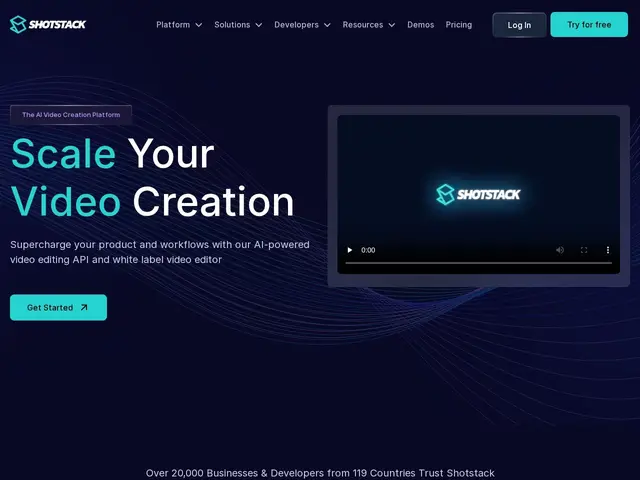
Cloud API that turns a JSON description of a video — clips, text, transitions — into a rendered MP4, so apps can generate or personalize video automatically instead of a human editing it by hand.