Flowy
A macOS screen recorder that automatically adds cursor-driven zooms and animations, then lets you edit the result without leaving the app.
🔗 Visit Flowy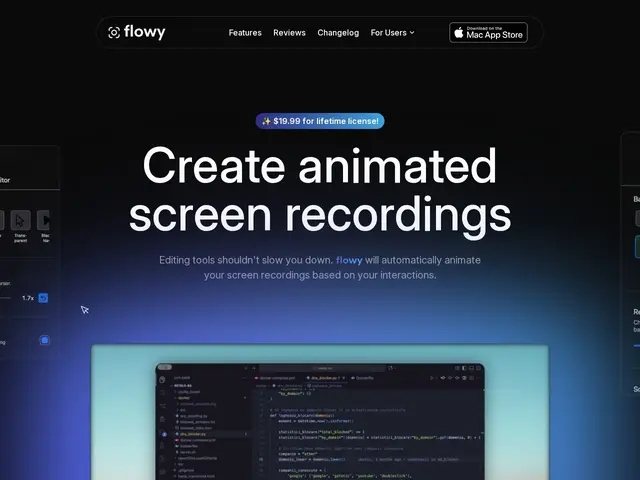
Description
Recording a quick product demo or tutorial usually means capturing your screen in one app, then dragging the footage into a video editor to add zooms and cleanup so viewers can actually follow what you clicked. Flowy skips that second step: while you record, it watches your cursor and automatically zooms and pans toward what you're doing, so the output already looks like an edited tutorial instead of a flat screen capture.
It's a native macOS app sold as a one-time $19.99 purchase (no subscription) on the Mac App Store. Beyond the automatic cursor-based animations, it supports 4K recording, webcam overlay, background blur or custom backgrounds, multiple export formats (widescreen, square, vertical for social), and a built-in editor with presets so you can tweak the automatic effects instead of starting from scratch in a separate tool.
💬 Our review
The short version: if you make screen-recorded tutorials or demos on a Mac and are tired of manually adding zooms in a separate editor, Flowy's automatic cursor-based animation does that work for you as you record, for a one-time $19.99 rather than a monthly fee.
Against OBS, which is free and far more configurable but records flat footage you still have to edit by hand, Flowy trades flexibility for speed — you get a ready-to-post clip faster, at the cost of deep control over the recording pipeline. Against subscription screen recorders, the one-time purchase is a clear advantage if you record regularly. The catch is platform lock-in: it's macOS-only, so Windows or Linux users are out regardless of how good the feature set is. For solo creators, indie developers or educators on a Mac who publish demos often, it's a low-cost, low-effort upgrade over raw screen capture.
💰 Pricing
📊 Global score
🤖 AI-enriched data
19,99 $ en paiement unique via le Mac App Store, licence à vie, aucun abonnement.
Pros
Achat unique à vie, pas d'abonnement
Zooms et animations automatiques basés sur le mouvement du curseur
Éditeur intégré avec presets et thèmes
Enregistrement 4K
Formats d'export multiples (paysage, carré, vertical)
Cons
Mac uniquement, aucune version Windows/Linux
19,99 $ à l'achat contre des alternatives gratuites comme OBS
Distribution limitée au Mac App Store