Streaming et enregistrement
🌐 web
obsproject.com
Recording a tutorial or product demo usually means either a flat, unedited screen capture or hours in a video editor adding zoom-ins and captions by hand. Rackast tries to close that gap automatically: it records your Windows screen and applies AI-powered zoom that follows clicks and important areas, smooth cursor motion with click ripple effects, and local AI-generated captions (via Whisper) — all without manual editing afterward. Other features include a floating webcam bubble overlay, multi-format export (MP4, WebM, GIF), support for 4K recording at up to 120fps, and fully offline/local rendering for privacy. It's built with Tauri and runs on Windows 10/11 only — there's no Mac version. Pricing is a flat subscription: $19.99/month or $95.88/year, with a 7-day money-back guarantee but no free trial; billing is handled by Polar as merchant of record, and licenses cover 2 device activations.
| # | Tool | Best for | Price |
|---|---|---|---|
| 1 | Créateurs de contenu | Streamers | — | |
| 2 | Grand public | — | |
| 3 | Équipes produit SaaS, fondateurs, entreprises lançant produits ou fonctionnalités sans expertise vidéo | — | |
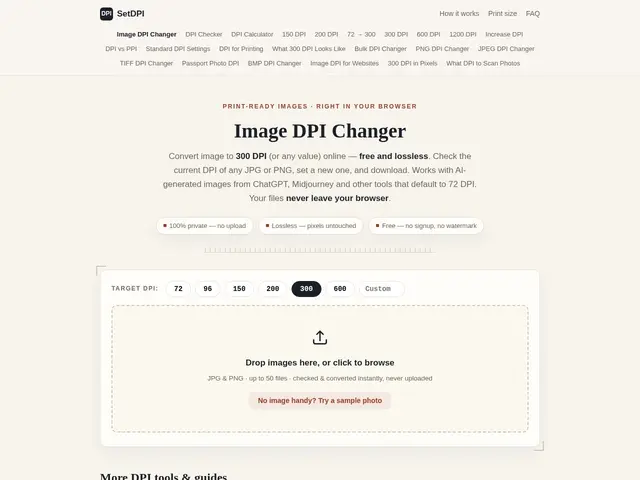
| 4 | Print shops, self-publishers (Amazon KDP, Etsy sellers), academic authors | — | |
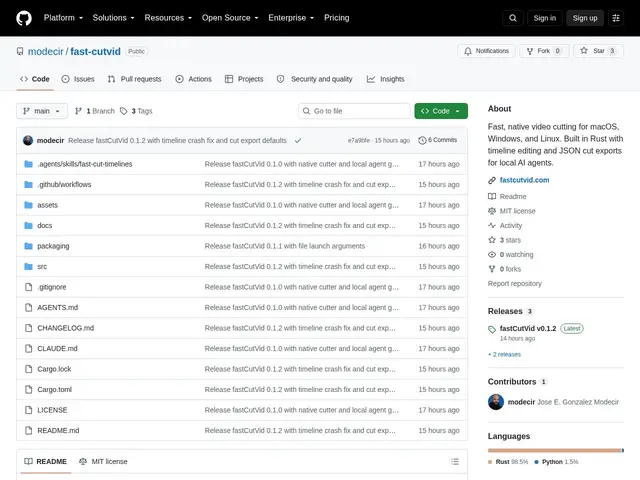
| 5 | Développeurs construisant des agents IA qui montent de la vidéo, et monteurs humains cherchant un outil de coupe focalisé | — | |
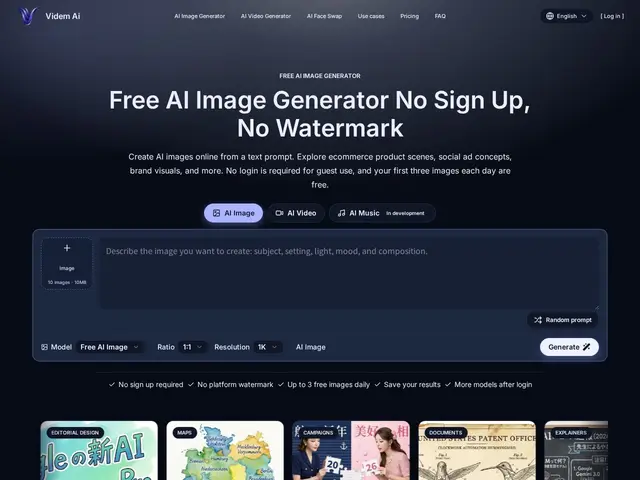
| 6 | Créateurs de contenu, e-commerçants, community managers, marketeurs cherchant de l'imagerie/vidéo générée par IA | — | |
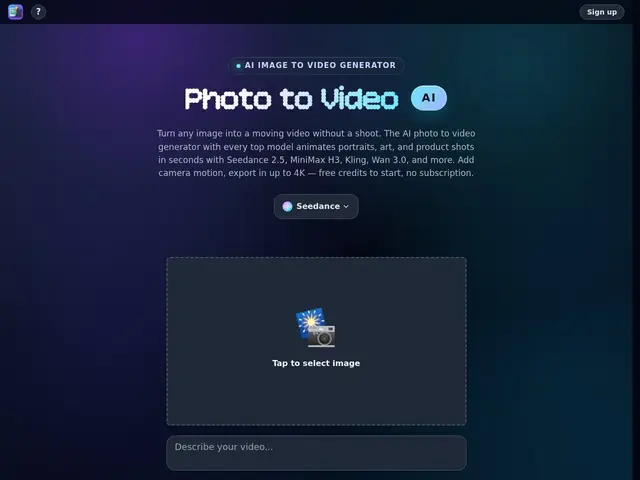
| 7 | Créateurs de contenu, e-commerçants, marketeurs produit, professionnels de la vidéo portrait/lifestyle | — | |
| 8 | Créateurs de contenu, community managers, e-commerçants, amateurs d'anime, créateurs occasionnels de clips animés | — | |
| 9 | E-commerce, entreprises SaaS, agences de contenu, établissements éducatifs, équipes marketing et enablement interne | — | |
| 10 | Vendeurs Shopify, dropshippers, marques e-commerce et agences gérant des publicités sociales payantes | — | |
| 11 | Créateurs visuels, designers, marketeurs et publicitaires cherchant des références et générations d'images/vidéos IA | — | |
| 12 | Créateurs de contenu, designers, marketeurs, product managers, chercheurs et éducateurs travaillant avec des générateurs d'images IA | — |
Turns a live web app's actual interface into a polished, branded product demo video in minutes, without filming, editing, or motion-design skills.
Free browser tool that changes an image's DPI metadata without re-encoding it, for print-ready files.
A lightweight, open-source video cutter that outputs a readable JSON edit decision list instead of just a rendered file — built so AI agents (and humans) can assemble and trim clips programmatically.
A no-signup AI image and video generator with 3 free images a day, no watermarks, and explicit commercial-use rights.
Turns a photo into a video by picking from several leading AI video models in one place — camera moves, product spins, or animated portraits, up to 4K.
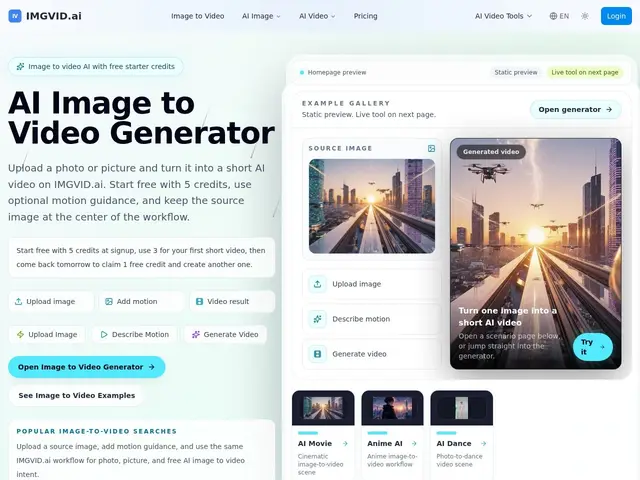
Turns a single photo into a short AI video — add a motion prompt, pick a model, get a clip in about a minute.
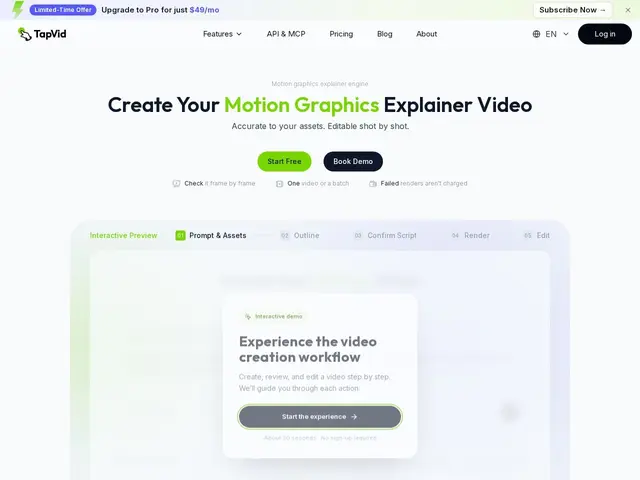
Feeds it your product screenshots, a document, or a webpage, and it builds a clear explainer video out of them instead of you learning video editing.
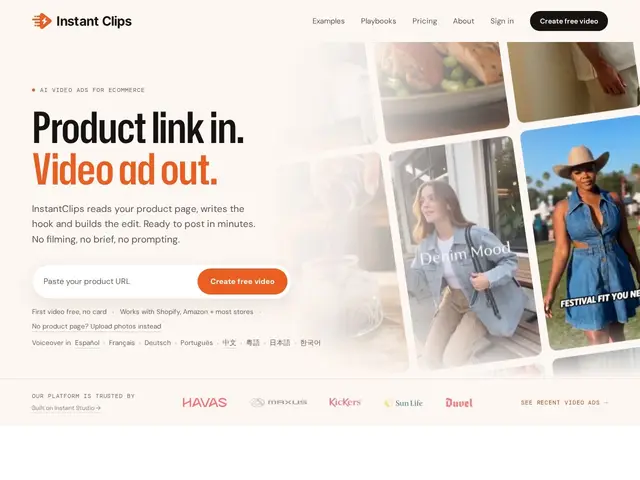
Paste a link to your product page and get a ready-to-post video ad back, without filming anything or writing a creative brief.
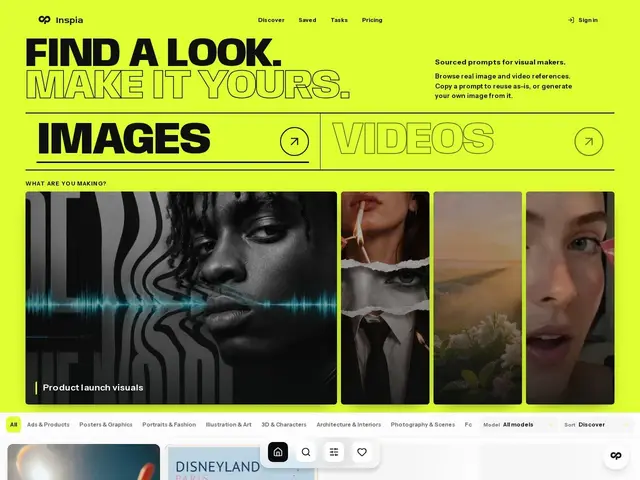
A searchable library of AI-generated images and videos where you can see the exact prompt behind each one, so you're not guessing what wording gets that look.
Upload a picture you like and get back the text description you'd need to recreate something similar with an AI image generator.