fastCutVid
A lightweight, open-source video cutter that outputs a readable JSON edit decision list instead of just a rendered file — built so AI agents (and humans) can assemble and trim clips programmatically.
🔗 Visit fastCutVid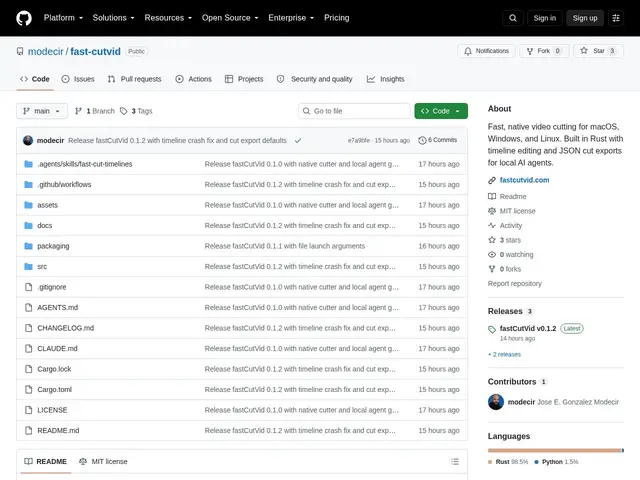
Description
As AI agents start being used to assemble video content — pulling the best moments out of raw footage, sequencing clips — most existing video editors are built purely for humans clicking a timeline, with no clean way for a script or an agent to drive the process or inspect what was decided. fastCutVid is built around a different idea: the cut itself is a portable, readable JSON format (fastcut.timeline/v1), not just a rendered output, so both a human in a GUI and an agent working headlessly can produce and consume the same edit decisions.
On the human side, it's a real, focused desktop video editor — native on macOS, Windows, and Linux, with a GPU-rendered UI (media bin, program monitor, timeline, inspector), a filmstrip timeline with frame sampling and speech-visible waveforms, split/trim/delete/reorder operations, and non-destructive in/out points. On the agent/automation side, it exposes a headless renderer that can take a JSON timeline and produce an MP4 with normalized resolution, frame rate, and audio — no GUI required. That dual design (readable JSON as the actual interchange format, plus a real interactive editor on top) is what distinguishes it from either a pure command-line ffmpeg wrapper or a closed-format GUI editor. It's free and open source.
💬 Our review
The short version: fastCutVid's actual innovation isn't the editing UI itself — it's treating the edit decision list as a first-class, readable JSON artifact that both humans and agents can produce and act on, which is the missing piece for anyone building an AI video-editing pipeline today.
Against a raw ffmpeg-based pipeline, which can technically do all of this but requires hand-rolling cut logic and has no visual editor to sanity-check results, fastCutVid gives you both a real GUI for human review and a headless path for automation using the exact same underlying format — you're not maintaining two separate systems. Against a full-featured NLE like DaVinci Resolve or Premiere, it's intentionally much narrower: no color grading, no complex effects, no multi-track compositing — it's a cutting/sequencing tool, not a full production suite, and that focus is precisely what keeps it lightweight enough to drive from an agent. Worth adopting specifically if you're building or using an AI agent that needs to cut video and want a real, inspectable format to work with; if you need a full NLE for human-driven professional editing, this isn't trying to compete there.
💰 Pricing
📊 Global score
🤖 AI-enriched data
Open source, gratuit
Pros
Format d'edit decision list JSON lisible, pas juste un rendu final
Utilisable en GUI (humain) ou headless (agent), même format sous-jacent
Natif macOS/Windows/Linux, UI accélérée GPU
Gratuit et open source
Cons
Pas de color grading ni d'effets complexes, ce n'est pas une suite de montage complète
Projet jeune, moins de recul qu'un NLE établi
Utile surtout pour du cutting/séquençage, pas du montage avancé