TapVid
Feeds it your product screenshots, a document, or a webpage, and it builds a clear explainer video out of them instead of you learning video editing.
🔗 Visit TapVid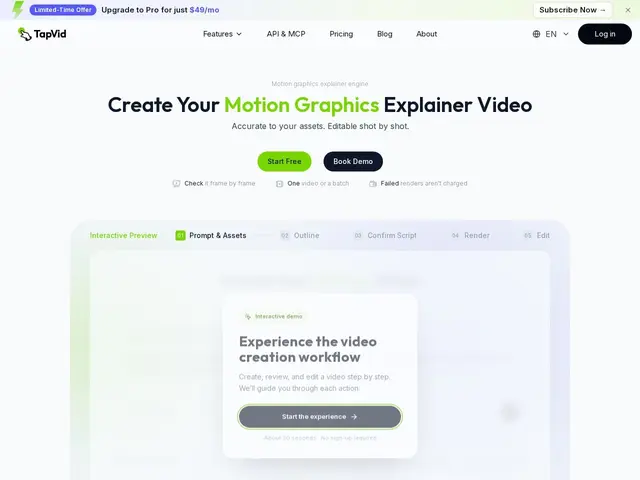
Description
Explainer videos are one of those things everyone agrees they need — for a product demo, a feature walkthrough, an onboarding guide — but almost nobody has time to storyboard, script and edit themselves. TapVid takes whatever you already have — product images, screen recordings, a webpage, a document, or even a rough script — and turns it into a structured, narrated explainer video automatically.
It handles the full pipeline: script and storyboard generation, shot structuring, and final video assembly, with the ability to edit individual shots afterward rather than regenerating the whole thing from scratch. A Brand Kit keeps styling consistent across videos, batch generation covers producing several at once, and both a REST API and an MCP endpoint let it plug into automated workflows. Pricing runs on a credit system, starting with a $4.99 one-time trial and scaling to monthly plans for regular use, with Team and Enterprise tiers for higher volume.
💬 Our review
The short version: TapVid's real advantage is flexibility of input — it accepts screenshots, documents, webpages and scripts rather than requiring you to already have footage, which is the actual bottleneck for most people who need an explainer video but have nothing to film.
Compared to hiring a video agency or using a general-purpose AI video generator, TapVid's shot-level editing is the feature worth paying attention to: you can tweak one scene without regenerating the whole video, which saves both time and credits versus all-or-nothing regeneration. The MCP and API access also make it usable inside an automated content pipeline, not just as a one-off manual tool — a genuinely developer-friendly touch most competitors skip. Watermark removal and presenter-avatar features are still listed as 'coming soon', and SOC 2 certification is in progress rather than complete, both worth checking before committing at the Enterprise level. Worth it for SaaS teams and agencies producing explainer or demo videos repeatedly; less compelling for a single one-off video where the $49-199/month plans outweigh the $4.99 trial's single-video scope.
💰 Pricing
📊 Global score
🤖 AI-enriched data
Essai : 4,99$ (accès 24h, 1 vidéo). Pro : 49$/mois (2000 crédits, ~20 vidéos). Max : 99$/mois (6000 crédits, ~42 vidéos). Ultra : 199$/mois (14000 crédits, ~150 vidéos). -20% en facturation annuelle.
Pros
Accepte captures d'écran, documents, pages web ou scripts en entrée
Édition plan par plan sans régénérer toute la vidéo
API REST et endpoint MCP pour intégration à des workflows automatisés
Rendus échoués ne consomment pas de crédits
Génération par lot possible
Cons
Fonction de suppression du watermark encore en développement
Certification SOC 2 en cours, pas encore obtenue
Crédits non reportés d'un mois sur l'autre