An offline file manager that pulls the files scattered across your photos, downloads, chats and email into one searchable place, entirely on your device with no cloud sync.
pouchverse.com
Signing a PDF usually means opening it in a reader, clicking around for a signature tool, or uploading it to a paid e-signature website just to place your name on a form. Qwiksi skips all of that: it's a small command-line program that takes a signature — either typed as text and turned into a cursive-style image, or your own image file — and stamps it directly onto a PDF, from a terminal or a script, in a few seconds. Under the hood, Qwiksi is a Go program built on the pdfcpu PDF library and distributed as a single static binary (prebuilt for macOS, Linux and Windows) with no runtime dependencies to install. It can generate a signature PNG from typed text using bundled cursive fonts (Sacramento and Great Vibes), automatically detect fillable AcroForm signature fields in a PDF and list them by name, or — for flat/scanned PDFs with no real form fields — let you preview a coordinate grid overlay and manually specify where the signature image should land. The core commands are addsig (generate a signature image), fields (list detected form fields), preview (show the coordinate grid), and sign (stamp the signature in). It's aimed squarely at developers and technical users who want PDF signing they can automate or script, not a polished consumer e-signature product.
| # | Tool | Best for | Price |
|---|---|---|---|
| 1 | Étudiants, professionnels, créateurs gérant des fichiers personnels dispersés entre plusieurs apps | — | |
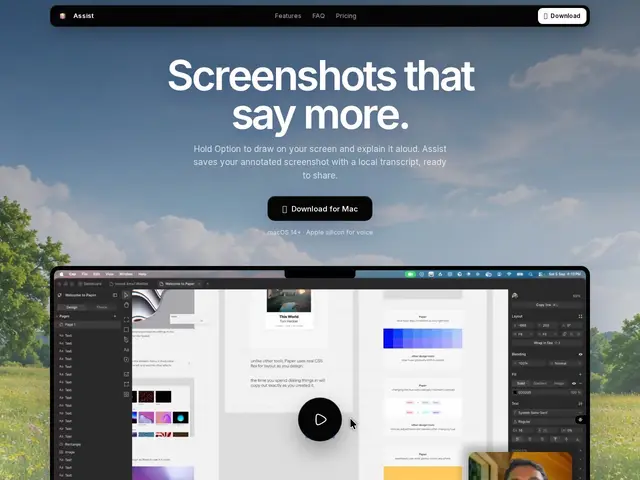
| 2 | Mac users needing quick visual explanations: bug reports, design feedback, async team communication | — | |
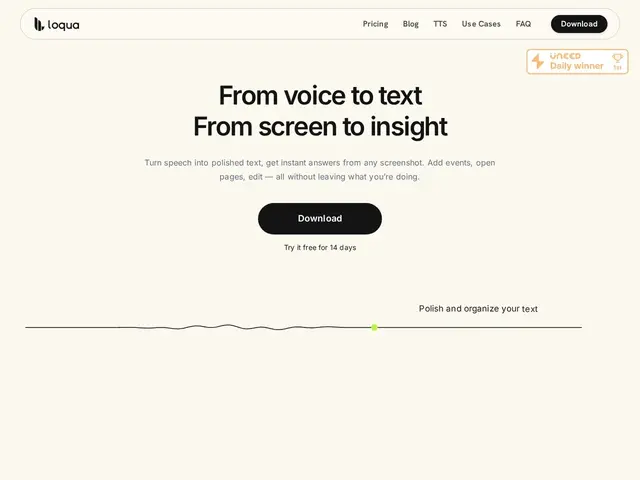
| 3 | Knowledge workers who draft a lot of text daily (engineers, PMs, writers) | — | |
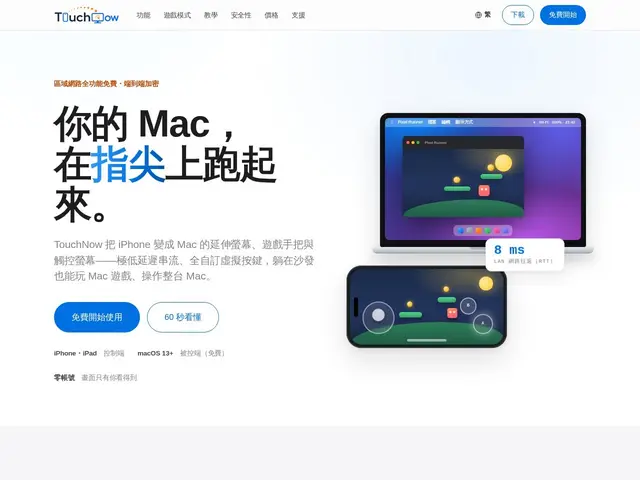
| 4 | Mac users wanting remote control, extended display, or game-streaming from an iPhone/iPad | — | |
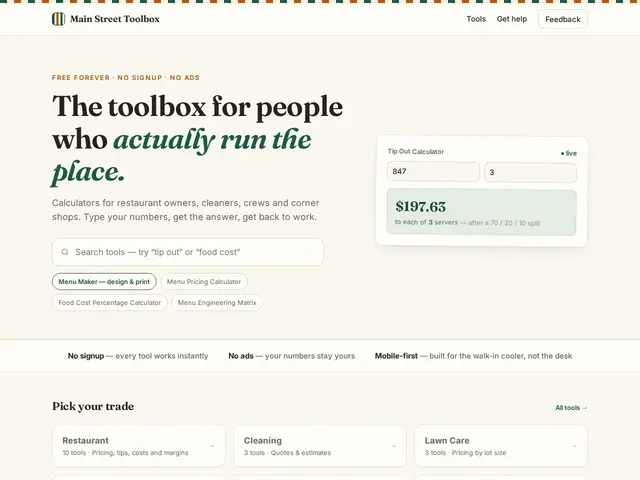
| 5 | Small business owners in restaurant, cleaning, construction, lawn care, salon, and retail trades | — | |
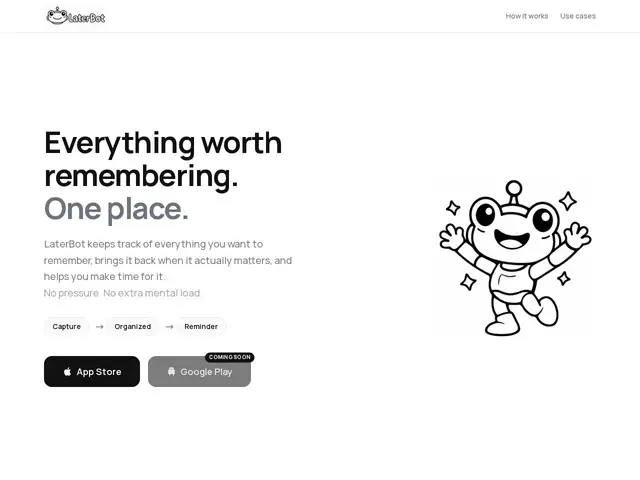
| 6 | Individuals wanting a frictionless single inbox for ideas, tasks, and links | — | |
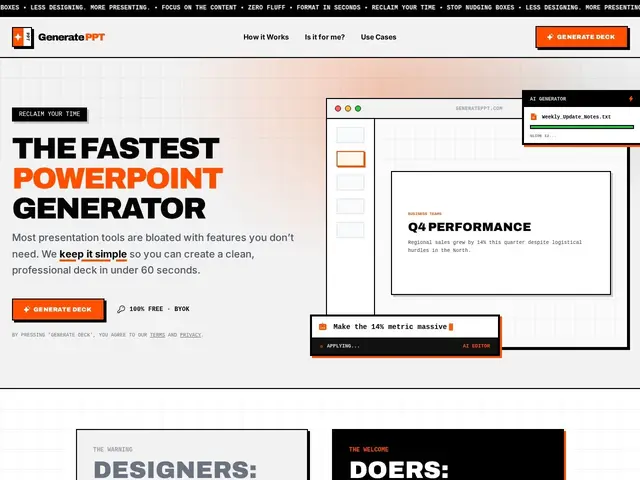
| 7 | Professionals, founders, and consultants who prioritize presentation speed over design polish | — | |
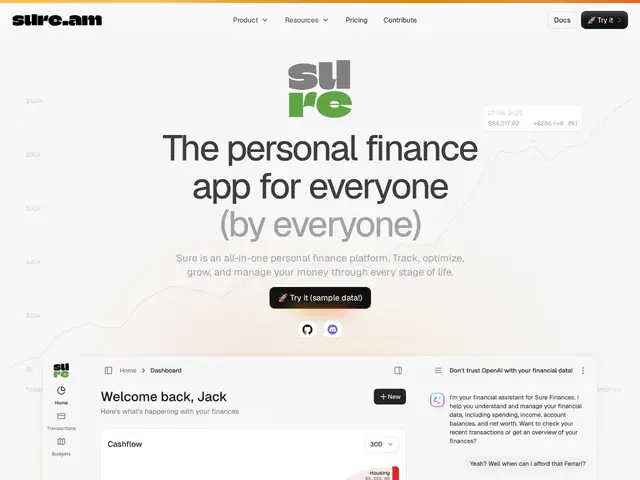
| 8 | Individuals wanting transparent, self-hostable personal finance tracking | — | |
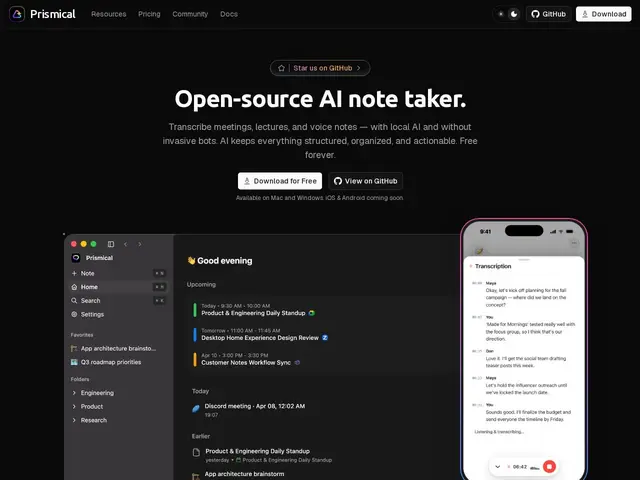
| 9 | Privacy-conscious professionals wanting local AI meeting notes | — | |
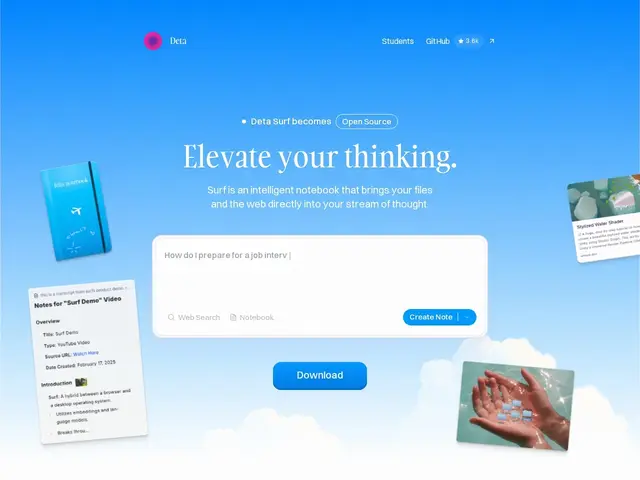
| 10 | Researchers and knowledge workers wanting local-first AI note-taking | — | |
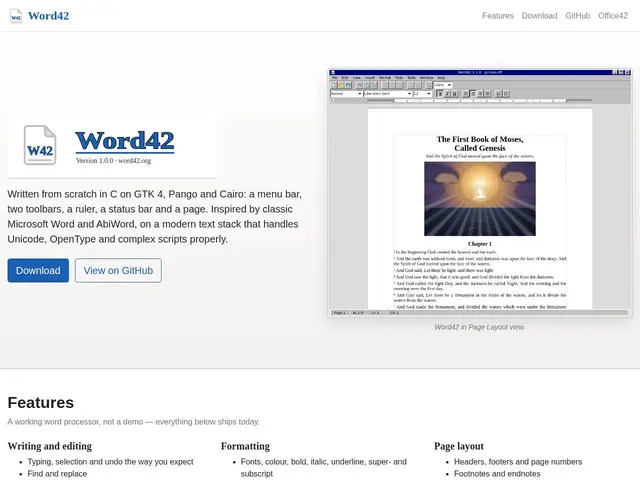
| 11 | Rédacteurs, développeurs et organisations voulant un traitement de texte libre, léger et multiplateforme sans dépendance propriétaire | — | |
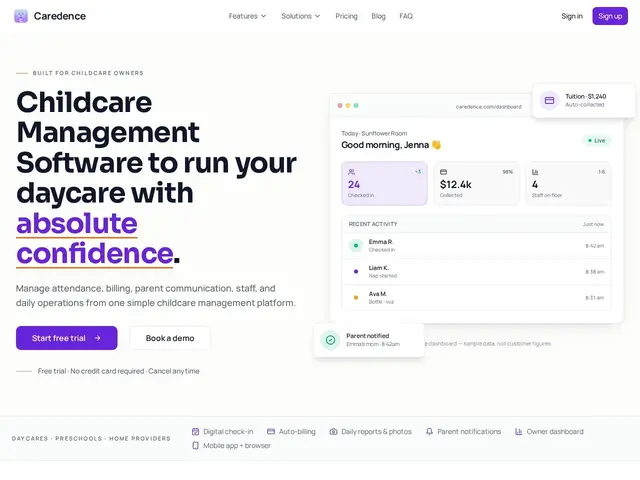
| 12 | Propriétaires et directeurs de garderies, écoles maternelles, fournisseurs de garde à domicile | — |
An offline file manager that pulls the files scattered across your photos, downloads, chats and email into one searchable place, entirely on your device with no cloud sync.
Mac app for voice-annotated screenshots, screen capture with editing, and local clipboard history, all processed on-device.
Mac/Windows voice dictation app that turns speech into polished, formatted text at your cursor in any app.
Turns an iPhone or iPad into a low-latency trackpad, game controller, and extended display for controlling a Mac remotely.
Free collection of 31+ business calculators for restaurant, cleaning, construction, lawn care, salon, and retail owners.
Capture app for everything you save 'for later' — text, voice, links — that auto-organizes and resurfaces items when useful.
Free AI tool that generates a full PowerPoint presentation in under a minute from a topic, file, URL, or transcript.
Open-source personal finance app that connects 10,000+ financial institutions and uses AI to answer questions about your money.
Open-source AI meeting note-taker that transcribes locally, without a bot joining your call.
Open-source browser and AI notebook combined, with local-first data storage.
A free, open-source word processor built from scratch in C, meant as a modern alternative to Microsoft Word and AbiWord, running on Windows, macOS and Linux.
All-in-one management software for daycare centers and preschools, covering attendance, tuition billing, and parent communication.