Loqua
Mac/Windows voice dictation app that turns speech into polished, formatted text at your cursor in any app.
🔗 Visit Loqua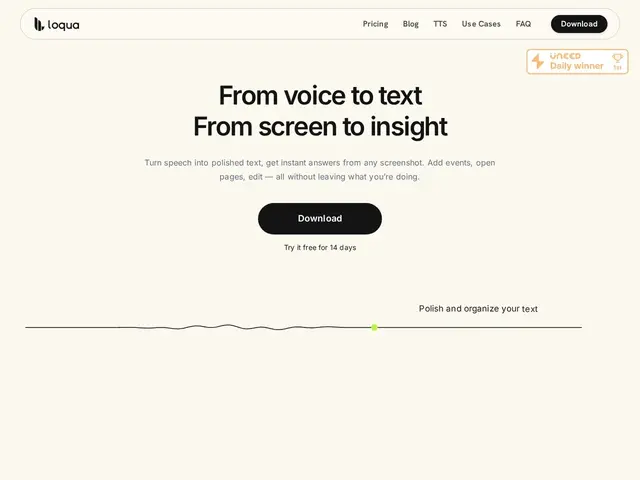
Description
Typing is often the bottleneck between having a thought and getting it down — especially for anyone who talks faster than they type, or who's tired of switching apps just to draft something. Loqua is a native voice dictation app for Mac and Windows that converts speech to text directly wherever your cursor is, whether that's VS Code, Slack, or Notion, without needing to copy-paste from a separate transcription tool.
It goes beyond raw transcription: it strips filler words, auto-formats lists and headings, translates across roughly 100 languages, and supports voice-based editing (asking it to rewrite or restructure what you just said) and screen-capture analysis ('Capture to Ask'). The free plan gives 5,000 words a week; unlimited dictation requires the Pro plan at $12/month (or $120/year), after a 14-day trial.
💬 Our review
The short version: a genuinely polished dictation tool that goes further than basic speech-to-text by cleaning up and formatting output automatically — the free tier is generous enough to seriously evaluate it before paying, which is worth something.
Against Apple's built-in Dictation or Google Docs Voice Typing (both free but raw, no formatting or filler-word cleanup), Loqua's value is in the post-processing: what comes out reads like something you'd actually publish, not a transcript you still need to edit. Against Otter.ai (more meeting-transcription focused) or Wispr Flow (a close direct competitor), the differentiator is the cross-app formatting and voice-editing workflow. The real constraint is platform: desktop only, no mobile or web app, and it needs a live connection to work. Worth it for anyone who drafts a lot of text daily and wants formatted output, not just raw words; skip it if free built-in dictation already covers your occasional use.
💰 Pricing
📊 Global score
🤖 AI-enriched data
Gratuit 5000 mots/semaine, puis 12$/mois ou 120$/an.
Pros
Mise en forme automatique du texte
Suppression des mots de remplissage
Fonctionne dans toutes les apps
Cons
Mac/Windows uniquement
Palier gratuit limité
Connexion internet requise