Leading video conferencing platform
zoom.com
27 tools found
Leading video conferencing platform
Satellite météo en direct
A little yet powerful framework agnostic library to zoom image on the web
Services juridiques en ligne USA
Enregistrer et résumer des réunions Zoom/Meet avec IA
Native screen recorder and editor with auto-zoom, AI enhancements, device mockups, and teleprompter. ![Freeware][Freeware Icon]
Open-source screen recorder with auto-zoom, cursor effects, and timeline editing. [![Open-Source Software][OSS Icon]](https://github.com/syi0808/screenize) ![Freeware][Freeware Icon]
Screen recorder with smart zoom, captions, and AI voiceovers.
MapTiler generates zoomable raster maps from images in user-defined coordinate system.
Free HD virtual backgrounds for video calls and team meetings. Professional backgrounds for Zoom, Teams, and Google Meet. No signup required, free for personal use.
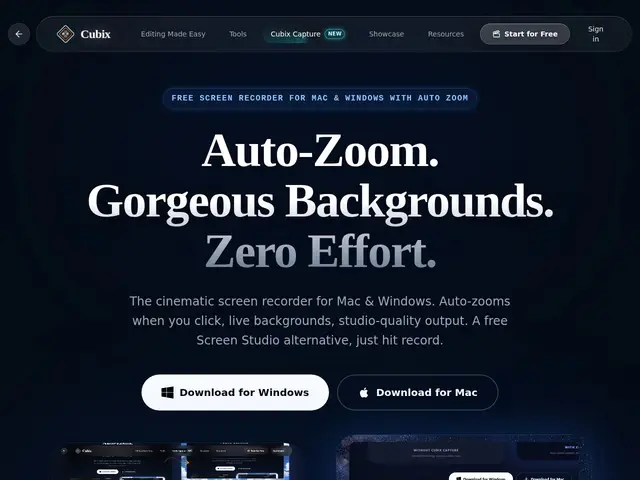
A free screen recorder for Mac and Windows with automatic zoom, live backgrounds, and studio-quality output requiring no post-production editing.
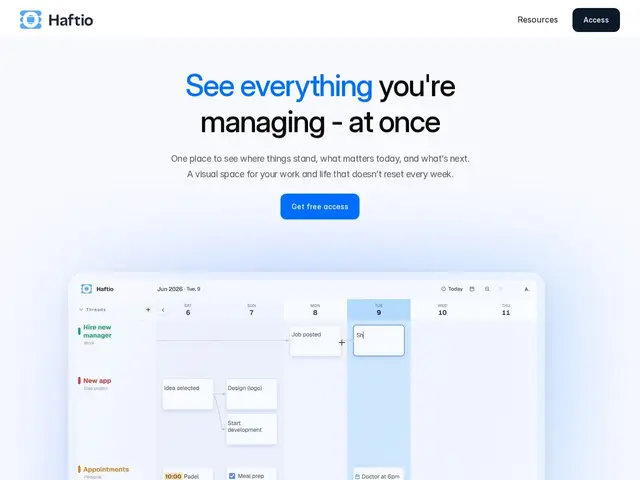
A visual planner that works like a whiteboard instead of a to-do list — you keep separate threads for each project or habit, add notes as things happen, and zoom out any time to see everything at once without last week's context disappearing.
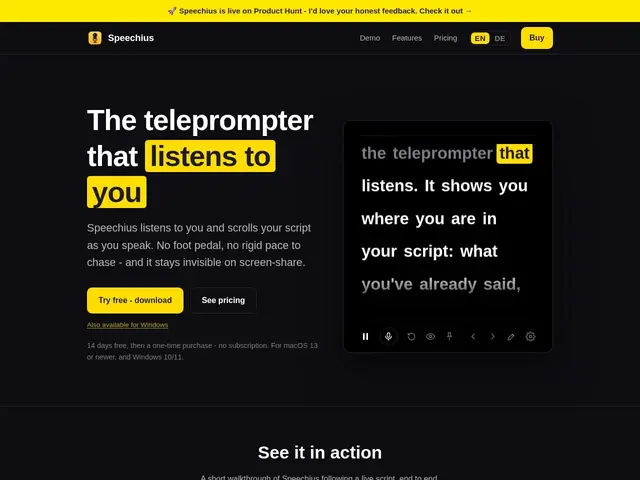
A teleprompter that scrolls itself by listening to what you're actually saying, and stays invisible even when you're screen-sharing on Zoom or recording a demo.
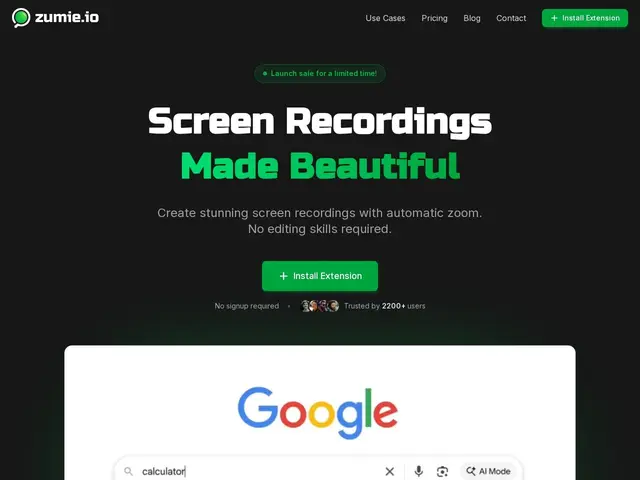
A Chrome extension that records your screen with automatic zoom on clicks, for polished demos and tutorials without editing — one-time payment, no subscription.
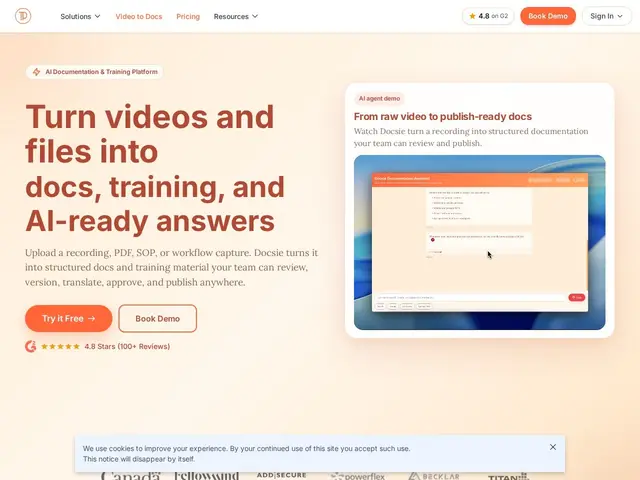
A tool that turns a Zoom recording or a PDF into a proper, structured how-to article or SOP automatically, instead of someone manually transcribing and formatting it.
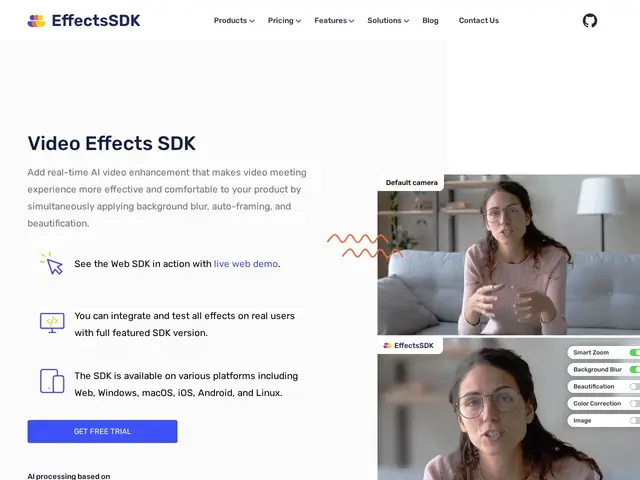
A developer toolkit that adds Zoom-style AI camera effects — background blur, noise removal, auto-framing — directly into your own video app, in about an hour of integration work.
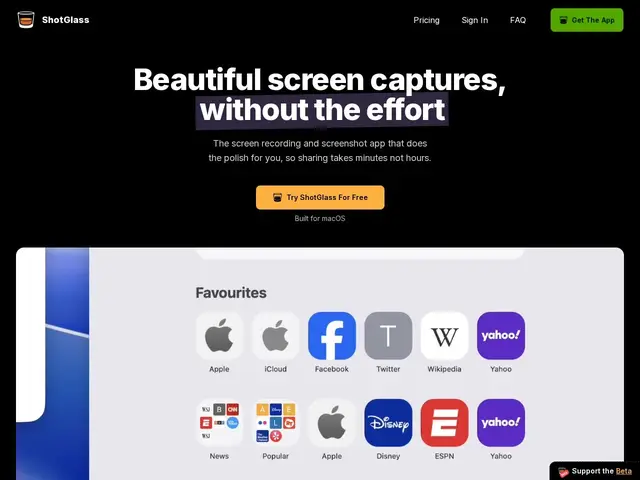
A macOS app that turns a screen recording into a polished, Apple-style product demo automatically — smart zoom, cursor smoothing and a 3D device frame included, no editing software required.
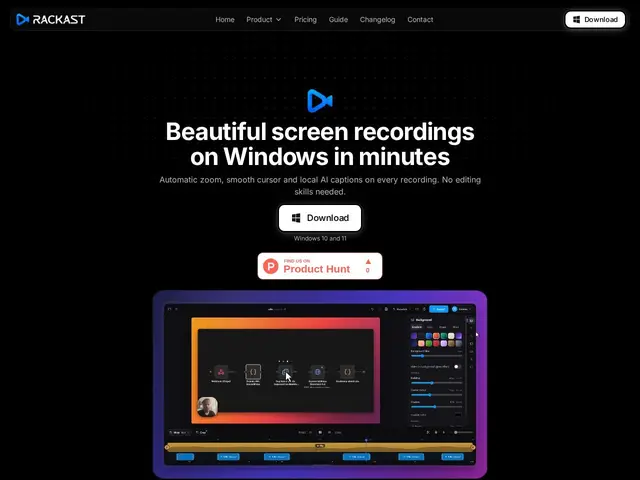
A Windows screen recorder that automatically adds professional zoom effects, smooth cursor motion and AI-generated captions to your recording, so a raw screen capture looks like an edited tutorial without you touching a video editor.
Records and transcribes every meeting, audio file, or video straight on your Mac — no bot joining your Zoom call, no audio leaving your machine — then turns the transcript into a structured summary with action items, for free.
Gives developers one API to send a bot into a Zoom, Google Meet, or Microsoft Teams call — with live transcripts, recordings, and per-participant audio — instead of building and maintaining three separate platform integrations from scratch.