Screen recorder for polished videos with automatic motion effects.
screen.studio
Making a demo video look professional usually means juggling a screen recorder, a separate app for zoom/cursor effects, and something like After Effects for the polish — a stack most solo developers and small teams don't have the time or budget to learn. ShotGlass collapses all of that into one click: record your screen, and it automatically zooms into what you're doing, smooths the cursor motion, and can drop the recording into a 3D MacBook frame for an Apple-commercial look, without touching a timeline editor. Built by independent developer Jake Manger, ShotGlass detects the active window and applies zoom/background/frame effects automatically rather than requiring manual keyframing, and also handles static screenshots with the same polish. It's macOS-only, launched in May 2026 (reporting 70 paying users in its first 3 days and 200+ by June), and is priced as a $29 one-time personal license or $39/year for team use on up to 3 Macs, with a free trial available and no subscription lock-in for the personal tier.
| # | Tool | Best for | Price |
|---|---|---|---|
| 1 | Créateurs de contenu | — | |
| 2 | Équipes produit SaaS, fondateurs, entreprises lançant produits ou fonctionnalités sans expertise vidéo | — | |
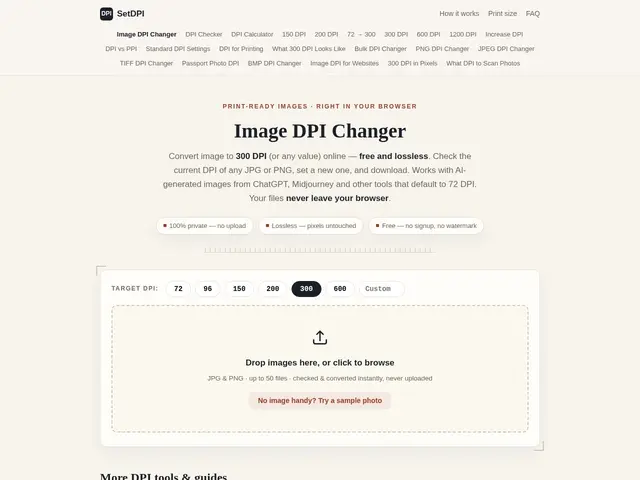
| 3 | Print shops, self-publishers (Amazon KDP, Etsy sellers), academic authors | — | |
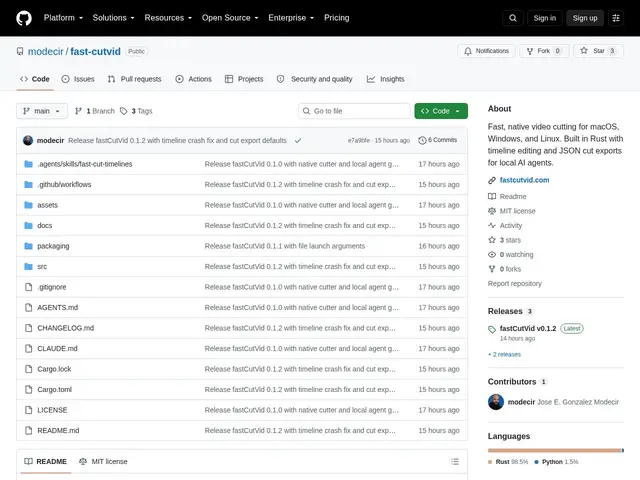
| 4 | Développeurs construisant des agents IA qui montent de la vidéo, et monteurs humains cherchant un outil de coupe focalisé | — | |
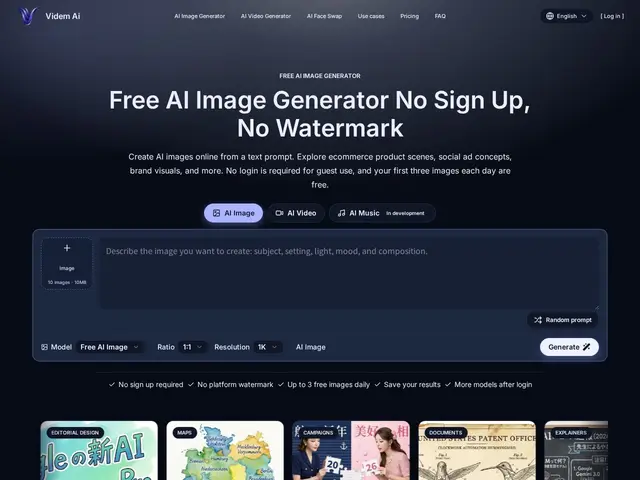
| 5 | Créateurs de contenu, e-commerçants, community managers, marketeurs cherchant de l'imagerie/vidéo générée par IA | — | |
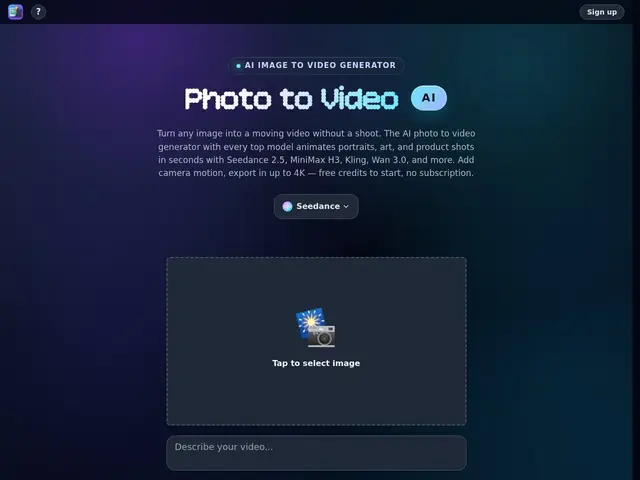
| 6 | Créateurs de contenu, e-commerçants, marketeurs produit, professionnels de la vidéo portrait/lifestyle | — | |
| 7 | Créateurs de contenu, community managers, e-commerçants, amateurs d'anime, créateurs occasionnels de clips animés | — | |
| 8 | E-commerce, entreprises SaaS, agences de contenu, établissements éducatifs, équipes marketing et enablement interne | — | |
| 9 | Vendeurs Shopify, dropshippers, marques e-commerce et agences gérant des publicités sociales payantes | — | |
| 10 | Créateurs visuels, designers, marketeurs et publicitaires cherchant des références et générations d'images/vidéos IA | — | |
| 11 | Créateurs de contenu, designers, marketeurs, product managers, chercheurs et éducateurs travaillant avec des générateurs d'images IA | — | |
| 12 | Créateurs de contenu, producteurs vidéo et designers cherchant une plateforme IA unique pour vidéo, image et musique | — |
Turns a live web app's actual interface into a polished, branded product demo video in minutes, without filming, editing, or motion-design skills.
Free browser tool that changes an image's DPI metadata without re-encoding it, for print-ready files.
A lightweight, open-source video cutter that outputs a readable JSON edit decision list instead of just a rendered file — built so AI agents (and humans) can assemble and trim clips programmatically.
A no-signup AI image and video generator with 3 free images a day, no watermarks, and explicit commercial-use rights.
Turns a photo into a video by picking from several leading AI video models in one place — camera moves, product spins, or animated portraits, up to 4K.
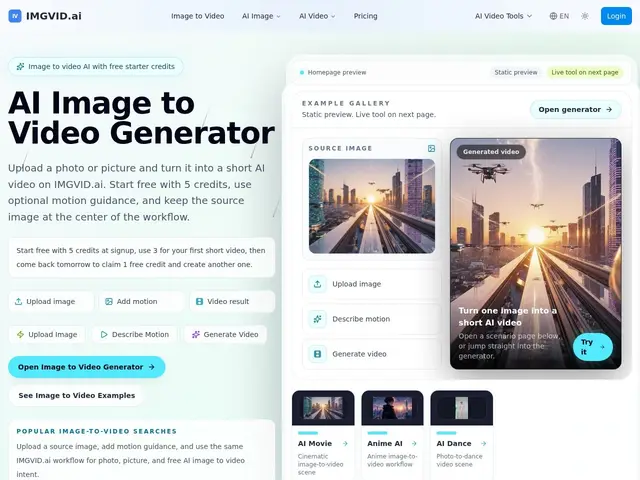
Turns a single photo into a short AI video — add a motion prompt, pick a model, get a clip in about a minute.
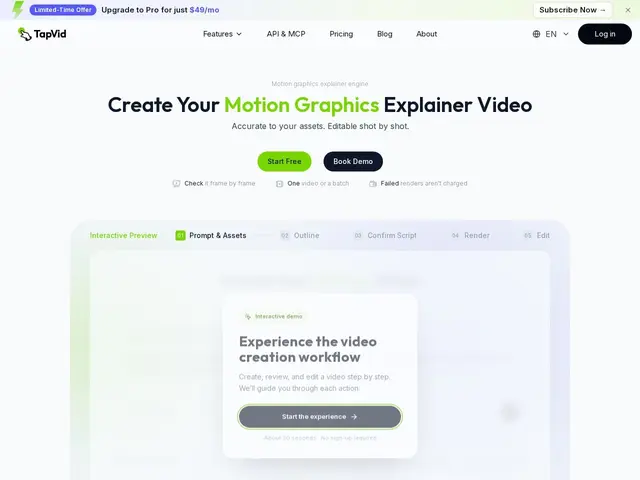
Feeds it your product screenshots, a document, or a webpage, and it builds a clear explainer video out of them instead of you learning video editing.
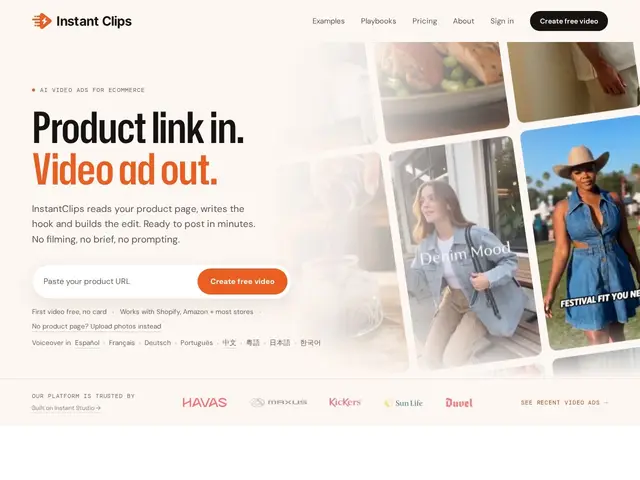
Paste a link to your product page and get a ready-to-post video ad back, without filming anything or writing a creative brief.
A searchable library of AI-generated images and videos where you can see the exact prompt behind each one, so you're not guessing what wording gets that look.
Upload a picture you like and get back the text description you'd need to recreate something similar with an AI image generator.
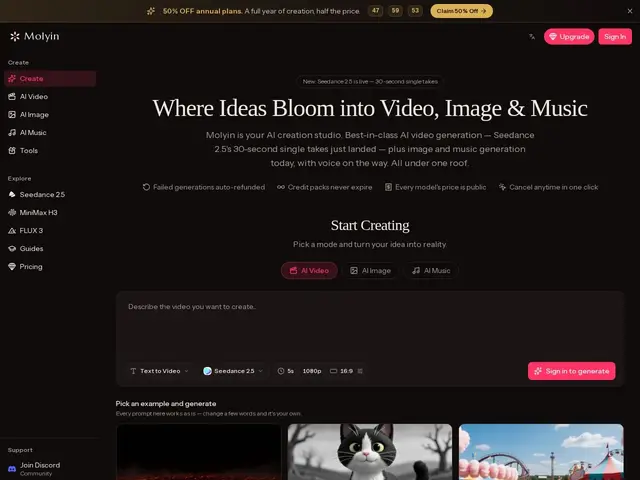
One AI studio for generating video, images, and music, giving access to multiple underlying AI models (Kling, Seedance, FLUX, GPT Image) from a single credit balance