Édition audio/vidéo
🌐 web🪟 win🍎 mac
descript.com
Producing video content for social media usually means either learning a timeline-based editor (CapCut, Premiere) or hiring someone who already knows one — both take time most marketing teams don't have when they need five versions of the same clip for five different platforms by Friday. Insturix works like briefing a production assistant in a chat window: you describe the video you want, and it handles the script, the edit, the captions, and reformats one master version into whatever shape each channel needs, without you opening an editing timeline yourself. Technically, it's a browser-based, credit-metered platform that generates a script from your brief, edits and syncs captions automatically, reformats a single master edit across multiple channels, manages color and audio, generates ranked frame/thumbnail designs, and matches licensed music to the edit, plus basic performance analysis (pacing, retention, brand alignment) after publishing. Pricing is agency-tier and credit-based: Agency Starter at $100/month, Agency Growth at $500/month (15,000 monthly credits), Agency Scale at $1,000/month, with pay-as-you-go top-ups around $1 per 30 credits and a 17% discount for annual billing.
| # | Tool | Best for | Price |
|---|---|---|---|
| 1 | Créateurs de contenu | — | |
| 2 | Grand public | — | |
| 3 | Créatifs | Professionnels de la vidéo | — | |
| 4 | Équipes produit SaaS, fondateurs, entreprises lançant produits ou fonctionnalités sans expertise vidéo | — | |
| 5 | Print shops, self-publishers (Amazon KDP, Etsy sellers), academic authors | — | |
| 6 | Développeurs construisant des agents IA qui montent de la vidéo, et monteurs humains cherchant un outil de coupe focalisé | — | |
| 7 | Créateurs de contenu, e-commerçants, community managers, marketeurs cherchant de l'imagerie/vidéo générée par IA | — | |
| 8 | Créateurs de contenu, e-commerçants, marketeurs produit, professionnels de la vidéo portrait/lifestyle | — | |
| 9 | Créateurs de contenu, community managers, e-commerçants, amateurs d'anime, créateurs occasionnels de clips animés | — | |
| 10 | E-commerce, entreprises SaaS, agences de contenu, établissements éducatifs, équipes marketing et enablement interne | — | |
| 11 | Vendeurs Shopify, dropshippers, marques e-commerce et agences gérant des publicités sociales payantes | — | |
| 12 | Créateurs visuels, designers, marketeurs et publicitaires cherchant des références et générations d'images/vidéos IA | — |
Turns a live web app's actual interface into a polished, branded product demo video in minutes, without filming, editing, or motion-design skills.
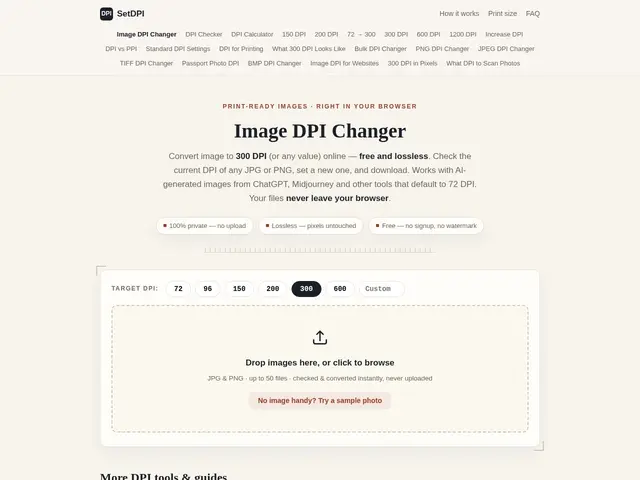
Free browser tool that changes an image's DPI metadata without re-encoding it, for print-ready files.
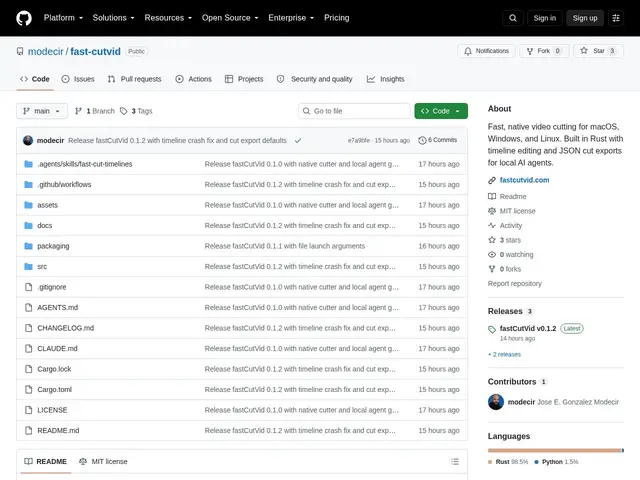
A lightweight, open-source video cutter that outputs a readable JSON edit decision list instead of just a rendered file — built so AI agents (and humans) can assemble and trim clips programmatically.
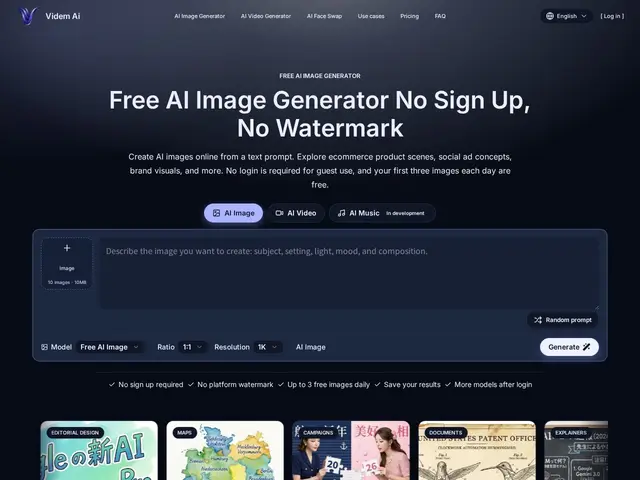
A no-signup AI image and video generator with 3 free images a day, no watermarks, and explicit commercial-use rights.
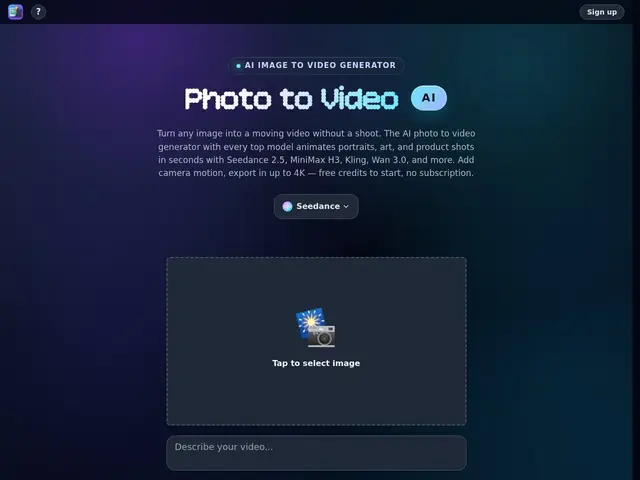
Turns a photo into a video by picking from several leading AI video models in one place — camera moves, product spins, or animated portraits, up to 4K.
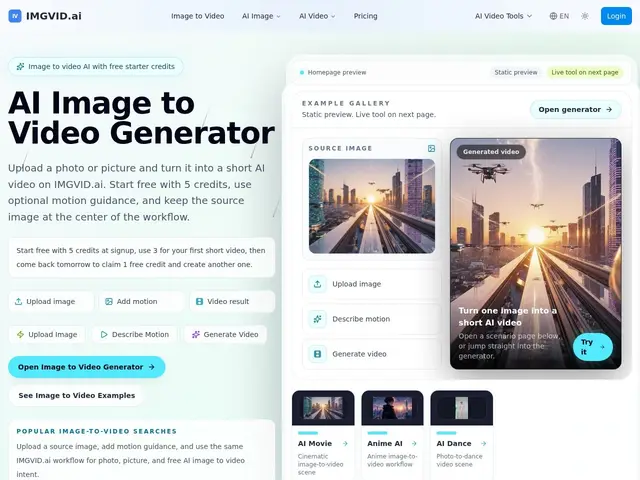
Turns a single photo into a short AI video — add a motion prompt, pick a model, get a clip in about a minute.
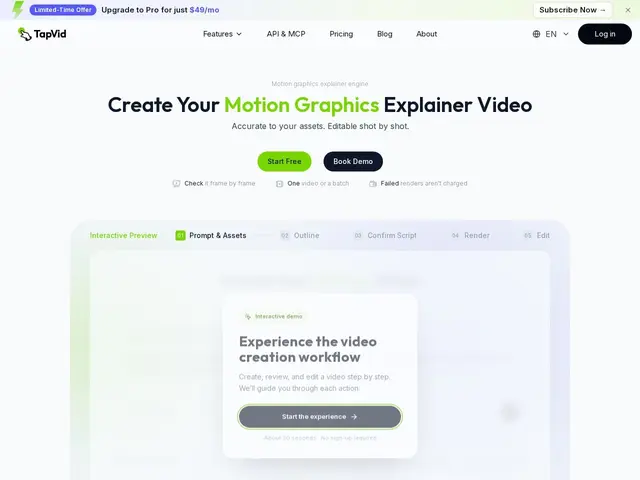
Feeds it your product screenshots, a document, or a webpage, and it builds a clear explainer video out of them instead of you learning video editing.
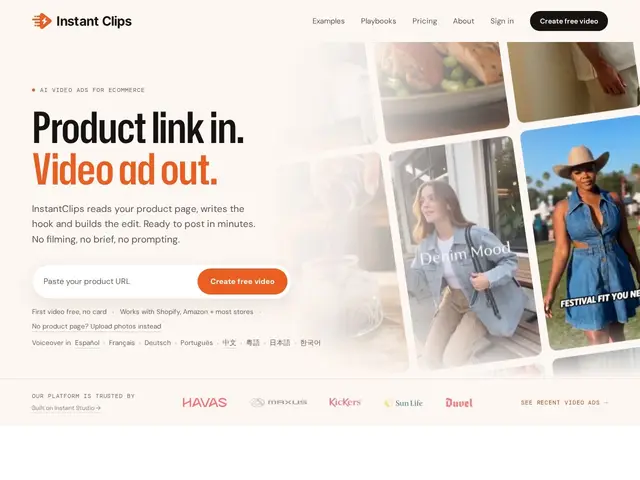
Paste a link to your product page and get a ready-to-post video ad back, without filming anything or writing a creative brief.
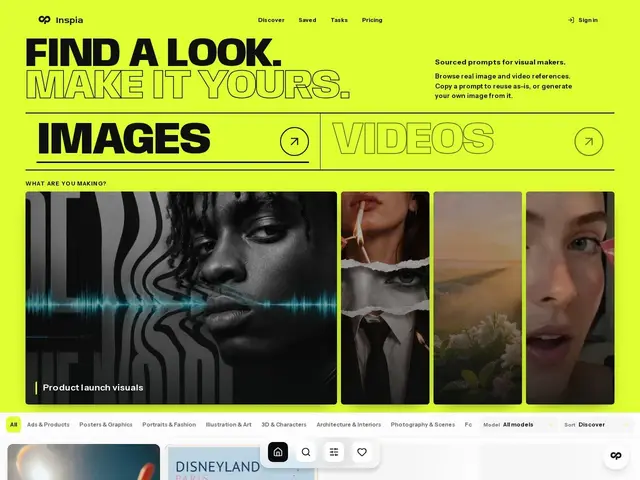
A searchable library of AI-generated images and videos where you can see the exact prompt behind each one, so you're not guessing what wording gets that look.