A powerful Mac menu bar browser, pin webpage like an App. [![App Store][app-store Icon]](https://apps.apple.com/us/app/menubarx/id1575588022?platform=mac) ![Freeware][Freeware Icon]
menubarx.app
If you work across two or three monitors, you've probably felt the same annoyance: macOS only gives you one Dock, and it's stuck on whichever screen you last set it to. ExtraDock lets you add as many docks as you want, put each one on a different display, and set them up however suits that screen — your main monitor keeps the apps you use constantly, a side screen gets a dock full of reference folders, and so on. Under the hood, ExtraDock runs alongside (or instead of) the native macOS Dock, with display-aware attachment so docks reconnect to the right screen automatically when you plug/unplug monitors. Beyond basic app-launching, it adds widgets — a clock, a shelf for drag-and-drop files, app folders, a 'Live Dock' view, and even a small animated pet (TamaDocky) — plus visual customization like translucent 'liquid glass' backgrounds, color themes, auto-hide, and collapse-to-button modes. It's a paid utility from AppitStudio (also behind DockFlow, ExtraBar and Shiori), sold as a one-year license (€14.99), a lifetime license (€31.99, discounted from €39.99), or a 5-device team license (€99.99), each with a 14-day money-back guarantee. It requires a fairly recent macOS (26 Tahoe for the current version; ExtraDock 4 covers macOS 12-15).
| # | Tool | Best for | Price |
|---|---|---|---|
| 1 | Grand public | — | |
| 2 | Passionnés de voitures | — | |
| 3 | Grand public | — | |
| 4 | Étudiants, professionnels, créateurs gérant des fichiers personnels dispersés entre plusieurs apps | — | |
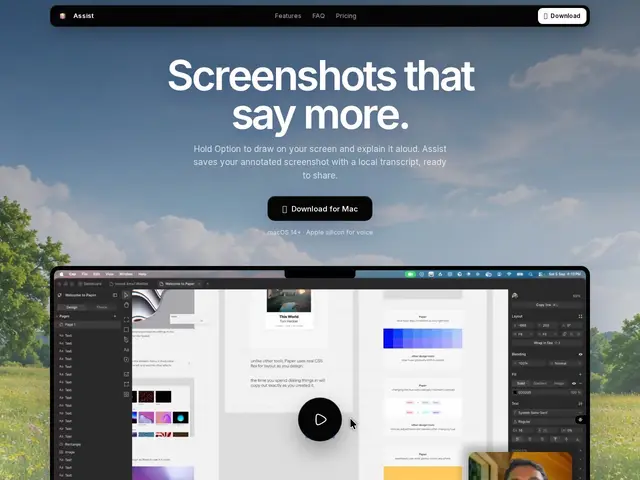
| 5 | Mac users needing quick visual explanations: bug reports, design feedback, async team communication | — | |
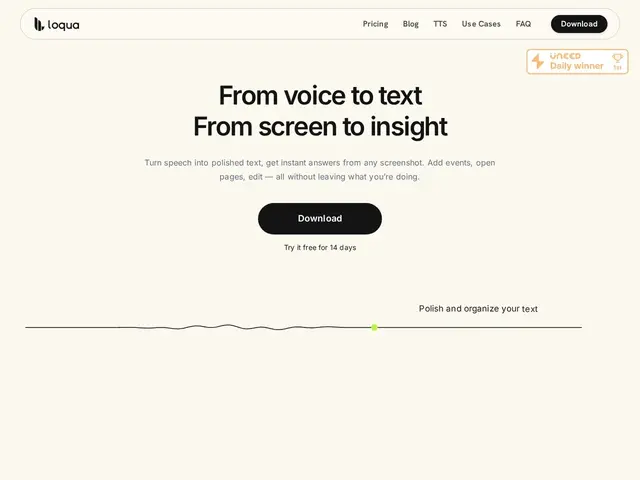
| 6 | Knowledge workers who draft a lot of text daily (engineers, PMs, writers) | — | |
| 7 | Mac users wanting remote control, extended display, or game-streaming from an iPhone/iPad | — | |
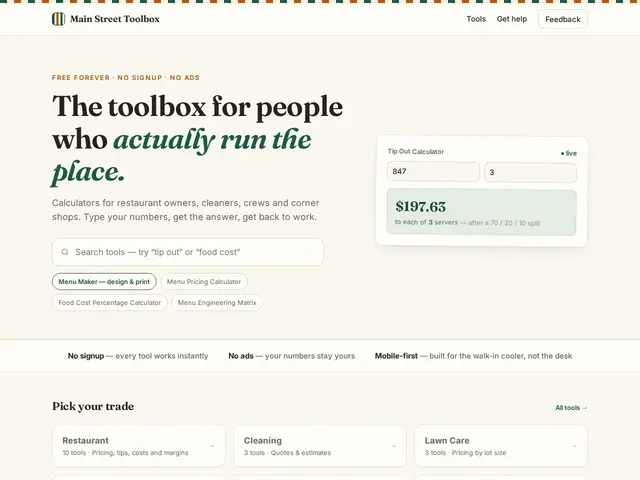
| 8 | Small business owners in restaurant, cleaning, construction, lawn care, salon, and retail trades | — | |
| 9 | Individuals wanting a frictionless single inbox for ideas, tasks, and links | — | |
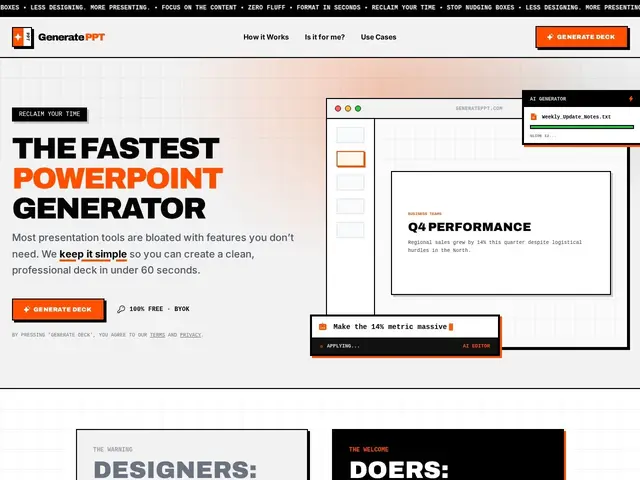
| 10 | Professionals, founders, and consultants who prioritize presentation speed over design polish | — | |
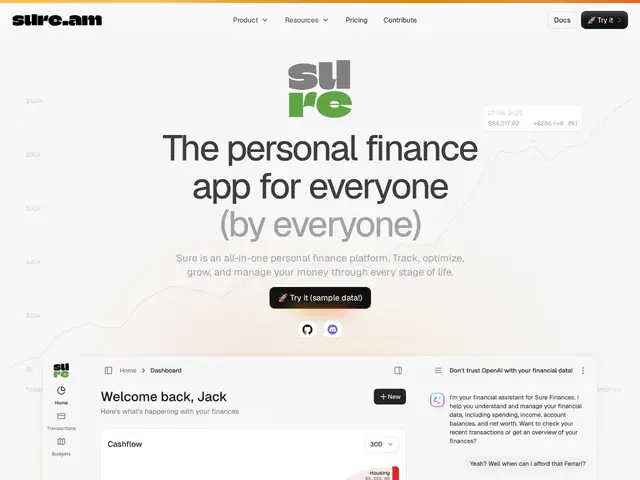
| 11 | Individuals wanting transparent, self-hostable personal finance tracking | — | |
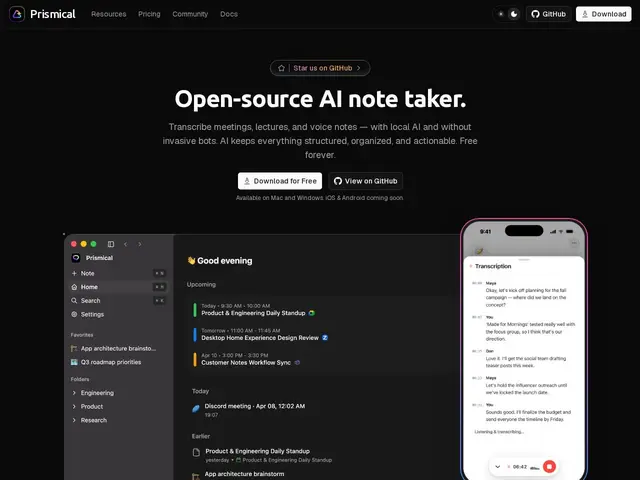
| 12 | Privacy-conscious professionals wanting local AI meeting notes | — |
An offline file manager that pulls the files scattered across your photos, downloads, chats and email into one searchable place, entirely on your device with no cloud sync.
Mac app for voice-annotated screenshots, screen capture with editing, and local clipboard history, all processed on-device.
Mac/Windows voice dictation app that turns speech into polished, formatted text at your cursor in any app.
Turns an iPhone or iPad into a low-latency trackpad, game controller, and extended display for controlling a Mac remotely.
Free collection of 31+ business calculators for restaurant, cleaning, construction, lawn care, salon, and retail owners.
Capture app for everything you save 'for later' — text, voice, links — that auto-organizes and resurfaces items when useful.
Free AI tool that generates a full PowerPoint presentation in under a minute from a topic, file, URL, or transcript.
Open-source personal finance app that connects 10,000+ financial institutions and uses AI to answer questions about your money.
Open-source AI meeting note-taker that transcribes locally, without a bot joining your call.