AI-powered widget builder for banners, sign-up boxes and notification panels, embeddable on any site with no code and no tracking cookies.
kestero.com
Product packaging design usually splits into two separate jobs done by two different people: technical dieline creation (the precise flat pattern a printer/manufacturer needs) and visual mockup rendering (a realistic photo showing what the finished box looks like on a shelf or in a hand). BoxLab merges both into one browser-based workflow — build a precision dieline in industry-standard formats (PDF, SVG, DXF), apply graphics, foil stamping, or spot UV finishing effects, then preview it instantly in one of 100+ AI-generated 3D scenes with realistic lighting and materials. It's aimed at designers, small businesses, and e-commerce sellers who need both files without commissioning two separate freelancers or juggling two different software packages (one for dielines, one for renders). The free tier is limited to JPG-only exports with watermarks and no project saving — genuinely a trial, not a usable free plan — while $10/month unlocks all formats, watermark-free renders, and project saving; the $80/year plan adds multi-seat team access.
| # | Tool | Best for | Price |
|---|---|---|---|
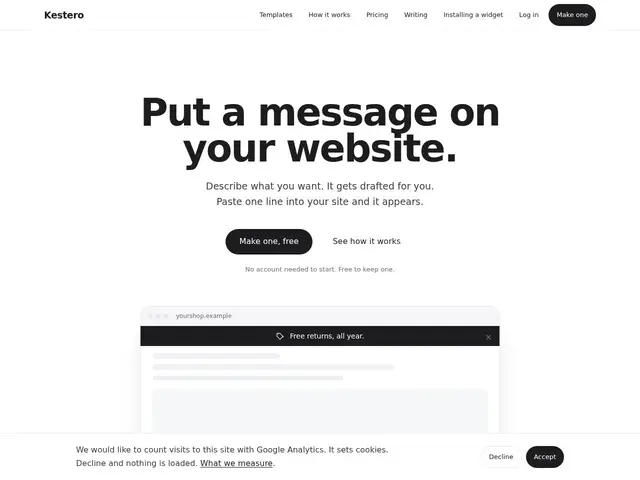
| 1 | Propriétaires de sites non-techniques, e-commerce, SaaS | — | |
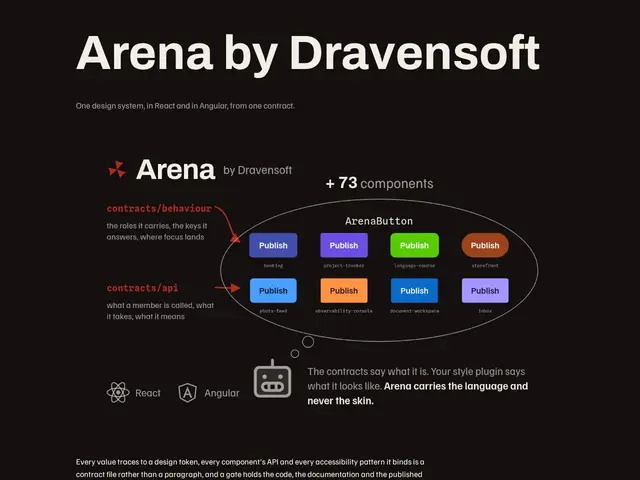
| 2 | Équipes de dev construisant des applications React ou Angular qui veulent une cohérence de design unifiée | — | |
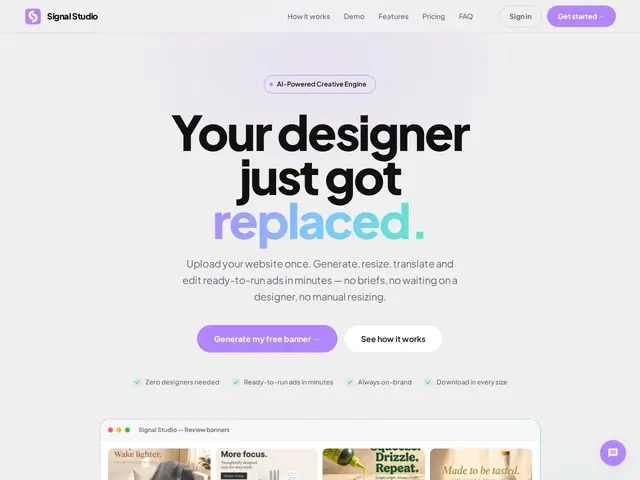
| 3 | Équipes marketing et agences qui produisent des publicités multi-formats et multilingues à l'échelle | — | |
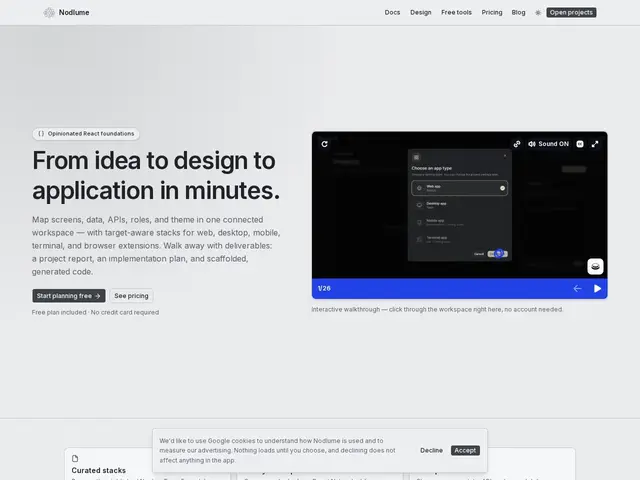
| 4 | Développeurs React et petites équipes qui veulent planifier visuellement une app multiplateforme avant de coder | — | |
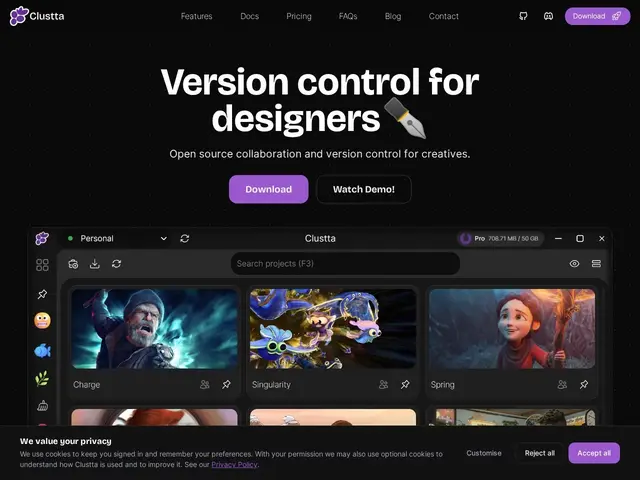
| 5 | Équipes créatives et artistes travaillant en collaboration sur des projets visuels | — | |
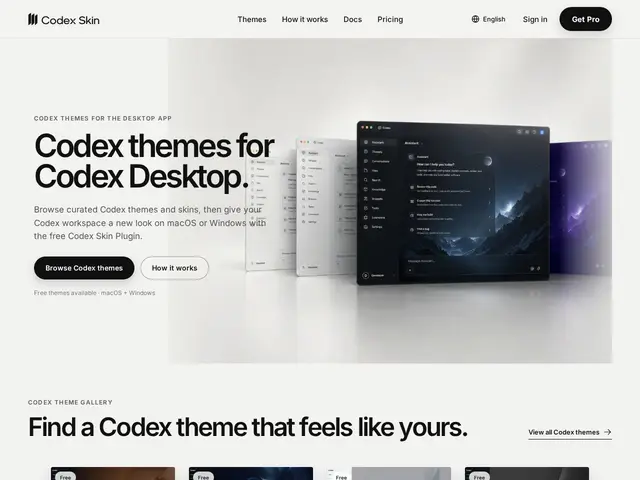
| 6 | Utilisateurs de Codex Desktop (client bureau de ChatGPT) qui veulent personnaliser leur espace de travail. | — | |
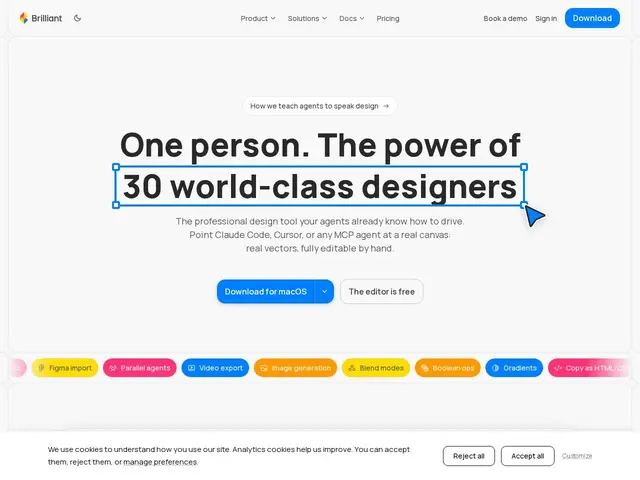
| 7 | Designers produit, design engineers, chefs de produit et responsables design system voulant collaborer avec des agents IA directement sur le canvas. | — | |
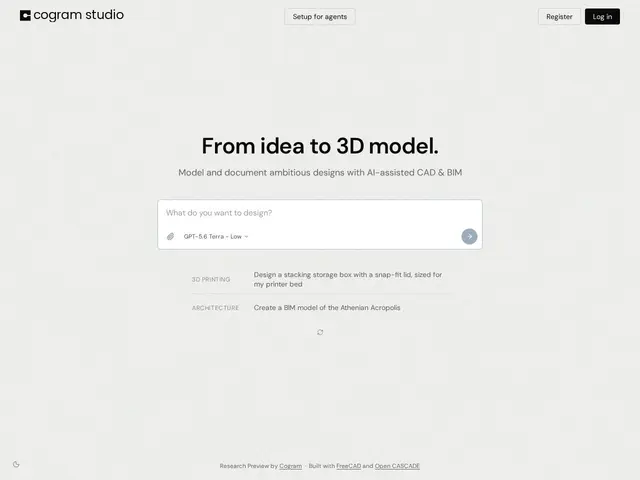
| 8 | Architectes, ingénieurs, consultants et entreprises de construction générale ou spécialisée | — | |
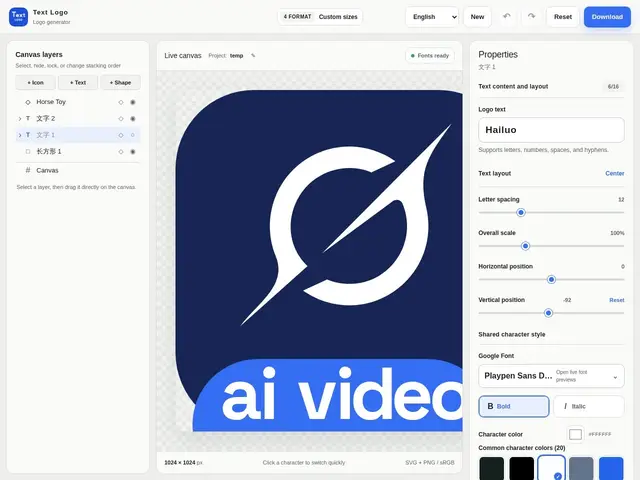
| 9 | Petites entreprises, entrepreneurs et créateurs de contenu voulant un logo texte rapide sans logiciel de design | — | |
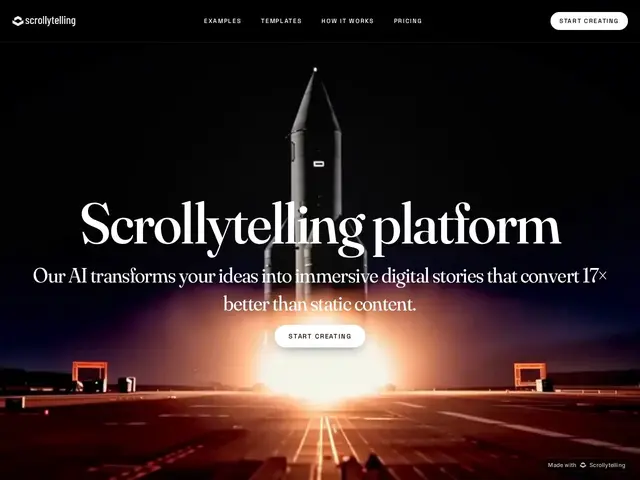
| 10 | Marketeurs, fondateurs, agences voulant des pages ou pitchs plus engageants qu'un PDF ou une page statique | — | |
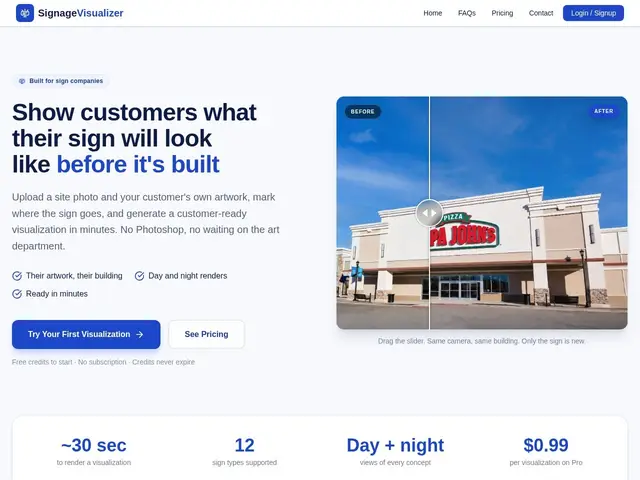
| 11 | Entreprises de fabrication et pose d'enseignes (sign companies) | — | |
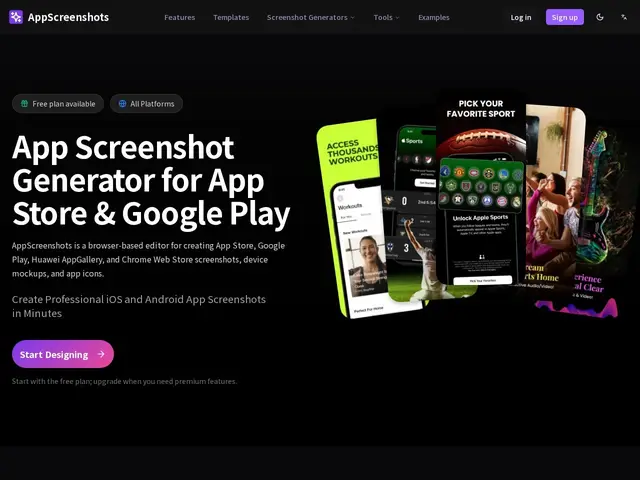
| 12 | Indie app developers, growth leads, and small teams preparing app store listings | — |
AI-powered widget builder for banners, sign-up boxes and notification panels, embeddable on any site with no code and no tracking cookies.
An open-source design system that gives React and Angular teams the exact same set of components, so a button looks and behaves identically no matter which framework built it.
Upload your brand kit and get 100+ on-brand ad banners automatically resized, translated into 9 languages, and ready to publish
Visual canvas for mapping out a React app's screens, data, APIs and roles before writing code, then exports scaffolded project files
Collaboration and version control platform built specifically for artists and creative teams
A theme customization platform for Codex Desktop that lets users personalize their workspace with custom visual themes through a free, open-source plugin.
A professional design tool built for collaboration between human designers and AI agents, featuring real vector editing on a canvas that agents can directly manipulate. It exports to React, HTML, SVG, PDF, and video with built-in AI chat and design system
AI-native platform automating administrative and documentation tasks for architecture, engineering, and construction professionals.
Free browser-based logo and wordmark generator with a 1,900+ Google Fonts library, layer editing, and SVG/PNG export, no design software needed.
No-code AI tool that turns ideas, blog posts, or PDFs into interactive, scroll-driven web stories for marketing, pitches, and reports.
An AI-powered browser editor that turns raw app screenshots into polished, store-ready marketing images for the App Store, Google Play, Chrome Web Store, and Huawei AppGallery.