MeshLAN
A self-hosted virtual LAN for Windows that creates encrypted peer-to-peer links between devices on different networks, with stable DNS names, file transfer, and a live network map — a free, self-run alternative to Tailscale.
🔗 Visit MeshLAN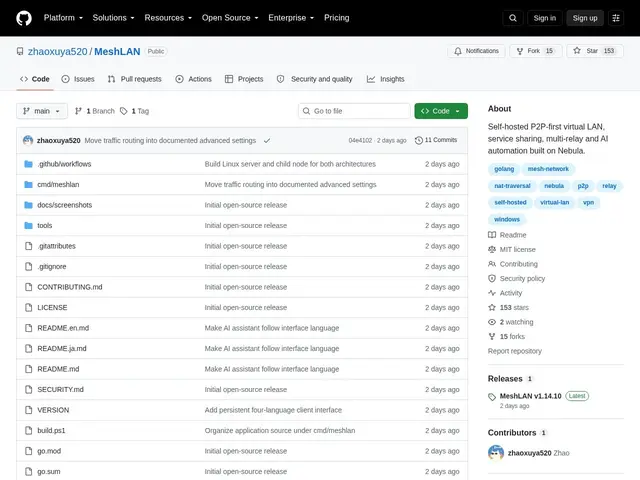
Description
Connecting to your home PC from work, or linking two office networks, usually means either exposing a port to the internet (risky) or paying for a mesh-VPN service (Tailscale, ZeroTier). MeshLAN gives you the second option's convenience without a subscription: an encrypted private network between your own devices that you run yourself.
Built in Go on top of Nebula (the overlay network engine originally built at Slack), MeshLAN establishes direct peer-to-peer encrypted connections with automatic relay fallback when direct connection isn't possible. Devices get stable DNS-style names (like alice.mesh) instead of changing IPs, and the tool includes a real-time topology map showing latency and traffic, file transfer between nodes, and service-level access control so you can approve which devices reach which services. It's MIT-licensed and currently Windows-focused, using WebView2 for its UI and SQLite for local state.
💬 Our review
The short version: MeshLAN is a solid, free, self-hosted answer to "I want a private network between my devices without paying a subscription," built on the same battle-tested Nebula engine that powers part of Slack's own infrastructure.
Against Tailscale, the trade-off is the usual open-source-vs-managed-service one: Tailscale's free tier is generous and effortless, with mobile apps and zero setup, while MeshLAN requires you to run your own lighthouse/relay servers and is currently Windows-only, which limits it for mixed-device households or teams. Against raw Wireguard or Nebula, MeshLAN adds a real UI, DNS naming, and file transfer that make it much friendlier for non-CLI users. It's a good fit if you're comfortable with light self-hosting and want zero subscription cost and full control; if you need cross-platform support today (Mac, Linux, mobile) or want the absolute least setup effort, Tailscale remains the more practical default.
💰 Pricing
📊 Global score
🤖 AI-enriched data
Gratuit et open source (licence MIT), auto-hébergé. Nécessite de faire tourner ses propres serveurs Lighthouse/Relay.
Pros
Connexions P2P chiffrées avec repli sur relais automatique
Noms DNS stables par appareil, pas d'IP à retenir
Carte de topologie réseau en temps réel (latence, trafic)
Gratuit, open source (MIT), construit sur Nebula (technologie Slack)
Cons
Windows uniquement pour l'instant
Nécessite de gérer ses propres serveurs Lighthouse/Relay
Moins simple à démarrer que Tailscale (zéro-config)