Kloni
Kloni is a keyboard-first mind mapping app for macOS that lets you sketch out ideas on a visual canvas and then turn them straight into a task list, all stored locally on your Mac.
🔗 Visit Kloni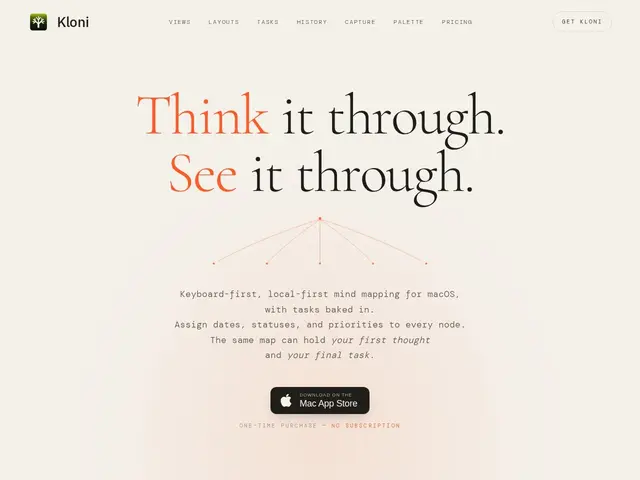
Description
Mind mapping is just a way of getting ideas out of your head and onto a page as bubbles and branches instead of a wall of text, which makes it easier to see how things connect. The problem most people run into is that the mind map stays a pretty picture, disconnected from the actual to-do list they end up managing somewhere else. Kloni tries to close that gap: you brainstorm freely on a canvas, and the same items can become real, trackable tasks without retyping anything into a separate app. It runs only on macOS, works fully offline, and never asks you to create an account or pay a monthly fee.
Under the hood, Kloni is built keyboard-first, so creating nodes, moving between them, and reorganizing a map can be done almost entirely without touching the mouse. It offers two complementary views of the same data: a spatial canvas for freeform, non-linear brainstorming, and a sequential outline for linear thinking and review, with nine layout options for arranging nodes on the canvas. Task management is native rather than bolted on, letting a branch of the map double as a project's checklist. Everything is stored locally rather than synced to a cloud service, which means no server-side data handling but also no built-in multi-device sync.
💬 Our review
The short version: Kloni is a compelling pick for a solo Mac user who wants one keyboard-driven app that handles both messy brainstorming and the resulting task list, especially if paying once instead of forever is a priority.
Against MindNode, the more established keyboard-first mind mapper on macOS, Kloni's edge is built-in task management that turns map nodes into actionable to-dos without exporting to another app — MindNode is more mature and polished but has moved to a subscription model for its full feature set. Against Obsidian, which is free and far more general-purpose (notes, linking, plugins, a huge ecosystem), Kloni is narrower in scope but more purpose-built for visual thinking with task execution baked in; Obsidian requires plugins and manual setup to approximate what Kloni does natively. On price, Kloni's $35 introductory one-time purchase (regular $50) stands out clearly against MindNode's recurring subscription — for anyone who plans to use the app for years, paying once is a real financial argument, though it comes with the trade-off of macOS-only availability and no native cloud sync between devices.
💰 Pricing
📊 Global score
🤖 AI-enriched data
35 $ en tarif de lancement (prix normal 50 $), achat unique sans abonnement ni frais cloud
Pros
Paiement unique (35 $ promo, 50 $ prix normal) sans abonnement
Gestion de tâches native intégrée directement à la carte mentale
Entièrement clavier, mode canvas et mode plan (outline) combinés
100% local et hors ligne, aucune donnée envoyée dans le cloud
Cons
Disponible uniquement sur macOS, aucune version Windows/Linux/mobile
Pas de synchronisation cloud native entre appareils
Écosystème et communauté plus restreints que des outils établis comme Obsidian