Trace
A Mac app that transcribes meetings entirely offline — no cloud, no subscription — with a keyboard shortcut to flag important moments as they happen.
🔗 Visit Trace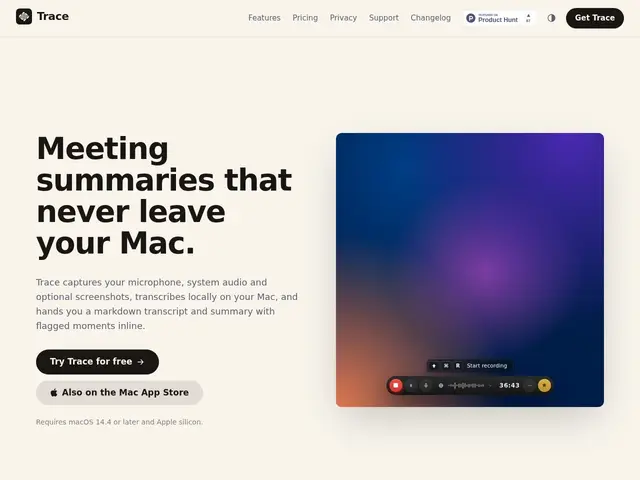
Description
Cloud-based meeting notetakers ask you to trust a third party with your call audio, and usually charge a monthly fee whether you use them once a week or every day. Trace is built around the opposite bet: it records your Mac's microphone and system audio locally, transcribes everything on-device with zero uploads, and is sold as a one-time purchase rather than a subscription — you own it once and keep using it.
Trace produces markdown transcripts with summaries, speaker identification, and "flagged moments" you mark mid-call with a keyboard shortcut, so you don't have to scrub through a full recording afterward looking for the important bit. It supports 99+ languages, includes an AI-powered Q&A mode to ask questions about a past meeting's content, and exports to markdown (Obsidian/Bear/Drafts-compatible), PDF, Word, or subtitle formats, plus a `tracecli` command-line interface for automation. Pricing is a one-time license (from £29 for one Mac up to team tiers), also available via the Mac App Store or as a Setapp subscription. It's Mac-only and requires macOS 14.4+ on Apple Silicon — there's no Windows or Linux version.
💬 Our review
The short version: Trace is a straightforward, privacy-respecting meeting transcriber that undercuts the subscription-fatigue of most competitors with a genuine one-time purchase — the tradeoff is that it's Mac-only and lighter on AI-assistant features than pricier rivals.
Against Otter.ai or Fireflies, which are cloud-based, bot-joining, and subscription-only, Trace's fully offline, no-bot approach is a clear win on privacy and long-term cost if you're a heavy user — a £29-39 one-time fee beats a $10-20/month subscription within a few months. Against MimicScribe, a very similar Mac-only, on-device competitor, Trace is simpler and cheaper long-term (one-time vs. recurring) but doesn't match MimicScribe's prep-note retrieval or bring-your-own-AI-provider flexibility for the Q&A feature. Worth it if you mainly need a reliable, private transcript-and-summary tool on your Mac and want to pay once; look at MimicScribe instead if you want a deeper AI assistant layered on top and don't mind a subscription.
💰 Pricing
📊 Global score
🤖 AI-enriched data
Solo £29 (1 Mac), Personal £39 (2 Macs), Extended/Team par paliers de 5£ ; aussi via App Store (£39) ou Setapp (£39/mois) ; essai gratuit 7 jours, remboursement 14 jours
Pros
Achat unique — licence à vie, pas d'abonnement obligatoire
100% hors-ligne, aucun upload audio dans le cloud
Raccourci clavier pour flaguer un moment important en direct
Support de 99+ langues et export multi-formats (Markdown, PDF, Word, sous-titres)
Cons
Exclusivement macOS (Apple Silicon, macOS 14.4+), pas de Windows/Linux
Moins de fonctionnalités d'assistant IA que des concurrents comme MimicScribe