Swyvo
A free Windows tool that pops up a keyboard-driven command center over whatever you're doing, letting you jump between apps and web tools with one hotkey instead of alt-tabbing or hunting the taskbar.
🔗 Visit Swyvo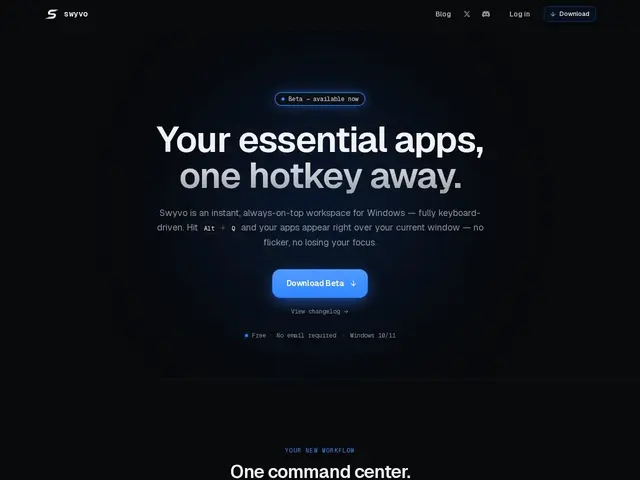
Description
Windows power users who run a dozen apps and browser tabs at once know the specific annoyance of alt-tabbing through a pile of windows to find the one you actually want. Swyvo replaces that with a single hotkey (Alt+Q by default): press it anywhere, in any app or game, and a command center appears over your current window with quick access to the tools you actually use — no clicking through a taskbar, no mouse required.
Technically, Swyvo registers a global OS-level hotkey so it works regardless of what's in focus, keeps apps running off-screen for instant switching without closing them, and adapts its suggestions based on what you're currently working on. Web tools are unified into the interface using a single shared WebView2 engine instead of spinning up a full browser instance per site, which keeps memory usage down. It's currently in beta (v0.1.2), Windows 10/11 only, and completely free — there's no pricing page yet, and the developer has floated the idea of a future Pro tier without details.
💬 Our review
The short version: Swyvo is chasing the same itch that made Raycast and Alfred popular on Mac, but built specifically for Windows, where nothing quite as polished has taken hold — that's a real gap, and the global-hotkey-over-any-window approach is the right way to fill it.
The shared WebView2 engine for web tools is a smart efficiency choice: it means you get browser-based tools inside the launcher without the memory cost of running a dozen separate browser tabs behind the scenes, and off-screen app persistence for instant switching is exactly the kind of detail that makes a launcher feel instant rather than laggy. The honest caveats are that this is an early beta (v0.1.2) with no public source code — only compiled releases — so you're trusting a young, unaudited tool with a global hotkey on your system, and the eventual Pro tier's scope is completely unknown. Worth trying now while it's free and you're a Windows user frustrated with alt-tab; wait for a more mature release if you're cautious about running early-beta software with system-level hooks.
💰 Pricing
📊 Global score
🤖 AI-enriched data
Actuellement 100% gratuit en beta (v0.1.2). Un tier Pro payant est évoqué pour l'avenir mais sans détails ni page de prix.
Pros
Raccourci global fonctionnant dans n'importe quelle application ou jeu
Persistance des apps hors-écran pour bascule instantanée
Moteur WebView2 partagé, économe en mémoire
Entièrement pilotable au clavier
Cons
Beta précoce (v0.1.2), stabilité non garantie
Pas de code source public, seulement des releases compilées
Windows uniquement, pas de version Mac
Tier Pro futur totalement indéfini