Thaw
Open-source Mac menu bar organizer that hides icon clutter with no tracking, no telemetry, and no account required
🔗 Visit Thaw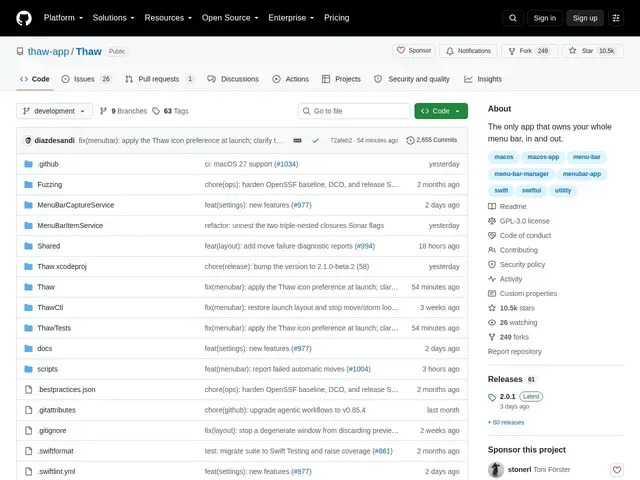
Description
A Mac's menu bar fills up with icons from every app you install until there's barely room for the clock, and most fixes for that are either paid apps or ones that quietly phone home with usage data. Thaw is built to solve the clutter without either compromise: it's free, open source, and explicitly designed with no tracking, telemetry, or account of any kind.
It hides unused menu bar icons and reveals them on hover, click, scroll, or a keyboard shortcut, with conditional visibility rules based on battery level, Focus mode, or Wi-Fi network. A dedicated "Thaw Bar" relocates hidden icons below the notch specifically for MacBooks with a notch, and the app is Apple-notarized with an OpenSSF Best Practices Gold badge, distributed under GPL-3.0 via Homebrew or direct download.
💬 Our review
The short version: if you've been paying for Bartender or Ice just to hide menu bar clutter, Thaw does the same core job for free, with a privacy stance (zero telemetry, no account) that's stronger than most alternatives in this category.
Bartender is the long-standing paid incumbent, Ice is the closest free/open-source alternative already established in this niche — Thaw's differentiator is the explicit privacy-first positioning and notch-specific handling for modern MacBooks. Requiring macOS 26 is a real constraint if you're on an older OS, and the fixed default reveal gestures may feel less flexible to power users used to Bartender's deeper customization — but for someone who just wants a decluttered menu bar with zero data collection, it's hard to beat free and open source.
📊 Global score
🤖 AI-enriched data
Gratuit et open source (licence GPL-3.0), disponible via Homebrew ou téléchargement direct ; aucun abonnement.
Pros
Confidentialité totale : aucun suivi, aucune télémétrie, aucun compte requis
Gratuit et open source, notarié par Apple avec badge OpenSSF Gold
Gestion dédiée pour MacBook à encoche (« Thaw Bar »)
Cons
Nécessite macOS 26 ou plus récent
Installation via Homebrew peut rebuter les utilisateurs non techniques
Support communautaire uniquement, pas d'équipe commerciale dédiée