cdai
An AI-enhanced replacement for the cd command that lets you jump to directories using natural language, fuzzy matching, and frecency ranking, across zsh, bash, and fish.
🔗 Visit cdai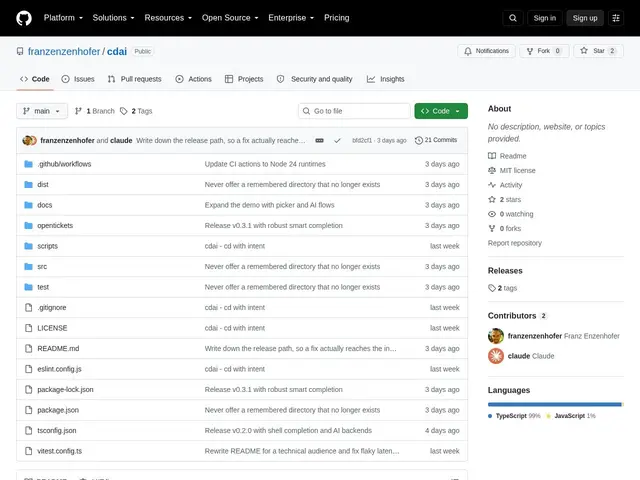
Description
Typing out full paths or remembering exactly how you abbreviated a folder name is one of the small, constant frictions of living in a terminal. Tools like zoxide already help by remembering directories you've visited before — cdai goes a step further by also understanding directories you've never visited, and by letting you describe where you want to go instead of typing an exact match.
cdai is a cross-shell (zsh, bash, fish) command-line tool that combines fuzzy matching and frecency-based ranking with an optional AI layer for natural-language directory jumps. It can cold-index folders you've never visited, offers deterministic operators (latest, oldest, year filters) that don't require AI at all, and supports multiple AI backends — Apple's on-device model, Claude, Gemini, Ollama, or a custom CLI. A closed-set AI protocol restricts the model to selecting only from pre-approved existing paths, and confirmed natural-language queries get saved as local, model-free aliases so repeat lookups don't need the AI again. It's free and open source under the MIT license.
💬 Our review
The short version: cdai is zoxide plus an optional AI layer, and whether that's worth adopting depends entirely on how often you actually want to type "take me to that client project from last spring" instead of a couple of fuzzy-matched letters.
zoxide is the established, minimal, and very fast tool for jumping to previously-visited directories by frecency, and it will already cover most day-to-day navigation for most developers — cdai's frecency and fuzzy-matching layer is directly comparable to it, and doesn't clearly improve on it for that core case. Where cdai actually differentiates is directories you've never visited (cold indexing) and natural-language queries, both of which zoxide simply doesn't attempt. The design choice to fall back to deterministic operators and cache confirmed AI queries as free, model-free aliases is a smart way to avoid becoming AI-dependent for routine navigation. Worth trying if you regularly navigate a large, sprawling set of project directories and want the natural-language fallback for the ones you can't remember; if your directory set is small and you already have zoxide muscle memory, the AI layer here adds setup complexity (API keys or a local model) without a clear day-to-day win.
💰 Pricing
📊 Global score
🤖 AI-enriched data
Open source, licence MIT — gratuit ; coût indirect possible si vous utilisez un backend IA payant (Claude, Gemini) plutôt que le mode déterministe ou un modèle local.
Pros
Indexation à froid de répertoires jamais visités
Requêtes en langage naturel avec repli sur opérateurs déterministes sans IA
Compatible zsh, bash et fish
Plusieurs backends IA au choix, y compris un modèle local Apple on-device
Alias appris localement — les requêtes confirmées deviennent gratuites et sans IA
Gratuit et open source
Cons
Pour la navigation courante, n'apporte pas grand-chose de plus que zoxide
Configuration d'un backend IA (clé API ou modèle local) ajoute de la friction initiale
Projet plus jeune et moins éprouvé que zoxide