SlidesPilot
AI tool that converts PDFs, Word docs, web pages, YouTube videos, or plain text into an editable PowerPoint presentation.
🔗 Visit SlidesPilot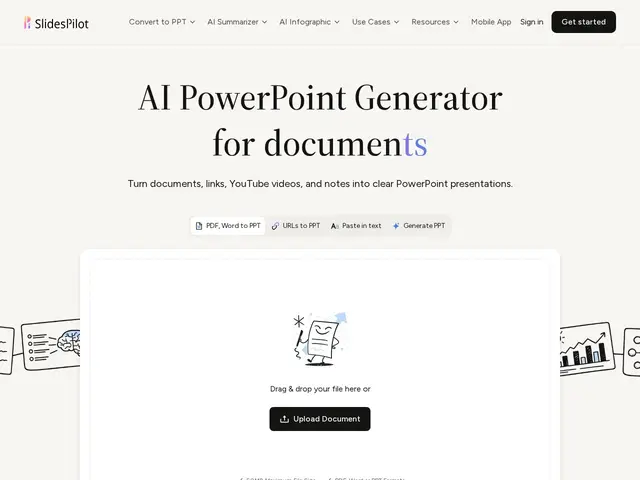
Description
Turning a report or a long PDF into a presentation usually means manually re-reading it, pulling out the key points, and rebuilding them slide by slide. SlidesPilot automates that translation step: feed it a document, or even a YouTube video, and it hands back a structured slide deck.
SlidesPilot analyzes source material — PDFs, Word documents, web pages, YouTube videos, or pasted text and topic prompts — to identify key ideas, then organizes them into a presentation narrative and designs slides with relevant charts, tables, and diagrams. Users can keep refining the deck through an AI agent and block editor, then export an editable PPTX, continue editing in PowerPoint or Google Slides, or export to PDF/PNG or present online directly. It targets people who regularly need to turn source material into slides for others — business analysts, lecturers, consultants, and sales teams.
💬 Our review
The short version: SlidesPilot is genuinely useful specifically for the "I have a document, I need a deck" conversion job, which is a narrower and more concrete promise than most general AI presentation makers.
Against general AI presentation tools like Gamma or Beautiful.ai, which mostly generate slides from a topic prompt, SlidesPilot's real differentiator is source conversion — feeding it an existing PDF, Word file, or even a YouTube video and getting a deck built from that specific content, not just a generic outline. Against manually rebuilding a deck yourself in PowerPoint, the time savings are the whole pitch, at the cost of needing to review and edit the AI's interpretation of your source material rather than starting from a blank page you fully control. Exact pricing isn't published on the homepage beyond free signup credits, so it's worth testing those credits on a real document before committing to a paid plan.
💰 Pricing
📊 Global score
🤖 AI-enriched data
Crédits gratuits à l'inscription, sans carte bancaire ; grille tarifaire payante non détaillée publiquement
Pros
conversion directe depuis PDF, Word, page web ou vidéo YouTube, pas juste un prompt
export PPTX éditable, compatible PowerPoint/Google Slides
génération de graphiques, tableaux et diagrammes
agent IA pour affiner le contenu après génération
Cons
grille tarifaire payante non publique sur la page d'accueil
qualité dépendante de la clarté du document source fourni
nécessite une relecture/édition, pas un résultat final clé en main