BentoPDF
Free, privacy-first PDF toolkit with 50+ tools that runs entirely in your browser, no uploads to a server.
🔗 Visit BentoPDF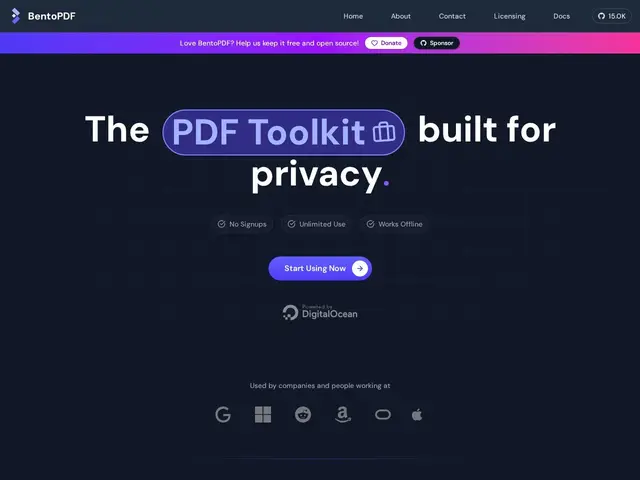
Description
Most free online PDF tools work by uploading your file to someone else's server, which is a real problem if that PDF has a contract, an ID scan, or anything else you don't want sitting on a stranger's cloud storage. BentoPDF does the processing on your own device instead — the file never actually leaves your computer.
BentoPDF is a browser-based PDF toolkit offering 50+ tools — merge, split, compress, convert to and from formats like JPG, PNG, WebP, HEIC, and SVG, OCR text recognition, encryption/decryption, watermarking, redaction, and annotation — all running client-side with no server upload, tracking cookies, or analytics. It's also open-source and offers an optional $49 lifetime desktop app for people who prefer a native application over the browser version.
💬 Our review
The short version: for anyone who needs to merge, convert, or edit a PDF and doesn't want to upload it to iLovePDF or Smallpdf's servers to do it, BentoPDF does the same job locally in your browser, for free.
Compared to iLovePDF and Smallpdf, which are more polished and heavily monetized with ads, subscriptions, and file-size limits on the free tier, BentoPDF trades some visual polish for genuinely unlimited free use and a real privacy story — your files stay on your machine. Compared to desktop apps like Adobe Acrobat, it obviously doesn't match Acrobat's depth of features, but it covers the 50+ tasks most people actually need without a subscription. The optional $49 lifetime desktop license is a fair price if you'd rather not depend on a browser tab, but the free web version is genuinely complete on its own.
💰 Pricing
📊 Global score
🤖 AI-enriched data
Version web 100% gratuite et complète ; application desktop optionnelle à $49 à vie
Pros
100% gratuit, sans limite, sans compte
traitement local dans le navigateur, aucun upload serveur
50+ outils PDF (fusion, conversion, OCR, chiffrement, filigrane...)
open-source et auto-hébergeable
aucun tracking, cookie ou publicité
Cons
moins de finitions visuelles que Smallpdf ou iLovePDF
moins complet qu'Adobe Acrobat pour l'édition avancée
application desktop payante en option ($49) si on ne veut pas du navigateur