broot
A terminal file-tree navigator that shows your directory structure as an interactive, searchable tree, letting you jump anywhere, preview files, and run commands without leaving the keyboard.
🔗 Visit broot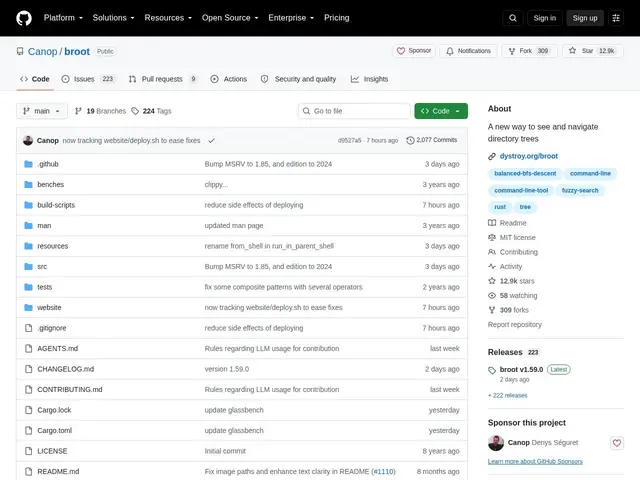
Description
Navigating deep folder structures with 'cd' and 'ls' means a lot of back-and-forth guessing which subfolder has what you're looking for. broot replaces that with a live, collapsible tree view of your directories: type a few letters to fuzzy-search for a file or folder anywhere in the tree, and it filters instantly, letting you jump straight to it.
broot displays a smart, gitignore-aware directory hierarchy with regex search, image and file preview, git status integration, multi-panel side-by-side operations, and built-in file operations (move, copy, delete, mkdir) alongside customizable commands and keyboard shortcuts ('verbs'). It's written in Rust, free and open source under the MIT license, with 12.9k GitHub stars and active maintenance.
💬 Our review
The short version: if you regularly get lost in nested folders, broot's searchable tree view answers 'where is this file' faster than chaining cd and ls, and lets you act on what you find without switching tools.
Against a classic 'tree' command, broot is interactive rather than a one-shot printout — you can search, filter, preview and act on files live. Against a full file manager like ranger or nnn, broot leans more toward navigation-plus-search than heavy file management, though it does support core file operations and even multi-panel layouts for side-by-side moves. Its custom 'verbs' system for binding commands to keys is powerful but takes a little time to learn. For developers who spend a lot of time exploring project directory trees — especially large ones with .gitignore rules to respect — it's a genuine speed-up over the built-in shell commands, and it's free.
💰 Pricing
📊 Global score
🤖 AI-enriched data
Projet open source (licence MIT), aucune offre payante
Pros
Recherche floue instantanée dans toute l'arborescence
Respecte automatiquement les règles .gitignore
Aperçu de fichiers, y compris les images
Support multi-panneaux pour des opérations côte à côte
12 900+ étoiles, activement maintenu
Cons
Courbe d'apprentissage pour les commandes personnalisées ('verbs')
Aperçu d'images limité selon le terminal utilisé
223 issues ouvertes, file d'attente de maintenance active