llmfit
A free command-line tool that tells you which local AI models your computer can actually run — before you spend an hour downloading one that just crashes or crawls.
🔗 Visit llmfit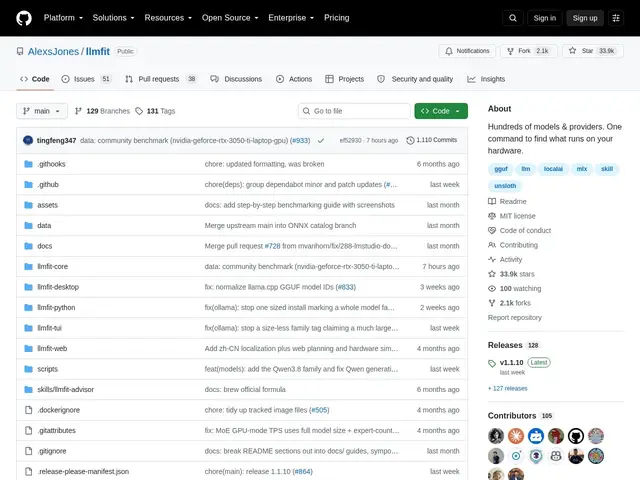
Description
Running an AI model locally involves a frustrating trial-and-error problem: model listings rarely tell you upfront whether your specific laptop or GPU can handle them, so you download, try, and often fail. llmfit removes the guesswork — it looks at your actual hardware (RAM, CPU, GPU) and tells you which of hundreds of models will realistically run, and how fast.
llmfit is a free, open-source (MIT) terminal tool, written in Rust, that scans your hardware and checks it against a large model database — including multi-GPU setups and Mixture-of-Experts models — factoring in dynamic quantization to estimate real-world performance via memory-bandwidth modeling, not just a rough compatibility guess. It integrates with the runtimes people actually use to run local models (Ollama, llama.cpp, MLX, Docker Model Runner, LM Studio), includes a community leaderboard of real-world results, and offers both an interactive terminal UI and a scriptable CLI mode. It's grown to nearly 34,000 GitHub stars.
💬 Our review
The short version: if you've ever downloaded a multi-gigabyte local AI model only to watch it choke or refuse to load, llmfit is a small tool that directly solves that exact problem, and it's free.
The differentiator versus most "which model should I run" advice (blog posts, forum threads, generic hardware requirement tables) is that llmfit checks your actual machine's specs against real performance modeling rather than giving generic minimum-RAM numbers — it accounts for quantization and multi-GPU setups, which change the answer significantly. Its integrations with the major local-inference runtimes (Ollama, llama.cpp, LM Studio) mean the recommendation isn't just theoretical — it maps to tools you're likely already using. The community leaderboard adds a crowd-sourced reality check on top of the modeled estimates.
The honest limits: it estimates performance through modeling rather than always running a live benchmark (a tool like llm-checker does actual execution), so treat its numbers as a strong guide rather than a guarantee, and accuracy depends on the quality and freshness of its model database and community data. Runtime integration also requires you to already have or set up one of the supported inference tools. For anyone experimenting with local LLMs on consumer hardware, it's a genuinely useful, free pre-flight check; for production model-serving decisions, real benchmarking on your actual target hardware is still worth doing.
💰 Pricing
📊 Global score
🤖 AI-enriched data
Outil open-source (MIT), entièrement gratuit.
Pros
Vérifie le matériel réel (RAM, CPU, GPU) plutôt que des minimums génériques
Modélisation de performance tenant compte de la quantization et du multi-GPU
Intégration avec les runtimes populaires (Ollama, llama.cpp, LM Studio, MLX)
Gratuit, open-source (MIT), classement communautaire de résultats réels
Cons
Estime la performance par modélisation plutôt que par benchmark systématique en direct
Précision dépendante de la fraîcheur de la base de modèles et des données communautaires
Nécessite d'avoir déjà (ou d'installer) un runtime d'inférence local pris en charge