Labby
Lightweight self-hosted homelab dashboard in a single Bun container, with live widgets for Docker, torrents and media servers, config editable in-app.
🔗 Visit Labby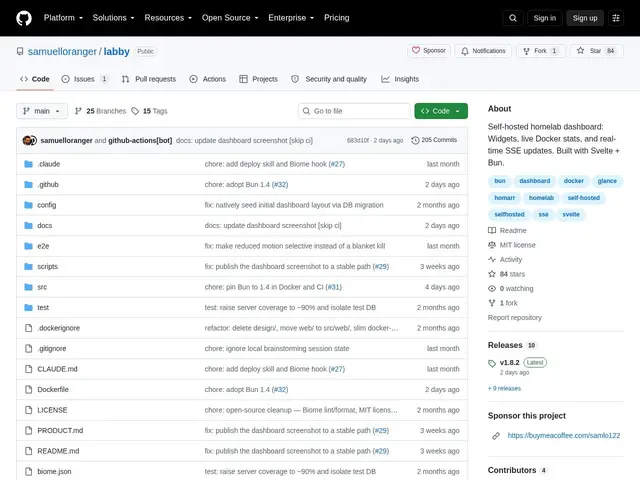
Description
Homelab dashboards tend to fall into two camps: extremely light ones that just show static links, or fully-featured ones that need a database, multiple containers, and real setup time. Labby tries to sit in the middle — enough interactivity to actually control things from the dashboard, without the deployment weight of the heavier tools.
Labby is a self-hosted dashboard that runs as a single Bun process in one container, storing its configuration in SQLite and letting users edit that configuration directly from the web interface rather than hand-editing a YAML file. It ships with a widget ecosystem covering service monitors, Docker container controls, torrent clients, media servers, weather, and news feeds, updated live via server-sent events rather than requiring a page refresh. It has no built-in authentication layer, so it's designed to sit behind a reverse proxy or be accessed only over a LAN or VPN.
💬 Our review
The short version: Labby's pitch — as light as Glance, as interactive as Homarr — is a fair description once you use it; live SSE-based widget updates and in-app config editing are genuinely more convenient than YAML-editing dashboards, without the resource footprint of a heavier stack.
Against Glance, which is lighter but mostly static/read-only, Labby adds real interactive controls (starting/stopping Docker containers, managing torrents) that Glance doesn't attempt. Against Homarr, which is more feature-rich and has a larger community, Labby is simpler to deploy (single Bun process, SQLite, no separate database container) at the cost of a smaller integration list. The lack of built-in authentication is a real security consideration — this isn't a tool to expose directly to the internet without a reverse proxy handling access control in front of it. For a homelab operator who wants a dashboard with real interactive widgets but doesn't want to run a multi-container stack, Labby is worth trying; anyone needing built-in auth or the widest integration list should look at Homarr instead.
💰 Pricing
📊 Global score
🤖 AI-enriched data
Auto-hébergé gratuit, licence MIT
Pros
Déploiement ultra-léger : un seul processus Bun, un conteneur
Configuration éditable directement depuis l'interface
Widgets interactifs en temps réel (SSE) pour Docker, torrents, médias
Gratuit et open-source (MIT)
Cons
Aucune authentification intégrée, nécessite un reverse proxy
Bibliothèque de widgets plus restreinte qu'Homarr
Projet récent, communauté encore petite