Termix
Free, self-hosted platform for SSH terminals, remote desktop, file management, and Docker orchestration across your servers.
🔗 Visit Termix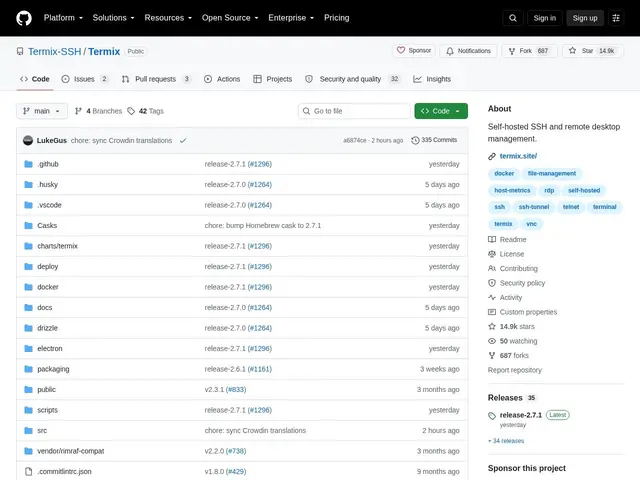
Description
Imagine you're the caretaker for an apartment building with dozens of units, except each unit is actually a computer scattered across different cities, and instead of walking the halls with a physical key ring, you need one dashboard that lets you unlock any door, check on what's happening inside, and move boxes between rooms without leaving your desk. Termix is that dashboard: a free tool you install and run yourself, giving you one screen to see and control every server you're responsible for, whether you're at a desktop, a laptop, or checking in from your phone on the go.
Under the hood, Termix is a self-hosted server management platform built around SSH terminals with split-screen support, alongside remote desktop access via RDP, VNC, and Telnet. It bundles a file manager, Docker container orchestration, host metrics monitoring, SSH tunnels with auto-reconnect, and session recording, plus automated workflows and an optional AI assistant. Because it ships as web, desktop (Windows, macOS, Linux), and mobile clients running against infrastructure you control, it competes directly with commercial tools like Termius, minus the subscription fee.
💬 Our review
The short version: if you manage more than a couple of servers and don't want to pay a subscription just to get a decent terminal with tabs, Termix gives you almost everything Termius charges for, plus Docker management, for free — as long as you're willing to host it yourself.
Termix sits in the same category as Termius, Ansible Semaphore, and browser-based WebSSH, but the comparison isn't close on price: Termius gates split-screen sync, SSH port forwarding, and team features behind paid tiers, while Termix ships split-screen, tunnels with auto-reconnect, and session recording for nothing. Against Ansible Semaphore, which focuses on running existing Ansible playbooks rather than interactive terminal work, Termix is more of a day-to-day operations console than an automation engine. And compared to bare WebSSH, which is little more than a browser terminal, Termix's file manager, Docker orchestration, and RDP/VNC support make it a genuinely fuller admin platform. The catch is that you're trading Termius's zero-maintenance SaaS convenience for something you have to deploy, patch, and secure yourself.
💰 Pricing
📊 Global score
🤖 AI-enriched data
Aucun coût de licence, hébergement à la charge de l'utilisateur
Pros
Gratuit et open-source
Terminal SSH multi-fenêtres avec RDP/VNC/Telnet
Orchestration Docker intégrée
Clients web, desktop et mobile
Cons
Nécessite un hébergement et une maintenance par l'utilisateur
Sécurité dépendante de la configuration
Communauté plus petite que Termius