Snapdown
A tiny Mac tool that turns anything on your screen — a table, a code snippet, a list — into clean, structured Markdown the moment you take a screenshot, so you stop retyping things by hand.
🔗 Visit Snapdown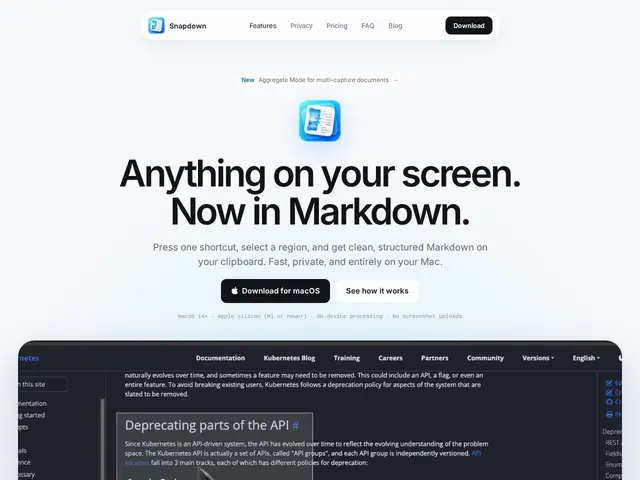
Description
Copy-pasting text out of a screenshot usually means retyping it, or running it through a clunky OCR tool that dumps everything as one unformatted paragraph, losing the headings, bullet points and tables you actually wanted to keep. Snapdown fixes the specific, annoying case of "I need this on-screen content as real Markdown, right now."
Snapdown is a macOS menu bar utility: press a keyboard shortcut, drag a selection over any part of your screen, and it recognizes the text and places properly structured Markdown — with headings, lists and tables preserved, not flattened into plain OCR text — directly on your clipboard. Recognition runs entirely on Apple Silicon (M1 or newer) using on-device processing, so nothing is uploaded and it works without an internet connection. There's no menu to dig through, no export dialog, and no account required — just capture and paste. It requires macOS 14+ on an Apple Silicon Mac.
💬 Our review
The short version: if you regularly need to pull structured text — a config table, an error message, a code block — out of a screenshot and into a Markdown document, Snapdown does that one job well for a $12 one-time price.
It's a narrower tool than a general OCR app: it doesn't try to be a full document scanner or PDF converter, it specifically targets developers and writers who live in Markdown (READMEs, docs, notes apps like Obsidian). That focus is also its main limitation — if you need OCR for scanned documents or non-Markdown workflows, a broader tool will serve you better. At $12 for a lifetime license covering two Macs, with a 10-capture free tier to try it first, the cost is low enough that the main question is really just whether you hit this specific need often enough to want a dedicated shortcut for it.
💰 Pricing
📊 Global score
🤖 AI-enriched data
12 $ à vie (jusqu'à 2 Mac) ; palier gratuit avec 10 captures, sans compte
Pros
Préserve la structure (titres, listes, tableaux) au lieu d'un OCR à plat
100% local sur puce Apple Silicon, fonctionne hors ligne
Prix unique très bas (12 $, jusqu'à 2 Mac)
Zéro friction : raccourci, sélection, collage — pas de menu ni compte
Cons
macOS + Apple Silicon uniquement, aucune autre plateforme
Ciblé Markdown : moins adapté à un usage OCR généraliste (scan de documents)
Palier gratuit limité à 10 captures
Outil mono-fonction, pas de suite de capture d'écran plus large