Harper
A grammar checker that runs entirely on your machine — no account, no server, no text ever leaving your computer — built into your code editor by the team behind WordPress.com.
🔗 Visit Harper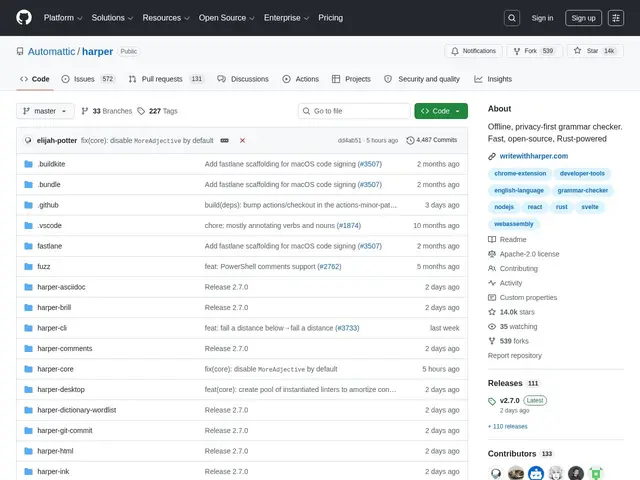
Description
Most grammar checkers work by sending everything you type to a server somewhere to be analyzed, which is fine until you're writing something you'd rather not upload — internal documentation, a private journal, code comments referencing a client's confidential system. Harper takes the opposite approach: it's a grammar checker that runs entirely on your own computer, checking your writing in real time without ever sending a single word over the internet.
Harper is written in Rust and ships as a Language Server (harper-ls), meaning it plugs into whatever editor already speaks that protocol — VS Code, Neovim, Helix, Emacs, Zed, Obsidian — rather than being its own standalone app. Automattic (the company behind WordPress.com) maintains it, and the project claims to use under 1/50th the memory of LanguageTool, the most common open-source alternative, while responding at millisecond speed since there's no network round-trip. It's also distributed as a WebAssembly build and a Chrome extension for checking prose outside an editor, and as a JavaScript library (harper.js) for teams who want to embed grammar checking into their own tools. With over 14,000 GitHub stars, it has real traction for a project in this specific niche.
💬 Our review
The short version: if you write in a code editor and want grammar checking without sending your text to a cloud service, Harper is close to the obvious choice — it's fast, genuinely private, free, and backed by a company (Automattic) with a long track record of maintaining open-source infrastructure, which matters for a tool you're trusting with every keystroke.
The tradeoff versus Grammarly is real: Harper does rule-based and lightweight statistical grammar checking, not the deep AI-rewriting suggestions Grammarly's cloud models produce, so if you want "rewrite this paragraph to sound more confident" rather than "you have a subject-verb agreement error here," Harper won't do that and isn't trying to. Against LanguageTool, its closest open-source peer, Harper's pitch is resource efficiency and editor-native integration rather than broader language support — it's English-only today, which rules it out if you write in other languages. For developers checking code comments, commit messages, or docs directly in VS Code or Neovim, Harper is a low-friction, zero-cost addition with no real downside; for someone who wants AI-assisted rewriting of long-form prose, it's the wrong tool for that specific job.
💰 Pricing
📊 Global score
🤖 AI-enriched data
Gratuit, open source, licence Apache-2.0, sans limite.
Pros
100% local — aucune donnée envoyée à un serveur
Consommation mémoire très faible (moins de 1/50e de LanguageTool)
Intégration native à de nombreux éditeurs (VS Code, Neovim, Helix, Emacs, Zed, Obsidian)
Maintenu par Automattic (WordPress.com), plus de 14 000 étoiles GitHub
Cons
Anglais uniquement, pas de support multilingue
Corrections basées règles/statistiques, pas de réécriture IA façon Grammarly
Écosystème d'extensions plus restreint que les alternatives établies
Pas adapté à la correction de prose longue avec suggestions de style avancées