BridgeApp
A workspace that puts your team's chat, tasks, documents, and AI agents in one place, aiming to replace the pile of separate subscriptions most teams juggle.
🔗 Visit BridgeApp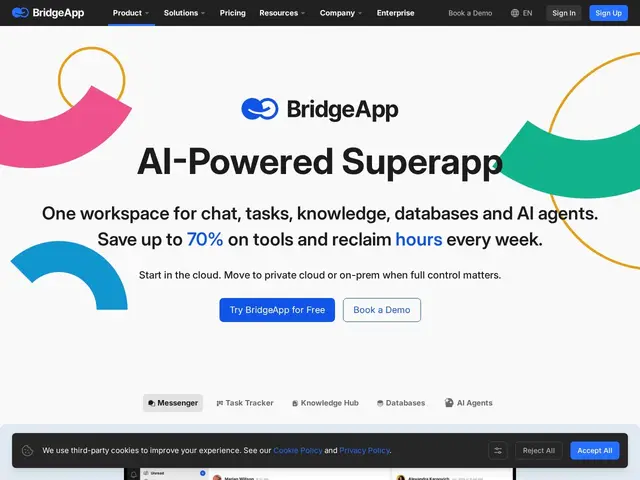
Description
Most teams end up paying for a chat app, a task tracker, a docs wiki, a database tool, and now increasingly an AI assistant too — all separate subscriptions that don't talk to each other well. BridgeApp's pitch is simple: put all of that in one workspace, so your team chat, your to-do list, your knowledge base, and your AI copilot all share the same context instead of living in five different tabs.
BridgeApp is an on-premise, cloud, or hybrid workspace combining a real-time messenger (with voice/video), an AI-assisted task tracker, a centralized knowledge hub, custom databases, and customizable AI agents connected via MCP. Its @Bridge copilot can search across documents and analyze team workload, and the platform claims up to 70% cost savings compared to running separate point solutions for each function. It's positioned for teams that want to consolidate tooling and bring AI agents into daily workflows without stitching together multiple SaaS products.
💬 Our review
The short version: if your team is drowning in separate tool subscriptions and wants one place where chat, tasks, docs, and an AI assistant actually share context, BridgeApp is worth a look — especially if on-premise deployment matters to you.
The real tradeoff with any all-in-one workspace is depth versus breadth: a dedicated tool like Slack for chat or Linear for tasks will almost always have more polish in its specific lane than a bundled alternative. BridgeApp's differentiator is the AI agent layer woven through everything (document search, workload analysis, MCP connections) rather than bolted on as an afterthought, and the on-premise/hybrid deployment option is a genuine advantage over cloud-only competitors like Slack plus a separate AI agent stack. Whether it's worth the money comes down to how much you value the reported 70% consolidation savings against the switching cost of moving a team off tools they already know — worth strongly considering for teams starting fresh or already frustrated with tool sprawl, less compelling if you're happy with best-in-class point solutions.
📊 Global score
🤖 AI-enriched data
Modèle par abonnement, mise en avant d'une économie jusqu'à 70% vs solutions séparées. Détails tarifaires sur la page pricing du site.
Pros
Chat, tâches, docs, bases de données et agents IA dans un seul workspace
Déploiement on-premise, cloud ou hybride
Copilot IA (@Bridge) qui recherche dans les documents et analyse la charge de travail
Économie annoncée jusqu'à 70% vs outils séparés
Cons
Moins spécialisé que les outils dédiés (chat, tâches) pris individuellement
Coût de migration d'une équipe déjà équipée d'outils établis