Unfumble
A tiny Mac menu-bar app that notices when you typed a sentence with the wrong keyboard layout selected (gibberish that's actually your language) and fixes it automatically.
🔗 Visit Unfumble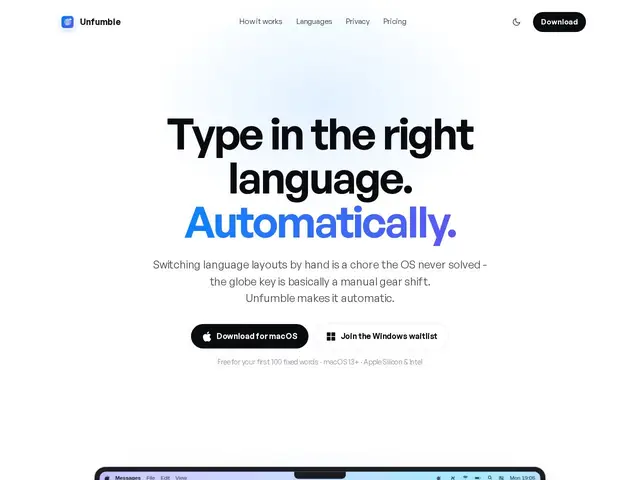
Description
Anyone who types in more than one language on a Mac knows the annoyance: you forget to switch keyboard layout, type a whole sentence, and end up with a string of nonsense characters instead of the word you meant. Normally you have to delete everything, switch the layout manually, and retype. Unfumble watches for this specific mistake and rewrites the garbled text back into what you actually meant, in real time, without you having to do anything.
Unfumble is a macOS menu-bar utility that detects text typed under the wrong keyboard layout and auto-corrects it in place, supporting 14 languages. It's app-aware, so it avoids mangling commands typed in a terminal or specific chat syntax, and it uses an undo shortcut (⌘Z) as an implicit training signal to learn a user's preferences over time. All detection and correction happens on-device — nothing is sent to a server — and the app is Apple-notarized and code-signed. Pricing is a one-time $14.99 for individuals (up to 2 Macs) or $74.99/year for a 5-seat team plan, with MDM support (Jamf, Kandji, Intune, Mosyle) for enterprise rollout.
💬 Our review
The short version: if you regularly type in two or more languages on a Mac and keep hitting the "wrong keyboard layout" wall, Unfumble is a cheap, one-time fix for a genuinely annoying and very specific problem.
It competes most directly with built-in macOS layout switching (which requires you to notice the mistake yourself) and tools like Karabiner-Elements or Punto Switcher, which solve similar layout problems but are more general-purpose keyboard remappers rather than purpose-built for this exact fumble. Unfumble's edge is that it's fully automatic, on-device, and dirt cheap at $14.99 one-time for personal use — the risk is it's a narrow utility for a narrow (if common) annoyance, so if you only occasionally switch languages, you may not notice enough friction to justify installing yet another background app. Best for multilingual writers, developers and support staff typing across scripts daily; not worth it for monolingual users.
💰 Pricing
📊 Global score
🤖 AI-enriched data
Free : 100 premiers mots corrigés · Individual $14.99 paiement unique (jusqu'à 2 Mac) · Team $74.99/an pour 5 sièges · Enterprise sur devis avec support MDM
Pros
Détection et correction automatique en temps réel, zéro action manuelle
100% traitement local, aucune donnée envoyée à un serveur
Support de 14 langues et app-aware (évite les commandes terminal)
Paiement unique très abordable pour un usage individuel
Cons
Utilité nulle pour un usage monolingue
Plan Team facturé à l'année malgré un positionnement 'petit utilitaire'
Pas de prix affiché pour l'offre Enterprise
Réservé à macOS uniquement