MemoryLane
An app that watches how you actually work, notices which tasks you repeat by hand, and hands you a ready-made automation blueprint for the parts a computer could be doing instead.
🔗 Visit MemoryLane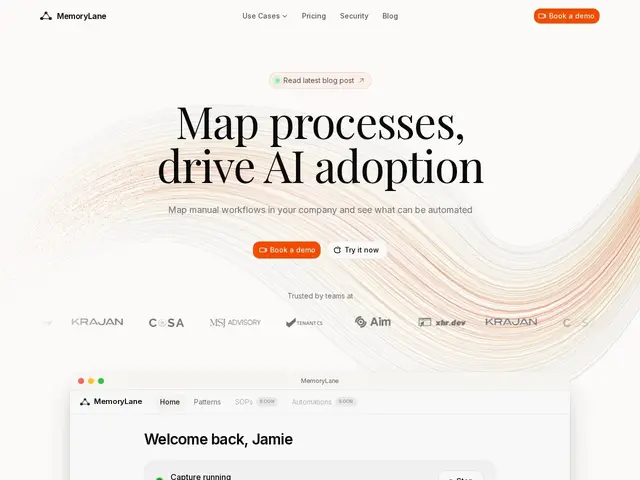
Description
Most teams know they're doing repetitive manual work — copying numbers between two apps, re-formatting the same report every week — but nobody has time to sit down and map out every process to find what's worth automating. MemoryLane's answer is to skip the interviews and workshops: it runs quietly in the background, watches what you actually do on your screen, and uses AI to spot the patterns worth automating on its own.
MemoryLane is a Mac and Windows desktop app that captures screen activity, analyzes it with AI, and turns repeated manual sequences into concrete outputs: automation blueprints, standard operating procedures, and process maps in BPMN, Mermaid, PDF or HTML. It integrates with Claude Desktop via the Model Context Protocol so an AI agent can act on what it observed, supports blacklisting sensitive apps or sites from capture, and runs on a zero-data-retention policy — screenshots are analyzed and then deleted rather than stored. Pricing is roughly $50/month for individuals, with custom pricing for company-wide rollouts; it's used by companies including COSA, MSJ Advisory and TenantCS for onboarding and process-mining style work.
💬 Our review
The short version: if your team suspects it's wasting hours on repetitive manual work but nobody wants to run a formal process-mining project to prove it, MemoryLane's screen-watching approach finds the evidence for you automatically, at the cost of installing something that records your screen.
Compared to traditional process-mining tools (which usually need system logs or manual interviews) or generic screen recorders, MemoryLane's edge is closing the loop: it doesn't just show you what you did, it proposes the automation and can hand it to an AI agent via MCP. The zero-data-retention design (screenshots deleted after analysis) is the right call for a tool that's inherently invasive by nature, and it's worth confirming that policy holds for your specific deployment before rolling it out broadly. At roughly $50/month per person, it's priced for teams with a real efficiency problem to solve, not casual curiosity — and any screen-recording tool needs clear internal communication before it goes on someone's machine, regardless of the privacy claims.
💰 Pricing
📊 Global score
🤖 AI-enriched data
~50 $/mois pour un usage individuel ; tarification sur devis pour un déploiement en entreprise (offre Central)
Pros
Détecte automatiquement les tâches répétitives sans audit manuel
Génère directement blueprints d'automatisation, SOP et cartes de process (BPMN/Mermaid)
Politique zéro rétention de données (captures supprimées après analyse)
Intégration Claude Desktop via MCP pour agir directement sur les découvertes
Cons
Nature intrusive : enregistre l'activité écran des employés
~50 $/mois par personne, un coût réel à l'échelle d'une équipe
Nécessite une communication interne claire avant déploiement
Tarification entreprise opaque (sur devis uniquement)