WhoDB
A lightweight, self-hosted database explorer supporting 12+ database types including PostgreSQL, MySQL, SQLite, MongoDB, and Redis with a browser-based UI for browsing, querying, and editing data.
🔗 Visit WhoDB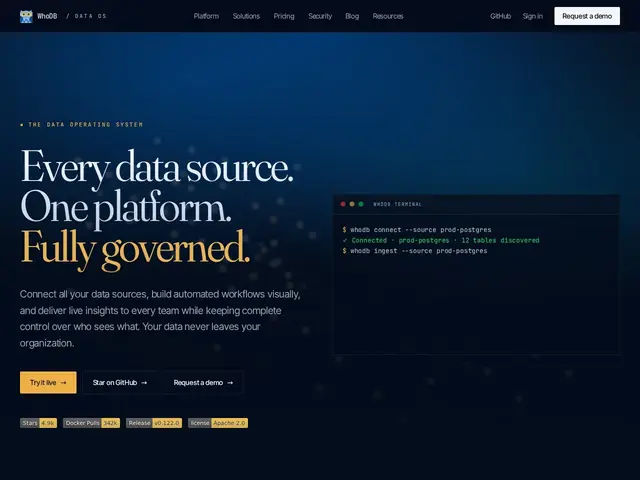
Description
Poking around a database to check or fix some data usually means either firing up a heavyweight desktop app or writing raw SQL by hand. WhoDB is a much lighter alternative — a small, self-hosted tool you can spin up in seconds with Docker that gives you a spreadsheet-style view of your tables, with optional AI chat if you'd rather ask a question in plain English than write the query yourself.
WhoDB provides spreadsheet-style data browsing with filtering, sorting and inline editing, interactive schema visualization showing table relationships, a multi-cell query scratchpad with autocomplete, and data import/export. Optional AI integration (Ollama, OpenAI, Anthropic, Gemini) enables natural language queries without being required. It's available as a Docker container, desktop app (macOS/Windows/Snap), or terminal CLI, with MCP server support for AI tool integration, and supports 12+ database types spanning SQL (PostgreSQL, MySQL, SQLite, CockroachDB) and NoSQL/search engines (MongoDB, Redis, Elasticsearch, ClickHouse).
💬 Our review
The short version: WhoDB is a solid pick if you want a fast, no-frills database browser you can self-host in under a minute — its under-50MB footprint and Docker-first setup make it noticeably lighter than most GUI database clients.
Against DBeaver and TablePlus — both more feature-complete desktop clients with wider IDE-style tooling, but heavier installs and, in TablePlus's case, a paid license for full functionality — WhoDB trades some depth for speed and simplicity. Adminer is similarly lightweight and free, but WhoDB's schema visualization and optional AI chat go further. Since the Community edition is fully free and open source under Apache 2.0, there's essentially no downside to trying it before reaching for a heavier paid tool; the commercial Platform edition only becomes relevant once you need team features like SSO and audit logs.
💰 Pricing
📊 Global score
🤖 AI-enriched data
WhoDB Community edition is open source (Apache 2.0) and free. WhoDB Platform is a commercial self-hosted edition adding shared projects, SSO, audit logs and reporting — specific pricing not publicly listed.
Pros
Lightweight (under 50MB) and fast to self-host via Docker
Supports 12+ database types, SQL and NoSQL alike
Optional AI query assistance that isn't mandatory to use
Multiple deployment options: Docker, desktop app, or CLI
Strong interactive schema visualization
Cons
Feature support varies by database type
No team collaboration features in the Community edition
Limited fine-grained access controls in the free version
Platform (commercial) features require a separate deployment