Numerous.ai
Adds a simple =AI() function to Google Sheets and Excel, so you can run ChatGPT-style prompts on spreadsheet cells in bulk, no API key needed.
🔗 Visit Numerous.ai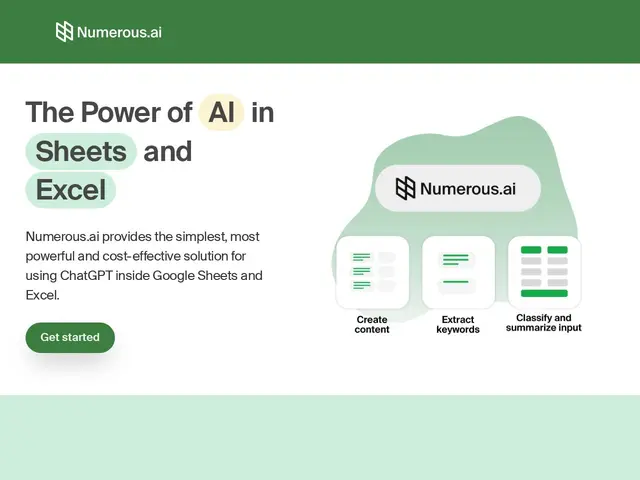
Description
Getting ChatGPT to process a spreadsheet full of data usually means copying rows out one at a time, or setting up a developer API key and writing code. Numerous.ai skips all of that: it adds a new spreadsheet function, similar to SUM or VLOOKUP, that sends a cell's content to an AI model and drops the answer back into the sheet — so summarizing 500 customer reviews or categorizing a list of leads becomes a formula you drag down a column, the same way you'd copy any other spreadsheet formula.
It works inside both Google Sheets and Excel, requires no API key setup on the user's end, and caches results so repeated runs during prototyping don't waste tokens or rack up unnecessary cost. Plans are priced per seat with a character allowance rather than per API call, and unused tokens don't expire, which suits people who use it occasionally rather than constantly.
💬 Our review
The short version: Numerous.ai is for people who want ChatGPT's text-processing power inside a spreadsheet without learning to code or manage an API key — genuinely useful for repetitive text tasks like classifying, summarizing or extracting data from spreadsheet rows.
At $10/month it's cheap enough to try without much risk, and removing the API-key setup step is the real value for non-technical users — anyone who's tried wiring the OpenAI API into Google Apps Script knows that's a real barrier for most spreadsheet users. The honest catch is that Personal and Pro plans reportedly offer identical features despite different names, which suggests the pricing tiers are more about seat count/branding than meaningfully different capability, and the 500K/1M character allowances will run out fast on any bulk-processing job larger than a modest spreadsheet. For developers comfortable with code, wiring the OpenAI or Claude API directly into a script is more flexible and often cheaper at real volume; Numerous.ai's value is specifically the zero-setup, spreadsheet-native experience for non-developers.
💰 Pricing
📊 Global score
🤖 AI-enriched data
Personal: $10/month billed annually (500,000 characters). Pro: $10/month billed annually. Enterprise: $10/month per user, up to 8 users (1,000,000 characters/person). 7-day trial for $1.
Pros
No API key setup required — works immediately as a spreadsheet function
Works in both Google Sheets and Excel
Unused tokens never expire
Result caching avoids re-spending tokens while prototyping formulas
Cons
Personal and Pro plans reportedly offer identical features despite different pricing tiers
Character allowances (500K-1M) can run out quickly on large bulk-processing jobs
No fully free tier — only a 7-day trial for $1