Velo
Turns a document, script, or screen recording into a finished explainer video automatically, so teams don't need a video editor every time they need to explain something.
🔗 Visit Velo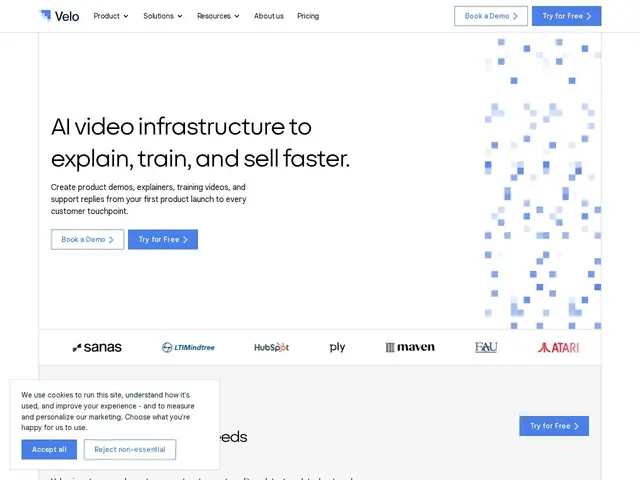
Description
Every team eventually needs to explain something on video — a product demo, an onboarding walkthrough, a support answer — but producing that video usually means someone with editing skills spending hours on it, and it goes stale the moment the product changes. Velo treats video as something that should update itself: feed it a document or record your screen once, and it generates a structured, polished video, with support for auto-updating demos so the video doesn't fall out of date every time the product does.
Velo converts documents directly to video, offers "video agents" for agentic screen recording, auto-updating demos, one-click multilingual translation, and voice cloning, alongside team workspaces with RBAC/SSO, secure hosting with analytics, an API/SDK, and SCORM export for training/compliance use cases. Founded by Sourav Sanyal and Ajay Kumar (working together since 2018), the company counts HubSpot, LTIMindtree, Sanas and Atari among its clients and reports internal case-study claims of 90% faster video creation and 75% fewer inbound support tickets. Pricing is minute-based: free up to 15 minutes/month, up to $200/month for 600 minutes on the Ultra tier.
💬 Our review
The short version: if your team keeps needing product demo or training videos and doesn't have a dedicated video editor, Velo's document-to-video and auto-updating-demo features solve a real, recurring pain point — the tradeoff is a minute-based pricing model that can add up for high-volume use.
Against Loom, the category's default tool, Velo's clear differentiator is structure: Loom is built for quick screen-recorded messages, while Velo is positioned as infrastructure for polished, auto-updating, multilingual videos generated from documents, not just recordings. Against Guidde and Tango, closer direct competitors in the auto-generated documentation/demo space, Velo's edge is the broader use-case range (training/SCORM, sales demos, support) versus their narrower focus on step-by-step how-tos. The minute-based pricing (15 free minutes, then $49/mo for 60 minutes) means costs scale with how much video content you actually produce, which is fair but can get expensive fast for teams publishing video constantly — worth checking your expected monthly minutes before committing to a tier. With real enterprise clients (HubSpot, LTIMindtree) and founders with a multi-year working relationship, it reads as a credible, if not yet independently audited, product.
💰 Pricing
📊 Global score
🤖 AI-enriched data
Gratuit (15 min/mois, 1 siège), Pro 49 $/mois (60 min), Ultra 200 $/mois (600 min, 3 sièges), Enterprise sur devis. -20% en facturation annuelle.
Pros
Conversion document-vers-vidéo automatique
Démos qui se mettent à jour automatiquement quand le produit change
Traduction multilingue en un clic, clonage vocal
Clients établis (HubSpot, LTIMindtree, Atari)
Export SCORM pour la formation/conformité
Cons
Tarification à la minute peut devenir coûteuse à fort volume
Financement de l'entreprise non divulgué publiquement
Chiffres de résultats (90% plus rapide, -75% tickets) issus d'études de cas internes, non audités
Moins simple/rapide que Loom pour un message vidéo ponctuel