Pocket Screen
Pocket Screen shrinks any Mac window — a video call, a chat, a timer — into a small floating box that stays visible on top of whatever else you're doing, instead of you constantly alt-tabbing back and forth to check it.
🔗 Visit Pocket Screen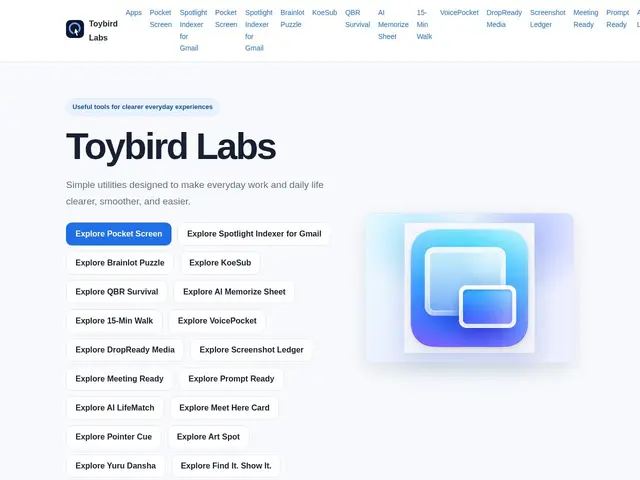
Description
Keeping an eye on one window — a video call, a livestream, a chat — while working in another app usually means either resizing windows manually or repeatedly switching back and forth, both of which break focus. Pocket Screen is a small macOS utility built to solve exactly that: it turns any window into a floating mini version that stays visible over everything else, without needing to switch apps at all.
Pocket Screen is one of 18+ small productivity and utility apps from Toybird Labs, a company founded in 2026 that builds focused, single-purpose macOS and iOS tools rather than one large bundled app. It emphasizes local processing for privacy and a lightweight design philosophy — a lot of Toybird's apps, Pocket Screen included, aim to do one specific thing well rather than accumulate features.
💬 Our review
The short version: Pocket Screen is a small, useful utility for a specific habit — glancing at a call or video while working elsewhere — not a full window manager or productivity suite.
The fact that it's one of 18+ apps from the same studio (Toybird Labs) is actually a reassuring signal for a small utility like this — it suggests an active, ongoing team rather than a single weekend project that may get abandoned, which matters for something you'd install and rely on daily. Local processing for privacy is a reasonable default for a screen-capture-adjacent tool, since floating-window utilities inherently touch what's on your screen. The honest limitation is that public information about Pocket Screen specifically is thin — no disclosed pricing, and "keep a window floating" is a feature some users can already approximate with macOS's built-in Picture-in-Picture for supported apps, so it's most valuable for windows and apps that don't already support PiP natively.
💰 Pricing
📊 Global score
🤖 AI-enriched data
Aucun tarif public au moment de la recherche
Pros
Studio actif avec 18+ applications, pas un projet isolé
Traitement local pour la confidentialité
Fonctionne avec n'importe quelle fenêtre, pas seulement les apps compatibles PiP
Design volontairement minimaliste
Cons
Tarification non publiée
Informations publiques limitées
PiP natif macOS couvre déjà certains cas d'usage gratuitement