Chatto
A Slack/Discord-style team chat app you can run yourself on a single 50MB file, so your conversations live on your own server instead of someone else's cloud.
🔗 Visit Chatto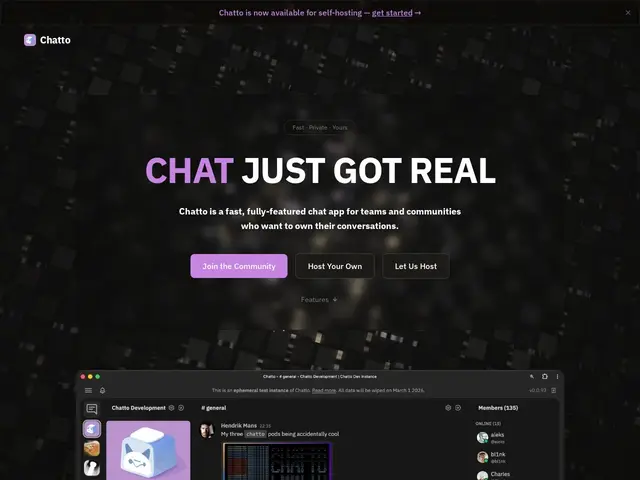
Description
Most team chat tools (Slack, Discord, Teams) mean your company's conversations live permanently on someone else's servers. Chatto flips that: it's a full chat app — channels, voice calls, screen share — that ships as one small program you can run on your own machine, so you own the data outright.
Chatto is a channel-based team and community chat application distributed as a single ~50MB binary with zero external dependencies (no separate database required for a basic install), serving a Svelte frontend and Go backend with NATS handling realtime messaging and LiveKit powering voice huddles. It supports encryption at rest with crypto shredding, role-based permissions, modular room types, and GraphQL/NATS APIs, with an optional managed cloud hosting coming to public beta.
💬 Our review
The short version: Chatto is for teams and online communities who like what Slack or Discord do but don't want their conversations sitting on a third party's infrastructure forever.
The single-binary, zero-dependency setup is the standout feature — most self-hosted chat alternatives (Rocket.Chat, Mattermost) require a database and multi-service deployment, while Chatto's whole pitch is that you can be running your own chat server in minutes. Built by an individual developer (Hendrik Mans) rather than a company, which is worth weighing: it's a strong technical project but without the same support guarantees as an established open-source vendor. Pricing for the eventual Chatto Cloud isn't published yet, and open-source licensing status isn't explicit on the homepage, so if you need to confirm license terms for compliance reasons, check the GitHub repo directly before committing.
💰 Pricing
📊 Global score
🤖 AI-enriched data
Self-hosted deployment is free (single binary); Chatto Cloud managed hosting entering public beta, pricing not yet published
Pros
Single ~50MB binary, zero external dependencies to self-host
No separate database required for basic installs
Encryption at rest with crypto shredding
Voice/video/screen share built in (via LiveKit)
Cons
Built by a solo developer, not a company — support guarantees unclear
Pricing for the upcoming cloud offering not published
Open-source license status not explicit on the homepage
No public GitHub star count found to gauge community size