ColimUI
A terminal UI for managing Docker containers and Colima profiles — start, stop, view logs, and check resource usage without leaving the terminal or opening a GUI app.
🔗 Visit ColimUI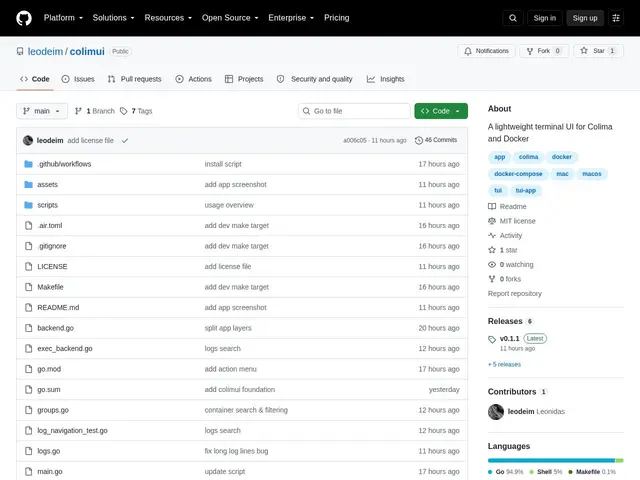
Description
Docker Desktop gives you a graphical way to see and manage containers, but a lot of developers — especially on Colima, the popular free/open-source alternative to Docker Desktop on macOS — end up running everything through raw `docker` CLI commands, checking logs with `docker logs -f`, and never getting a good at-a-glance view of what's actually running. ColimUI fills that gap as a terminal UI (TUI): a keyboard-driven, full-screen interface that lives in your terminal instead of a separate window.
It covers the core container-management loop — start, stop, restart, view and search streaming logs, see CPU/RAM/storage usage, clean up unused storage — plus Docker Compose group support and the ability to switch between Colima profiles directly from the UI. It targets macOS and Linux on both Intel/AMD and ARM. Being a TUI rather than a GUI means it's usable over SSH on a remote box, in a tmux session, or anywhere a graphical app can't run — a real advantage over Docker Desktop or OrbStack for remote/headless workflows. Free and open source.
💬 Our review
The short version: ColimUI's niche is specifically Colima users who want more visibility than raw `docker` commands without adopting a full GUI app — and being a TUI means it works in contexts (SSH sessions, headless servers, tmux) where Docker Desktop and OrbStack simply can't run.
Against lazydocker, the most obvious direct competitor (also a free open-source Docker TUI), the real differentiator is the explicit first-class Colima profile switching — if you're not using Colima specifically, lazydocker is a more established, longer-running project with a bigger community. Against Docker Desktop or OrbStack, you give up the polish and broader feature set (image building UI, Kubernetes integration in Docker Desktop's case) in exchange for something that runs anywhere a terminal does and costs nothing — OrbStack in particular is paid for teams, while ColimUI and lazydocker are both free. Worth adopting if you're a Colima user working over SSH or just prefer terminal tools; if you're not on Colima specifically, compare directly against lazydocker first since it has more mileage.
💰 Pricing
📊 Global score
🤖 AI-enriched data
Open source, gratuit
Pros
Fonctionne en SSH/tmux/headless, contrairement aux GUI
Switch de profils Colima intégré directement dans l'UI
Couvre le cycle de gestion de conteneurs complet (start/stop/logs/ressources)
Gratuit et open source, multi-plateforme (macOS/Linux, Intel/ARM)
Cons
Moins de recul et de communauté que lazydocker
Moins de fonctionnalités qu'un GUI complet (pas de build d'image visuel, pas d'intégration Kubernetes)
Pertinent surtout pour les utilisateurs Colima spécifiquement