Chrome Tab Group Cleaner
A command-line tool that bulk-deletes saved Chrome tab groups directly from the browser's sync database, since Chrome has no built-in way to remove them in bulk.
🔗 Visit Chrome Tab Group Cleaner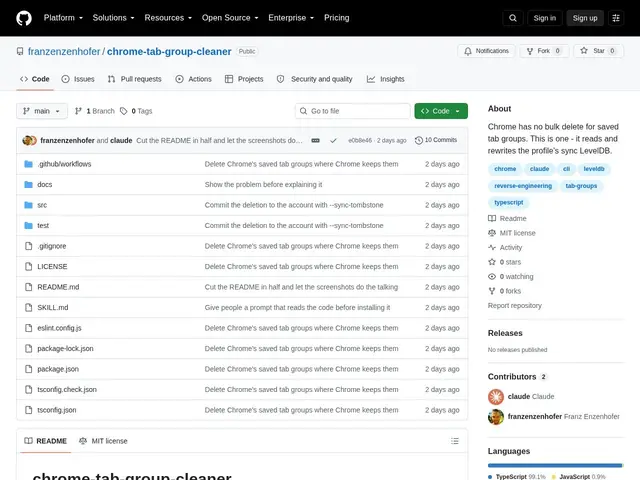
Description
If you've ever ended up with dozens of saved tab groups in Chrome — especially ones auto-created by AI coding assistants like Claude Code — you've probably discovered there's no way to delete them in bulk. Chrome only lets you right-click and remove them one at a time. Chrome Tab Group Cleaner is a small command-line tool that does the bulk deletion for you, by directly and safely editing the database file where Chrome stores your tab groups.
Technically, it works by reverse-engineering Chrome's LevelDB-based sync storage format (no external protobuf library needed) to locate and remove tab-group entries. It supports filtering by name, regex pattern, or a --claude flag targeting groups created by Claude Code, and it includes a dry-run mode to preview what will be deleted before committing. It also cleans up orphaned tabs left behind, handles sync tombstones for synced profiles, and can back up and restore groups. It works across Chrome, Chromium, Brave and Edge, ships as an installable Claude Code skill or standalone Node.js (20+) CLI, and requires the browser to be closed during the operation since it edits the live database file.
💬 Our review
The short version: it's the bulk-delete button Chrome forgot to ship — useful the moment you have more than a handful of tab groups to clean out, especially if an AI coding agent has been creating them for you automatically.
There's no direct mainstream competitor: Chrome simply doesn't offer bulk deletion, and no major extension does this specific job either — the alternative is manually right-clicking each group, one by one. That makes Chrome Tab Group Cleaner's value proposition simple even if the project itself is brand new (zero stars, zero forks at the time of writing) and unproven at scale. The core risk is inherent to the approach: it edits Chrome's internal database file directly, which is riskier than using an official API, and it requires you to fully close the browser first. The dry-run mode and backup/restore feature meaningfully reduce that risk, and the code is open, small, and auditable (MIT license). Worth trying if you're drowning in tab groups and comfortable running a CLI tool against your browser profile; skip it if you're not comfortable with a tool editing your browser's internal files directly, or wait for it to pick up more real-world usage first.
💰 Pricing
📊 Global score
🤖 AI-enriched data
Gratuit, licence MIT
Pros
Seul outil à offrir la suppression en masse, fonctionnalité absente nativement de Chrome
Mode dry-run et sauvegarde/restauration avant toute suppression réelle
Support multi-navigateurs (Chrome, Chromium, Brave, Edge), code source ouvert et auditable
Cons
Projet tout juste publié (0 star, 0 fork), aucun usage réel constaté
Manipule directement la base de données interne du navigateur — risque inhérent plus élevé qu'une API officielle
Nécessite de fermer complètement le navigateur pendant l'opération